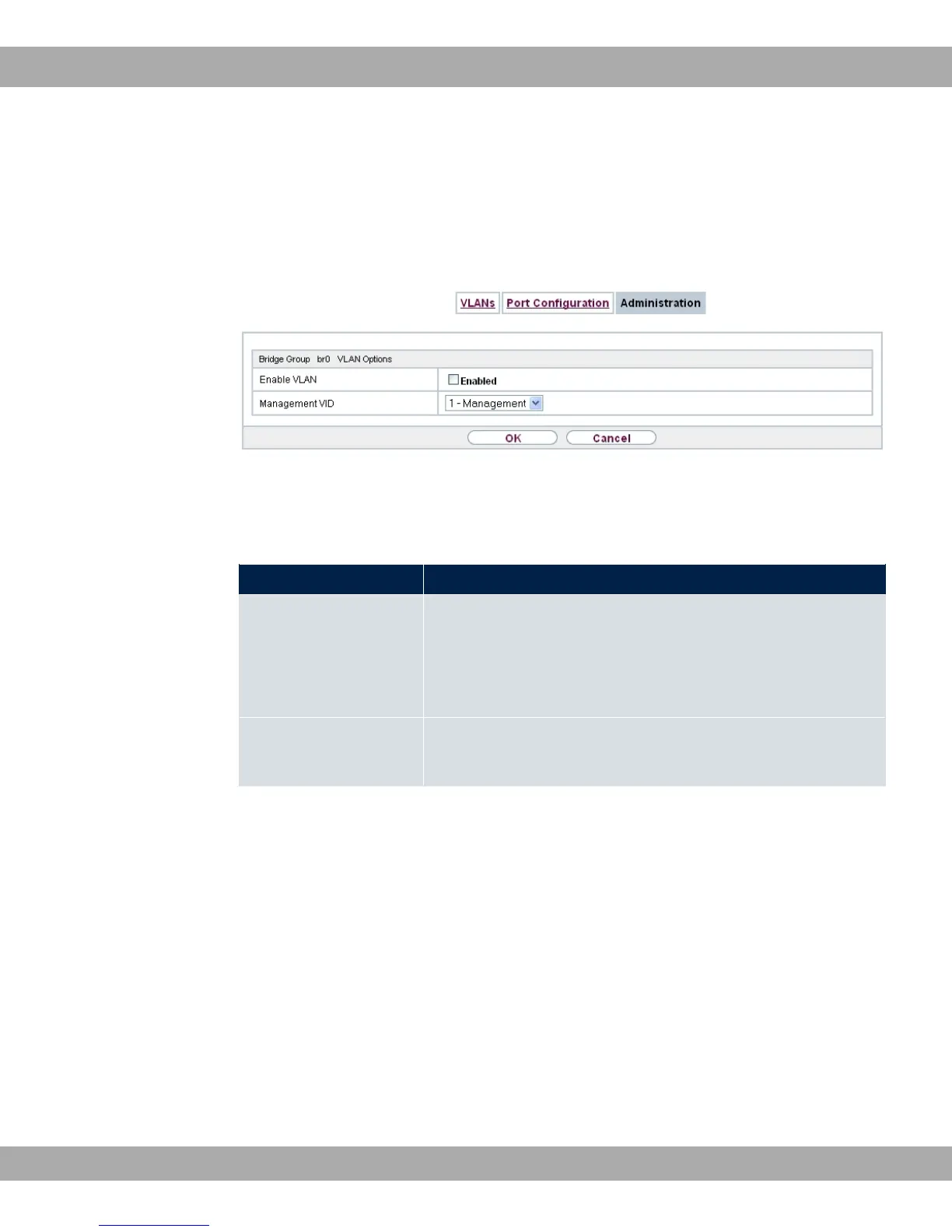
9.2.3 Administration
In this menu, you make general settings for a VLAN. The options must be configured sep-
arately for each bridge group.
Fig. 56: LAN->VLANs->Administration
The LAN->VLANs->Administrationmenu consists of the following fields:
Fields in the Bridge Group br<ID> VLAN Options menu
Field Description
Enable VLAN Enable or disable the specified bridge group for VLAN.
The function is enabled with "1.
The function is not activated by default.
Management VID Select the VLAN ID of the VLAN in which your device is to oper-
ate.
9 LAN bintec elmeg GmbH
140 bintec RS Series



 To Next Page