Note
If you delete the boot configuration via the GUI (menu Maintenance->Software
&Configuration) all passwords are also reset and the current boot configuration is de-
leted. The next time, the device will boot with the standard ex works settings.
You can now configure your device again as described from Basic configuration on page 21
.
3.2 Cleaning
You can clean your device easily. Use a damp cloth or antistatic cloth. Do not use solvents.
Never use a dry cloth; the electrostatic charge could cause electronic faults. Make sure that
no moisture can enter the device and cause damage.
3.3 Pin Assignments
3.3.1 USB console interface
The devices have a USB console connection for connecting to a console. This supports
Baud rates from 1200 to 115200 Bps.
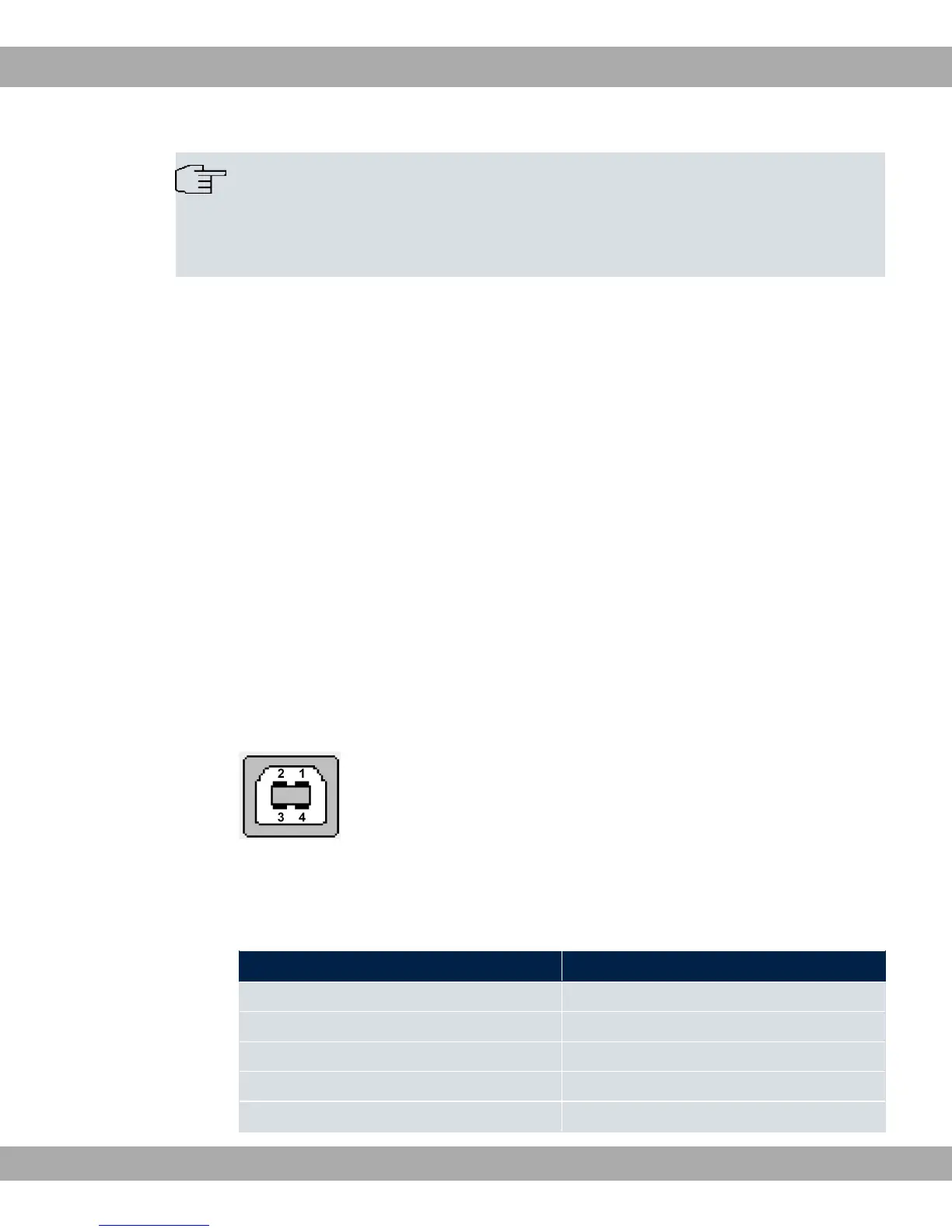
The interface is executed as a standard USB Type B socket.
Fig. 6: USB Type B socket
The pin assignment is as follows:
Pin assignment in USB Type B socket
Pin Position
1 Vbus
2 D-
3 D+
4 GND
Shell Shield
bintec elmeg GmbH
3 Installation
bintec RS Series 15



 To Next Page