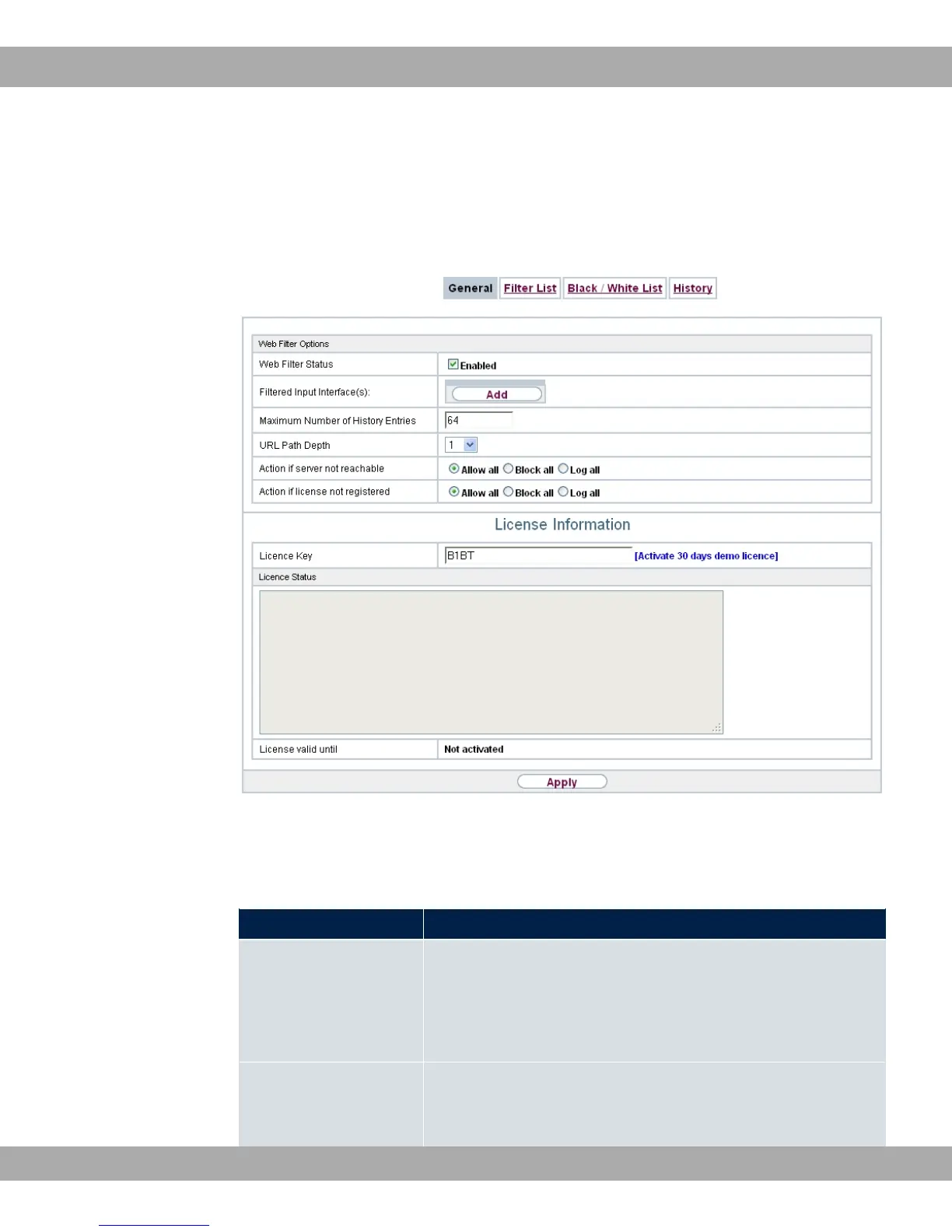
19.5.1 General
This menu contains the configuration of basic parameters for using the Proventia Web Fil-
ter.
Fig. 166: Local Services->Web Filter->General
The Local Services->Web Filter->General menu consists of the following fields:
Fields in the Web Filter Options menu.
Field Description
Web Filter Status Activate or deactivate the filter.
The function is activated by selecting "1.
The function is disabled by default.
Filtered Input Inter-
face(s)
Select for which of the existing Ethernet and WLAN interfaces
web filtering is to be activated.
bintec elmeg GmbH
19 Local Services
bintec RS Series 425



 To Next Page