Field Description
The entry can start with the wildcard "*", e.g.
"*.bintec-elmeg.com".
If you enter a name without a leading wildcard "*" a leading wild-
card "*" is supplemented as soon as you confirm with OK.
Forward to Select if matching DNS requests are to be forwarded to the
DNS server of an Interface or to a manually specified DNS
Server.
Possible values:
• $% (default value): Requests are forwarded to the
DNS server assigned to either an automatically selected or to
a user-selected interface.
• 5) : Requests are forwarded to the specified DNS
Server.
Interface Only for Forward to = $%
Select the interface that has the DNS server assinged which is
to receive the DNS requests.
DNS Server Only for Forward to = 5)
Enter the IP address of the primary and secondary DNS server.
19.1.5 Cache
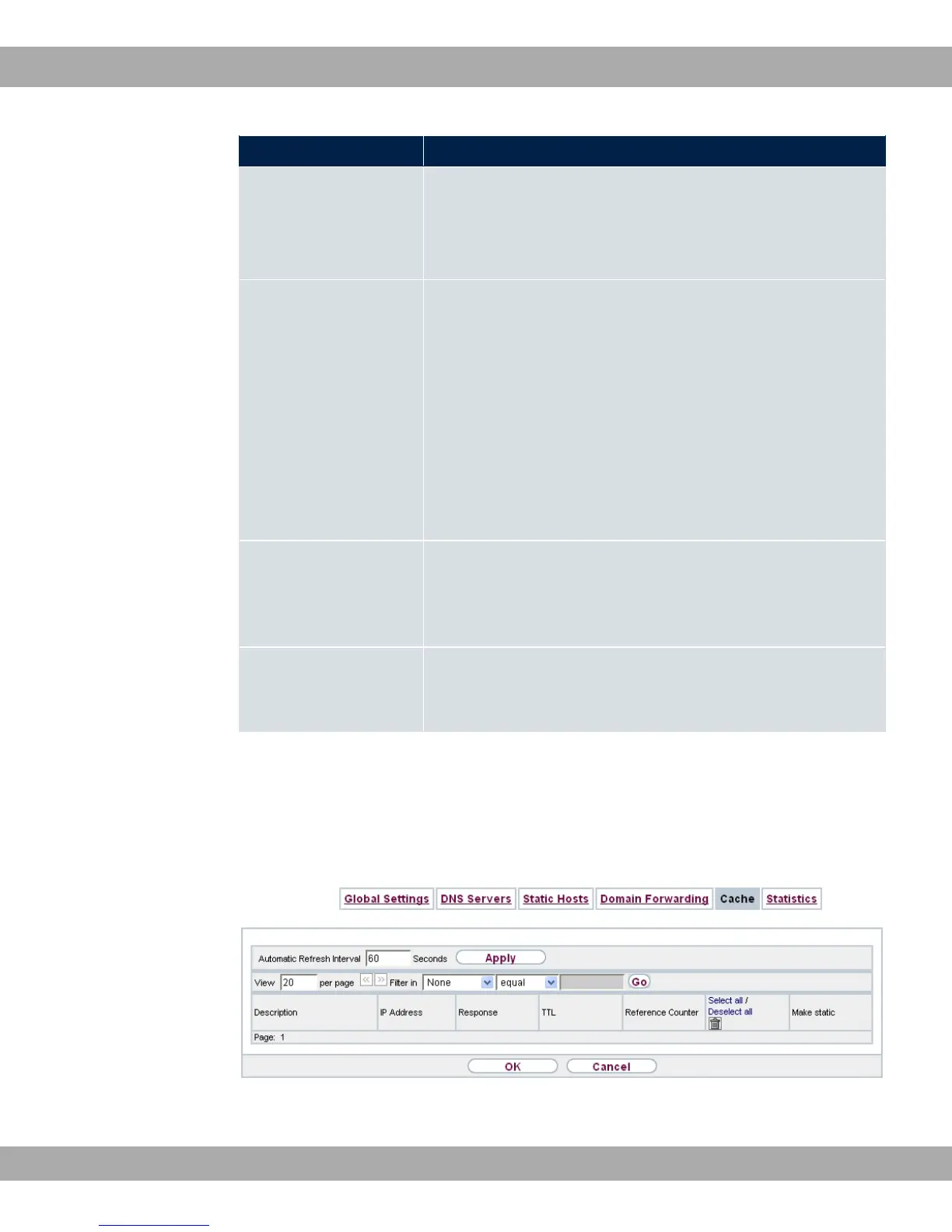
In the Local Services->DNS->Cache menu, a list of all available cache entries is dis-
played.
Fig. 157: Local Services->DNS->Cache
19 Local Services bintec elmeg GmbH
410 bintec RS Series



 To Next Page