Field Description
til someone actually wants to use the route.
• .+ 1(: Your device responds to an ARP request only if the
status of the connection to the L2TP partner is .+ (active), i.e.
a connection already exists to the L2TP partner.
DNS Negotiation Select whether your device receives IP addresses for Primary
DNS Server und Secondary DNS Server and WINS Server
Primary and Secondary from the L2TP partner or sends these
to the L2TP partner.
The function is enabled with "1.
The function is enabled by default.
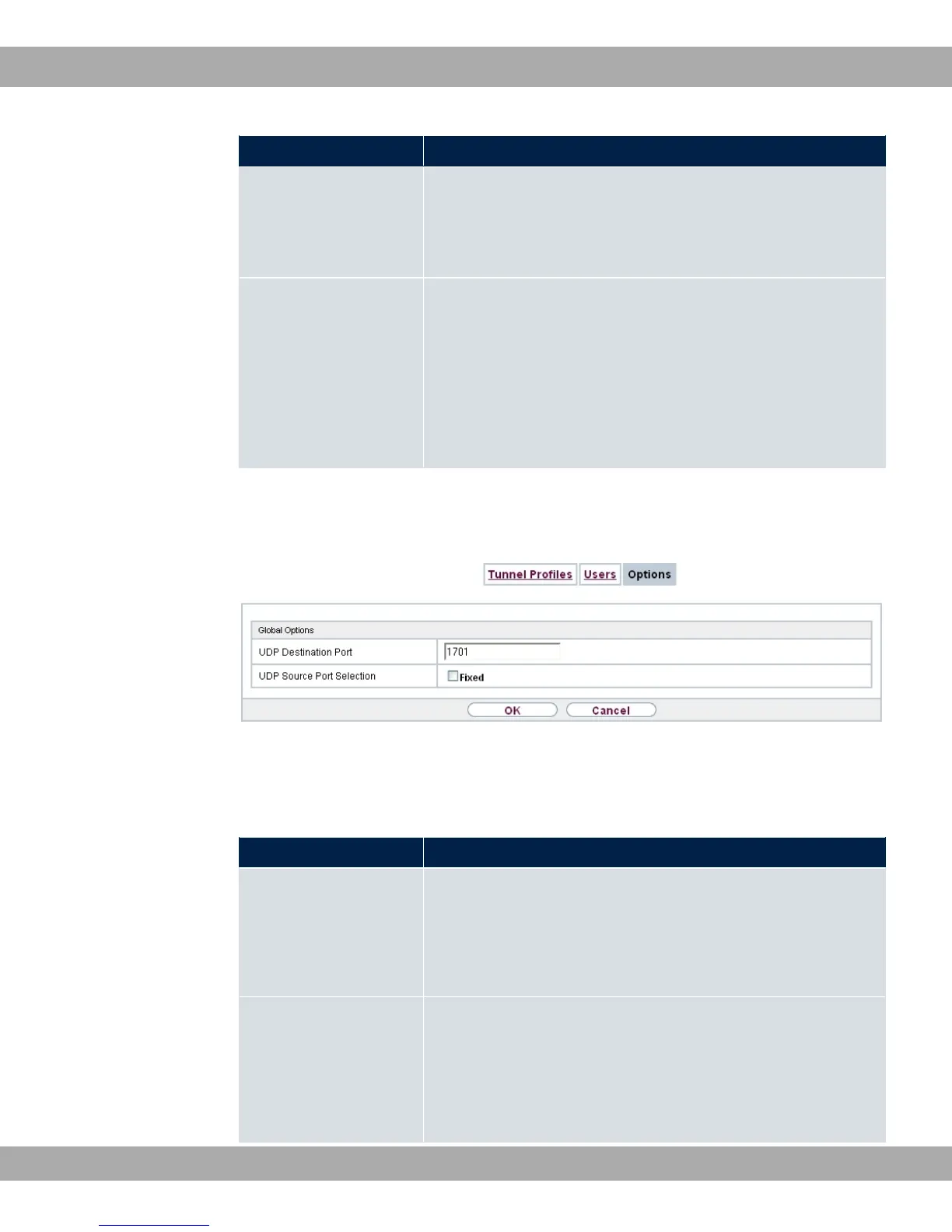
16.2.3 Options
Fig. 137: VPN->L2TP->Options
The menu VPN->L2TP->Options consists of the following fields:
Fields in the Global Options menu.
Field Description
UDP Destination Port Enter the port to be monitored by the LNS on incoming L2TP
tunnel connections.
Available values are all whole numbers from to &, the
default value is ,, as specified in RFC 2661.
UDP Source Port Se-
lection
Select whether the LNS should only use the monitored port
(UDP Destination Port) as the local source port for the L2TP
connection.
The function is enabled with <>.
16 VPN bintec elmeg GmbH
370 bintec RS Series



 To Next Page