An amendment to the Telecommunications Act (TKG) allowed the 5.8 GHz band (5755
MHz - 5875 MHz) to be used for so-called BFWA applications (Broadband Fixed Wireless
Access). This simply requires registration with the Federal Network Agency. However, the
use of TPC and DFS is mandatory in this case.
10.1 WLAN
In the Wireless LAN->WLAN menu, you can configure all WLAN modules of your device.
Depending on the model, one or two WLAN modules, WLAN 1 and, where applicable,
WLAN 2, are available.
10.1.1 Radio Settings
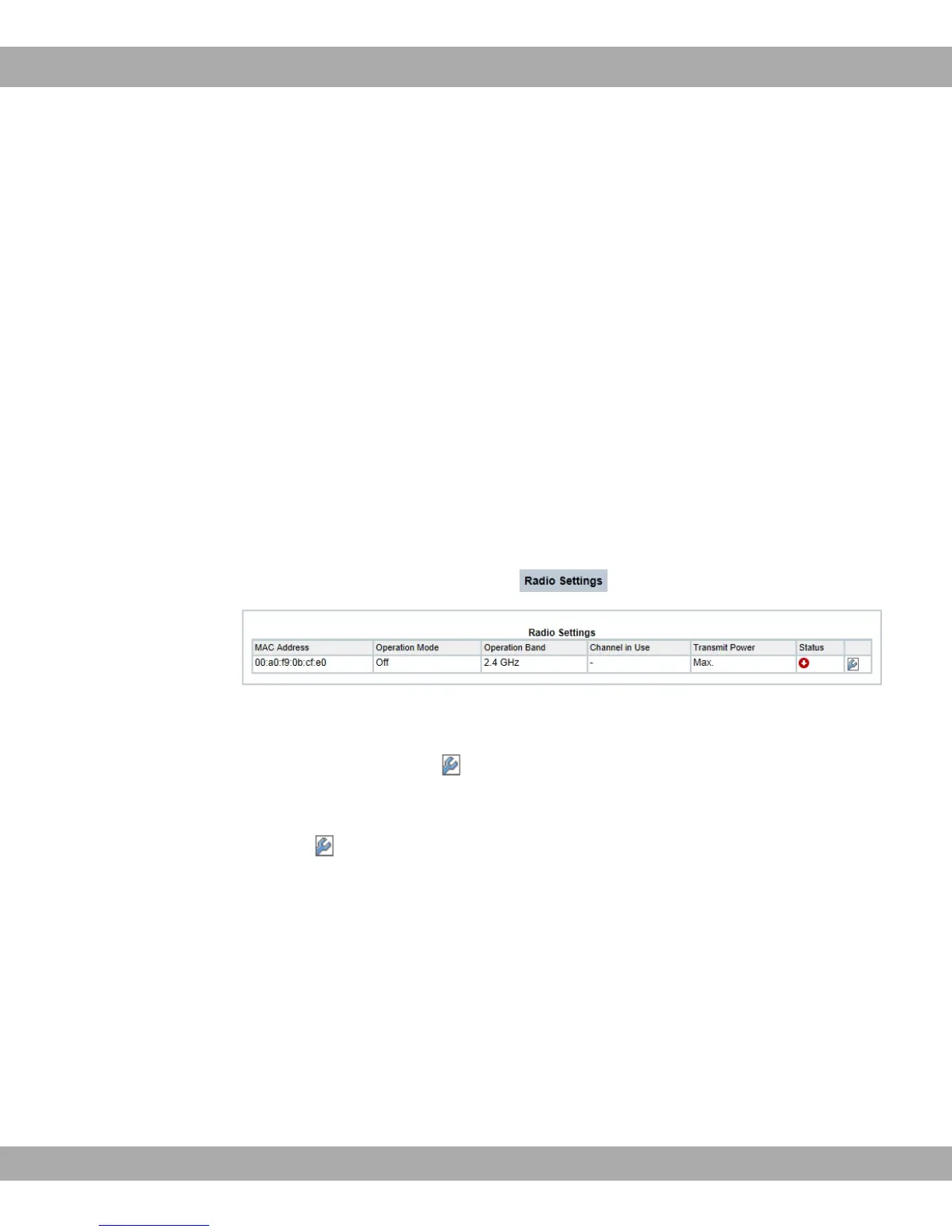
In the Wireless LAN->WLAN->Radio Settings menu, an overview of all the configuration
options for the WLAN module is displayed.
Fig. 57: Wireless LAN->WLAN->Radio Settings
10.1.1.1 Radio Settings->
In this menu, you change the settings for the wireless module.
Select the icon to edit the configuration.
10 Wireless LAN bintec elmeg GmbH
142 bintec RS Series



 To Next Page