Field Description
Extended Route
Displays whether a route has been configured with advanced
parameters.
Protocol
Displays how the entry has been created , e.g. manually ( 0%
1) or via one of the available protocols.
Delete You can delete entries with the symbol.
12.1.3 Options
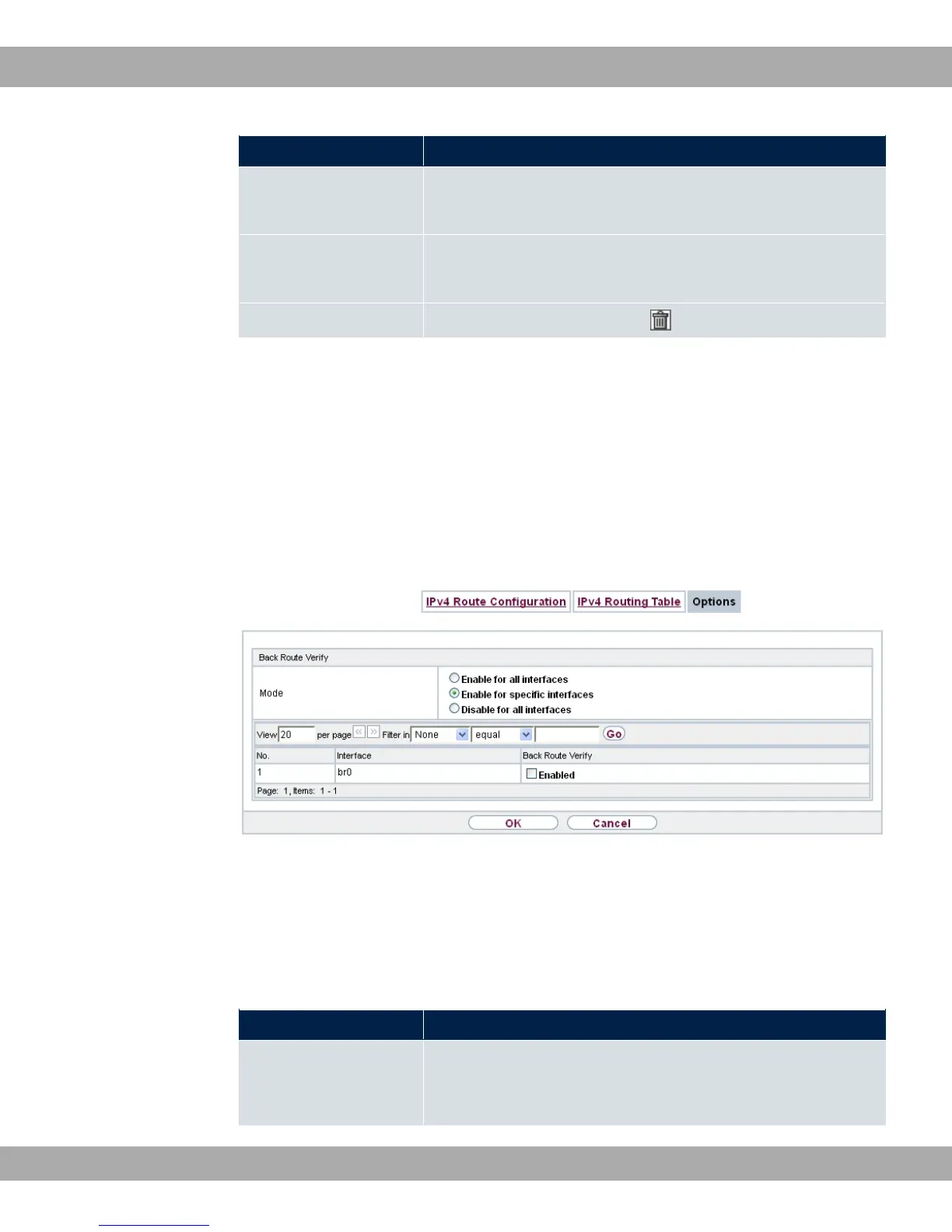
Back Route Verify
The term Back Route Verify describes a very simple but powerful function. If a check is ac-
tivated for an interface, incoming data packets are only accepted over this interface if out-
going response packets are routed over the same interface. You can therefore prevent the
acceptance of packets with false IP addresses - even without using filters.
Fig. 89: Networking->Routes->Options
In the ex works state, the two entries and & are displayed by default set-
ting "1 $ +%$% $%.
The Networking->Routes->Options menu consists of the following fields:
Fields in the Back Route Verify menu.
Field Description
Mode Select how the interfaces to be activated for Back Route Verify
are to be specified.
12 Networking bintec elmeg GmbH
216 bintec RS Series



 To Next Page