12.4 QoS
QoS (Quality of Service) makes it possible to distribute the available bandwidths effectively
and intelligently. Certain applications can be given preference and bandwidth reserved for
them. This is an advantage, especially for time-critical applications such as VoIP.
The QoS configuration consists of three parts:
• Creating IP filters
• Classifying data
• Prioritising data
12.4.1 QoS Filter
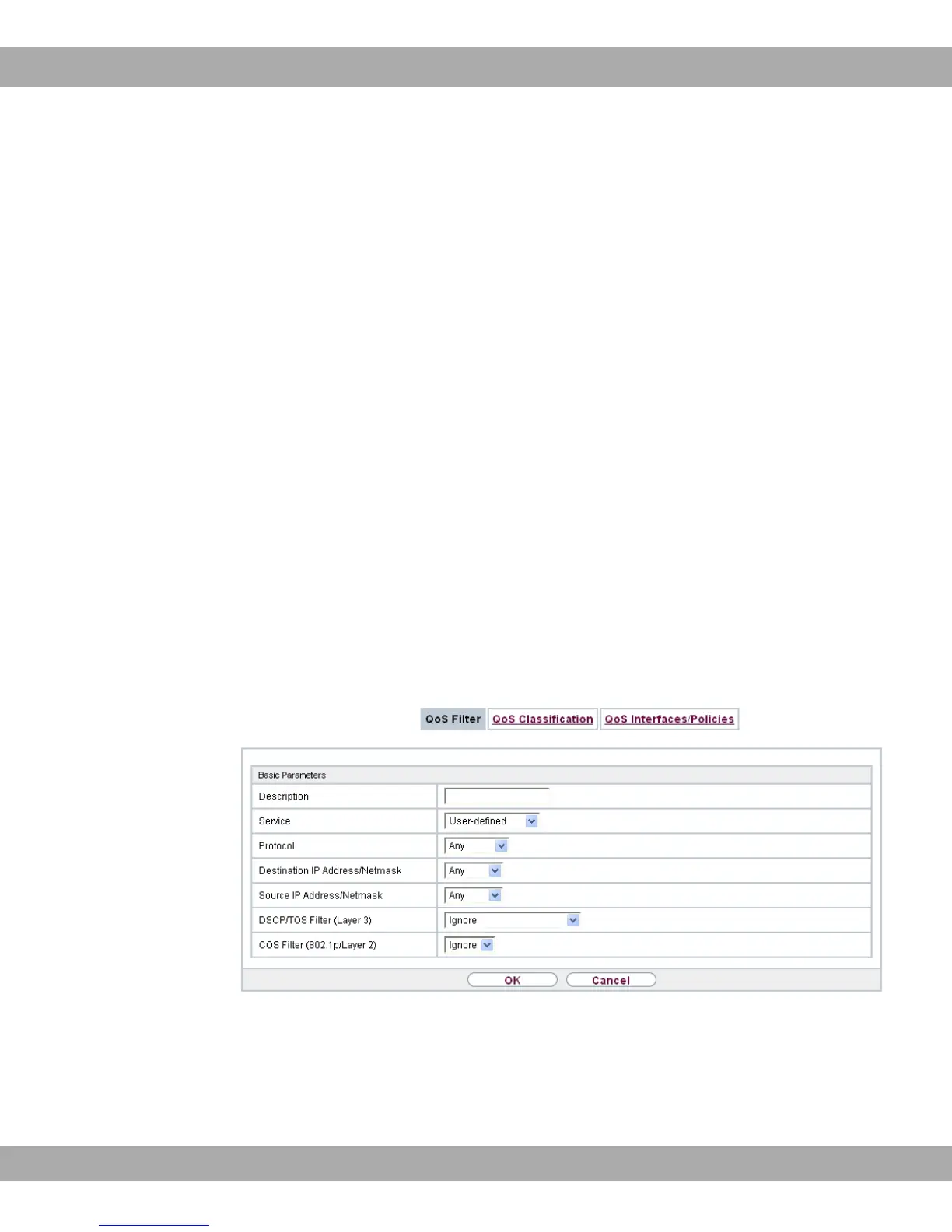
In the Networking->QoS->QoS Filtermenu IP filters are configured.
The list also displays any configured entries from Networking->Access Rules->Rule
Chains.
12.4.1.1 New
Choose the New button to define more IP filters.
Fig. 95: Networking->QoS->QoS Filter->New
The Networking->QoS->QoS Filter->New menu consists of the following fields:
Fields in the Basic Parameters menu.
12 Networking bintec elmeg GmbH
234 bintec RS Series



 To Next Page