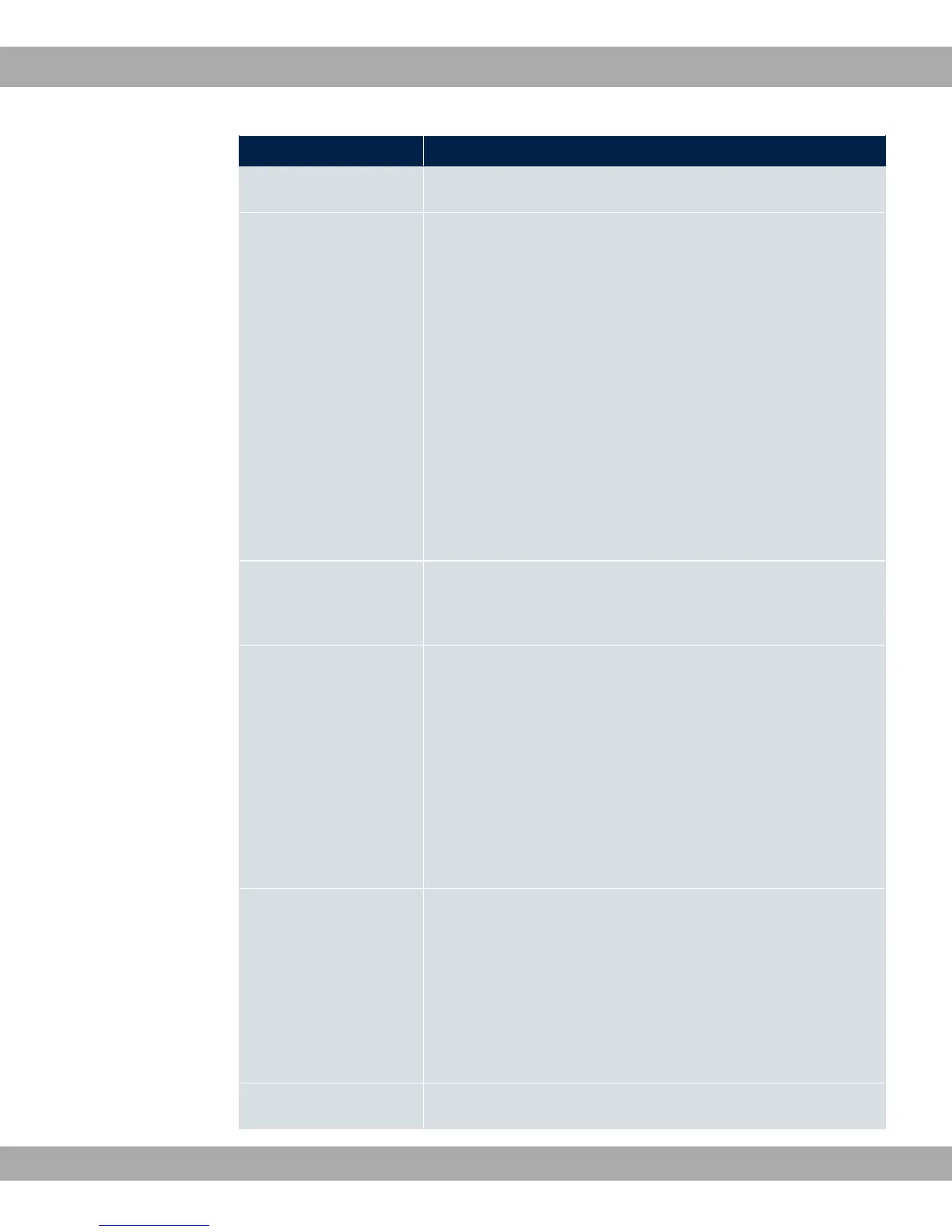
Field Description
Description Enter the name of the filter.
Service
Select one of the preconfigured services. The extensive range
of services configured ex works includes the following:
• %(
• ++1 ;
•
• %#
• %1D
• (
• %+
• %
The default value is . $.
Protocol Select a protocol.
The 3( option (default value) matches any protocol.
Type Only for Protocol = 6'
Select the type.
Possible values: 3(, % +1(, 5 %
"1, % ;%, @%, %, * >%,
*+, *+ +1(.
See RFC 792.
The default value is 3(.
Connection State With Protocol = *6, you can define a filter that takes the
status of the TCP connections into account.
Possible values:
• "1: All TCP packets that would not open any new
TCP connection on routing over the gateway match the filter.
• 3( (default value): All TCP packets match the filter.
Destination IP Ad- Enter the destination IP address of the data packets and the
bintec elmeg GmbH
12 Networking
bintec RS Series 235



 To Next Page