15.2.1 Profiles
A list of all ATM profiles is displayed in the WAN->ATM->Profiles menu.
If the connection for your Internet access is set up using the internal modem, the ATM con-
nection parameters must be set for this. An ATM profile combines a set of parameters for a
specific provider.
By default an ATM profile with the description 3.*- 6@3*5 is preconfigured. Its values
(VPI 1 and VCI 32) are suitable for a Telekom ATM connection, for example.
Note
The ATM encapsulations are described in RFCs 1483 and 2684. You will find the
RFCs on the relevant pages of the IETF (www.ietf.org/rfc.html ).
15.2.1.1 New
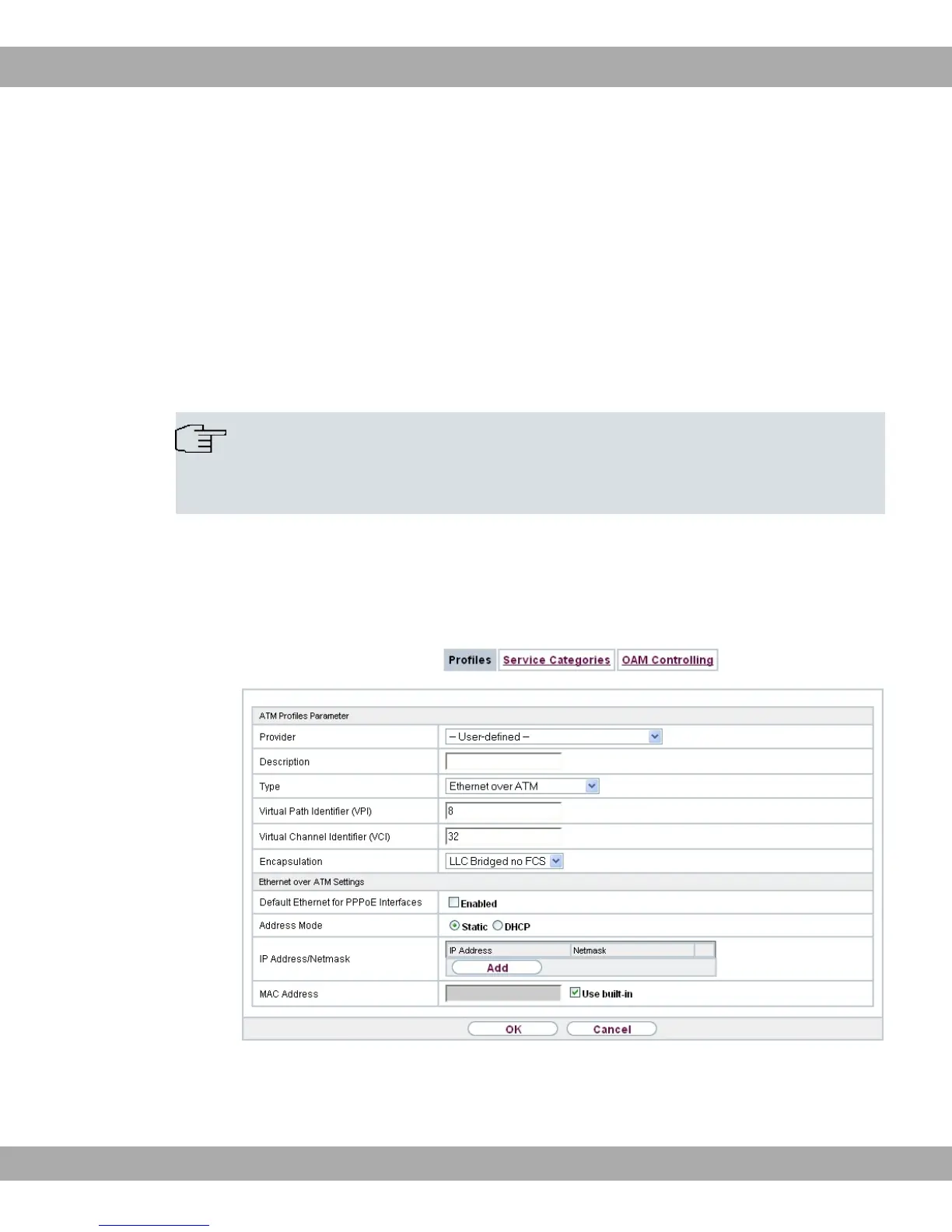
Choose the New button to set up new ATM profiles.
Fig. 121: WAN->ATM->Profiles->New
The menu WAN->ATM->Profiles->New consists of the following fields:
15 WAN bintec elmeg GmbH
310 bintec RS Series



 To Next Page