Field Description
DNS server.
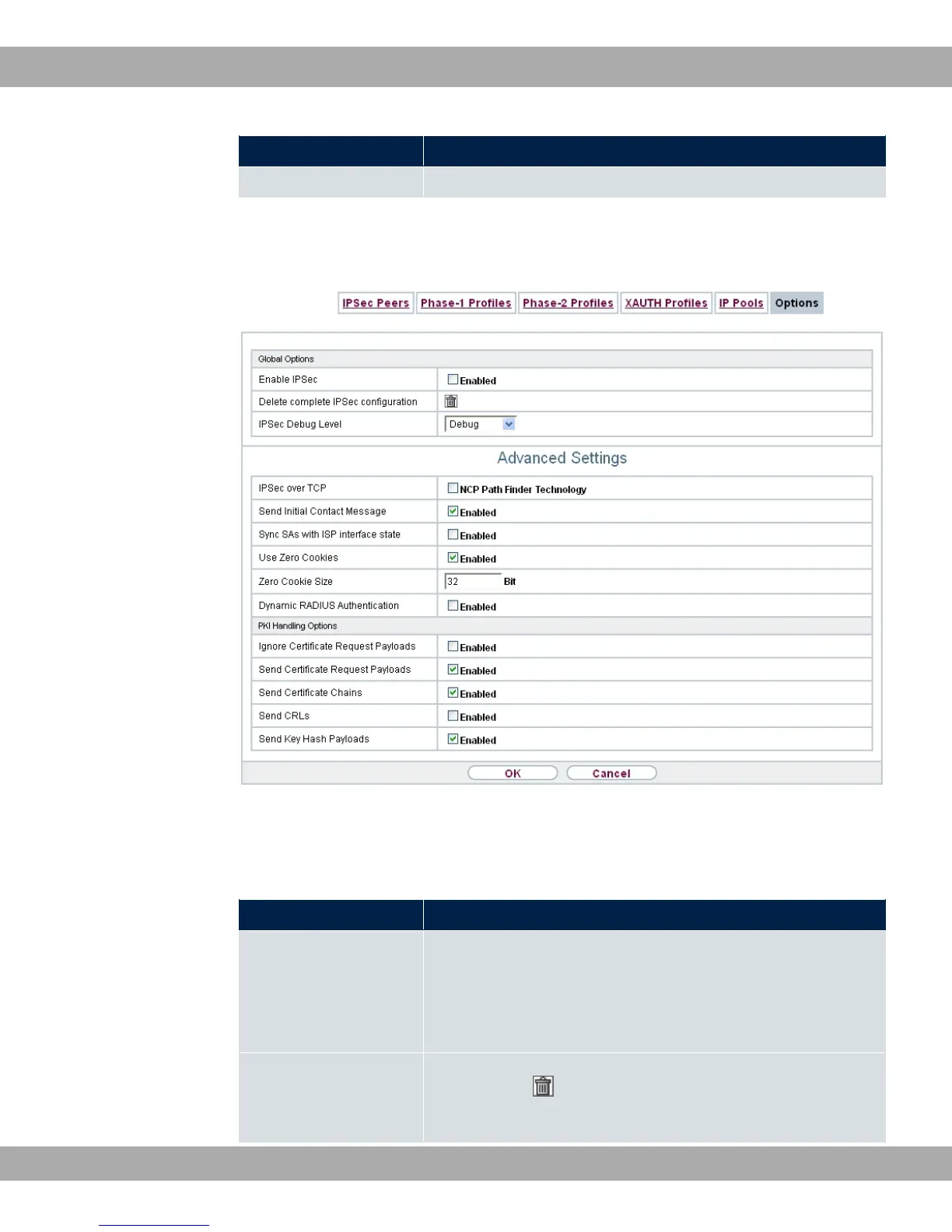
16.1.6 Options
Fig. 134: VPN->IPSec->Options
The menu VPN->IPSec->Options consists of the following fields:
Fields in the Global Options menu.
Field Description
Enable IPSec Select whether you want to activate IPSec.
The function is enabled with "1.
The function is active as soon as an IPSec Peer is configured.
Delete complete IPSec
configuration
If you click the icon, delete the complete IPSec configuration
of your device.
bintec elmeg GmbH
16 VPN
bintec RS Series 357



 To Next Page