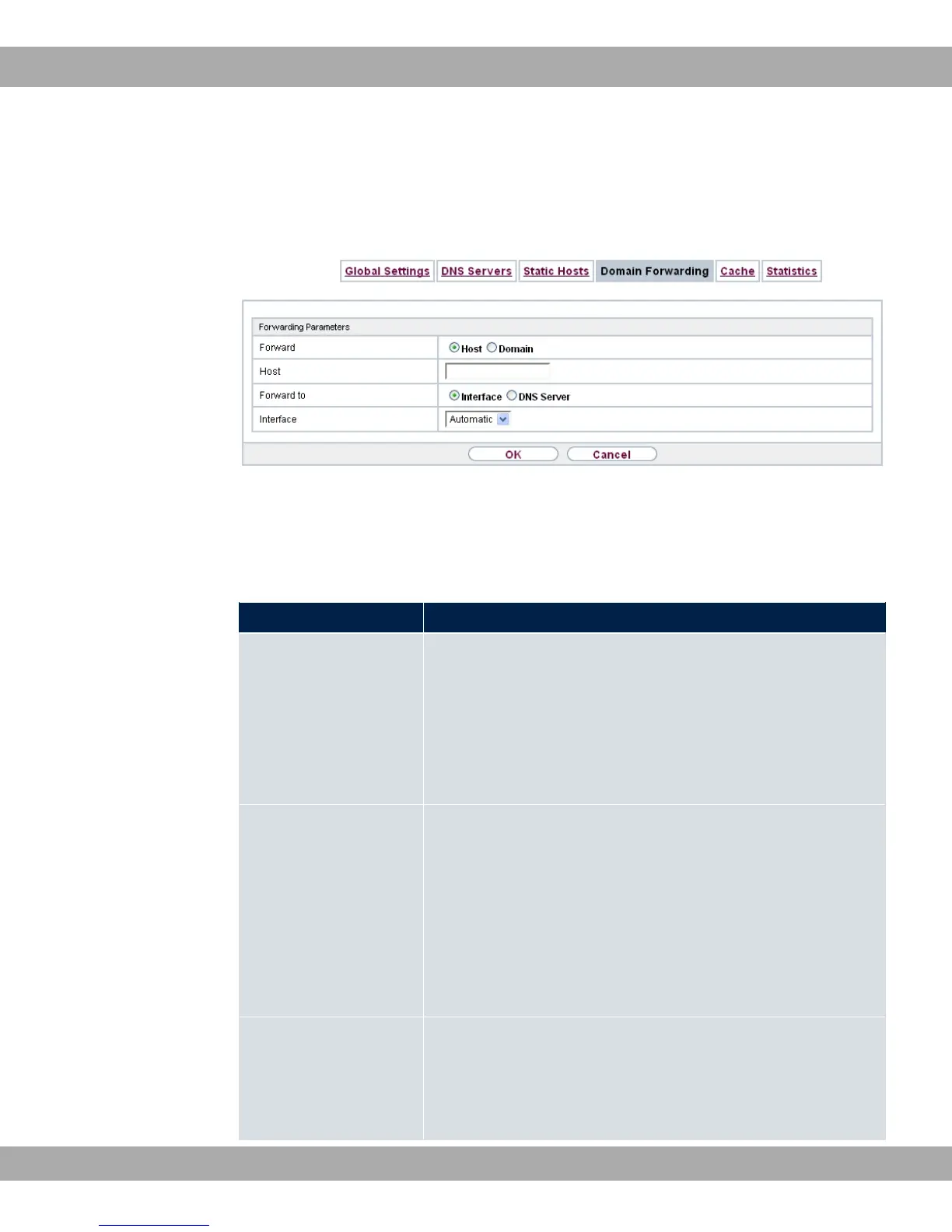
19.1.4.1 New
Choose the New button to set up additional forwardings.
Fig. 156: Local Services->DNS->Domain Forwarding->New
The menu Local Services->DNS->Domain Forwarding->New consists of the following
fields:
Fields in the Forwarding Parameters menu.
Field Description
Forward Select whether requests for a host or domain are to be forwar-
ded.
Possible values:
• ? (default value)
• 5
Host Only for Forward = ?
Enter the name of the host for which requests are to be forwar-
ded.
If you enter a name without a ".", the entry is supplemented with
the name supplied by the value specified in Local
Services->DNS->Global Settings for Domain Name as soon
as you confirm with OK.
Domain Only for Forward = 5
Enter the name of the domain for which requests are to be for-
warded.
bintec elmeg GmbH
19 Local Services
bintec RS Series 409



 To Next Page