Note
Note that the interfaces that are combined into a load balancing group must have
routes with the same metric. If necessary, go to the Networking->Routes menu and
check the entries there.
12.3.1.1 New
Choose the New button to create additional groups.
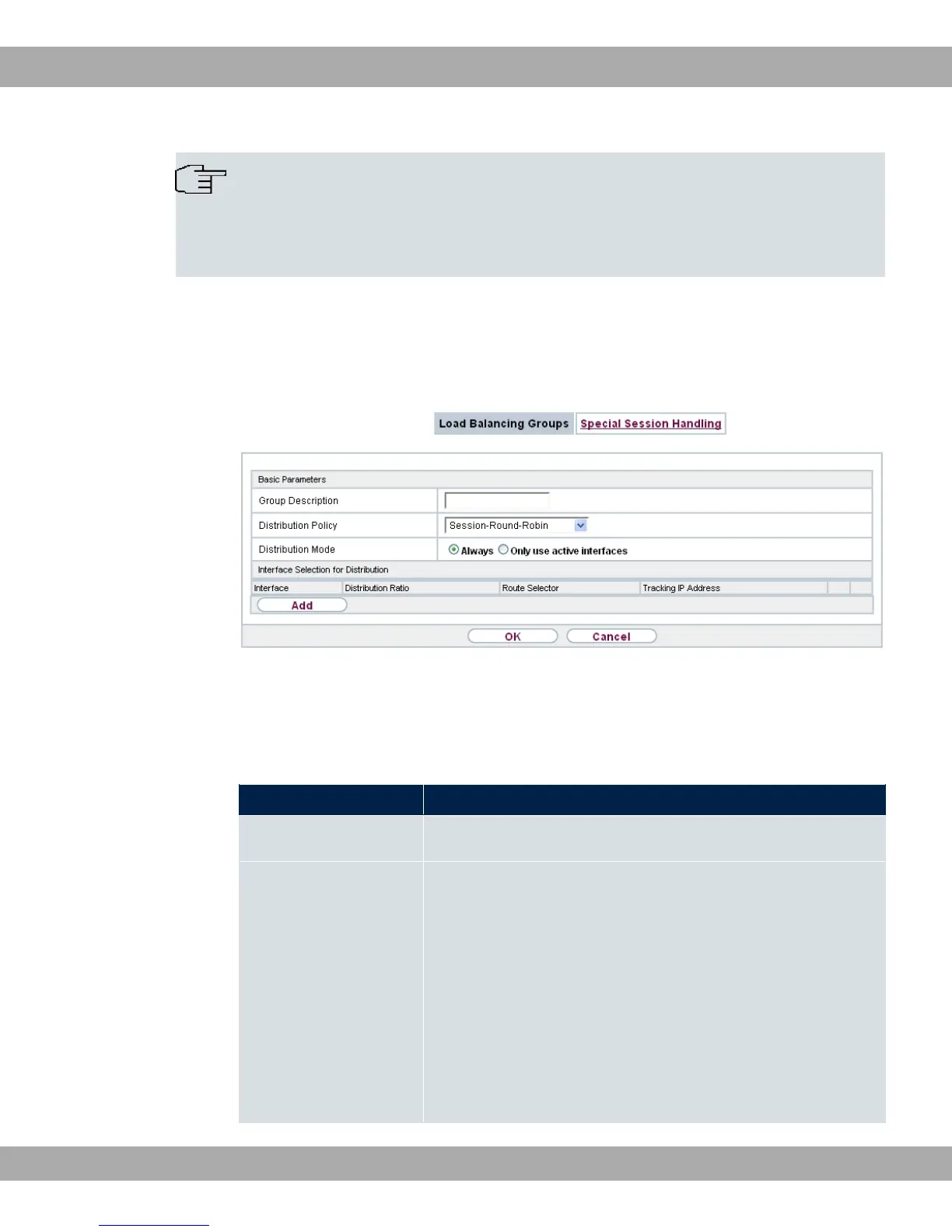
Fig. 92: Networking->Load Balancing->Load Balancing Groups->New
The menu Networking->Load Balancing->Load Balancing Groups->New consists of the
following fields:
Fields in the Basic Parameters menu.
Field Description
Group Description Enter the desired description of the interface group.
Distribution Policy Select the way the data traffic is to be distributed to the inter-
faces configured for the group.
Possible values:
• @ @" (default value): A newly added ses-
sion is assigned to one of the group interfaces according to
the percentage assignment of sessions to the interfaces. The
number of sessions is decisive.
• 0 + :7: A newly added session is
assigned to one of the group interfaces according to the share
12 Networking bintec elmeg GmbH
226 bintec RS Series



 To Next Page