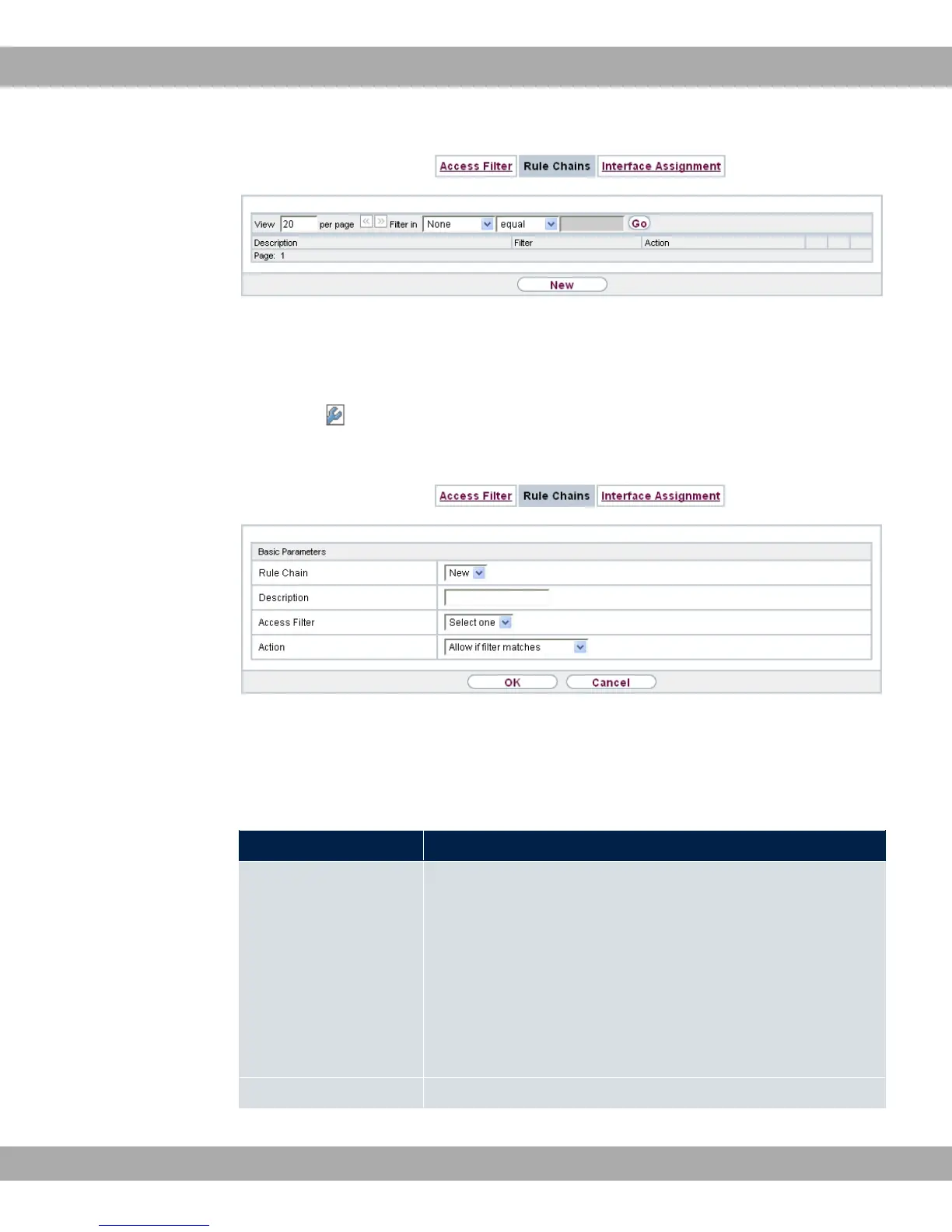
Fig. 100: Networking->Access Rules->Rule Chains
12.5.2.1 Edit or New
Choose the icon to edit existing entries. To configure access lists, select the New but-
ton.
Fig. 101: Networking->Access Rules->Rule Chains->New
The Networking->Access Rules->Rule Chains->New menu consists of the following
fields:
Fields in the Basic Parameters menu.
Field Description
Rule Chain
Select whether to create a new rule chain or to edit an existing
one.
Possible values:
• )7 (default value): You can create a new rule chain with this
setting.
• A) $ 1 %B: Select an already existing
rule chain, and thus add another rule to it.
Description Enter the name of the rule chain.
bintec elmeg GmbH
12 Networking
bintec RS Series 253



 To Next Page