19.3.1.1 New
Choose the New button to set up further DynDNS registrations to be updated.
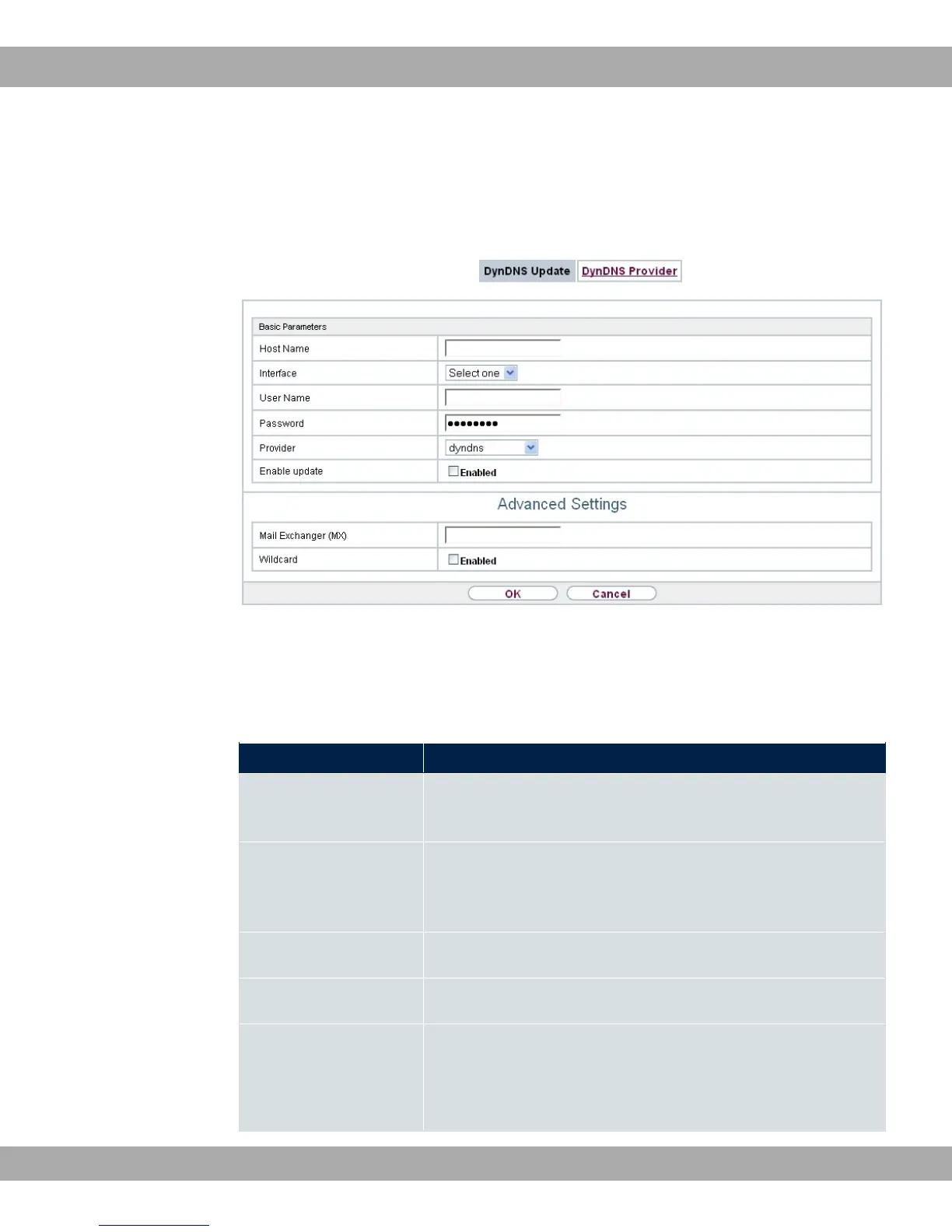
Fig. 160: Local Services->DynDNS Client->DynDNS Update->New
The menu Local Services->DynDNS Client->DynDNS Update->New consists of the fol-
lowing fields:
Fields in the Basic Parameters menu.
Field Description
Host Name Enter the complete host name as registered with the DynDNS
provider.
Interface Select the WAN interface whose IP address is to be propagated
over the DynDNS service (e.g. the interface of the Internet Ser-
vice Provider).
User Name Enter the user name as registered with the DynDNS provider.
Password Enter the password as registered with the DynDNS provider.
Provider Select the DynDNS provider with which the above data is re-
gistered.
A choice of DynDNS providers is already available in the uncon-
19 Local Services bintec elmeg GmbH
414 bintec RS Series



 To Next Page