boot configuration when you reboot your device, save these by clicking the Save configur-
ation button.
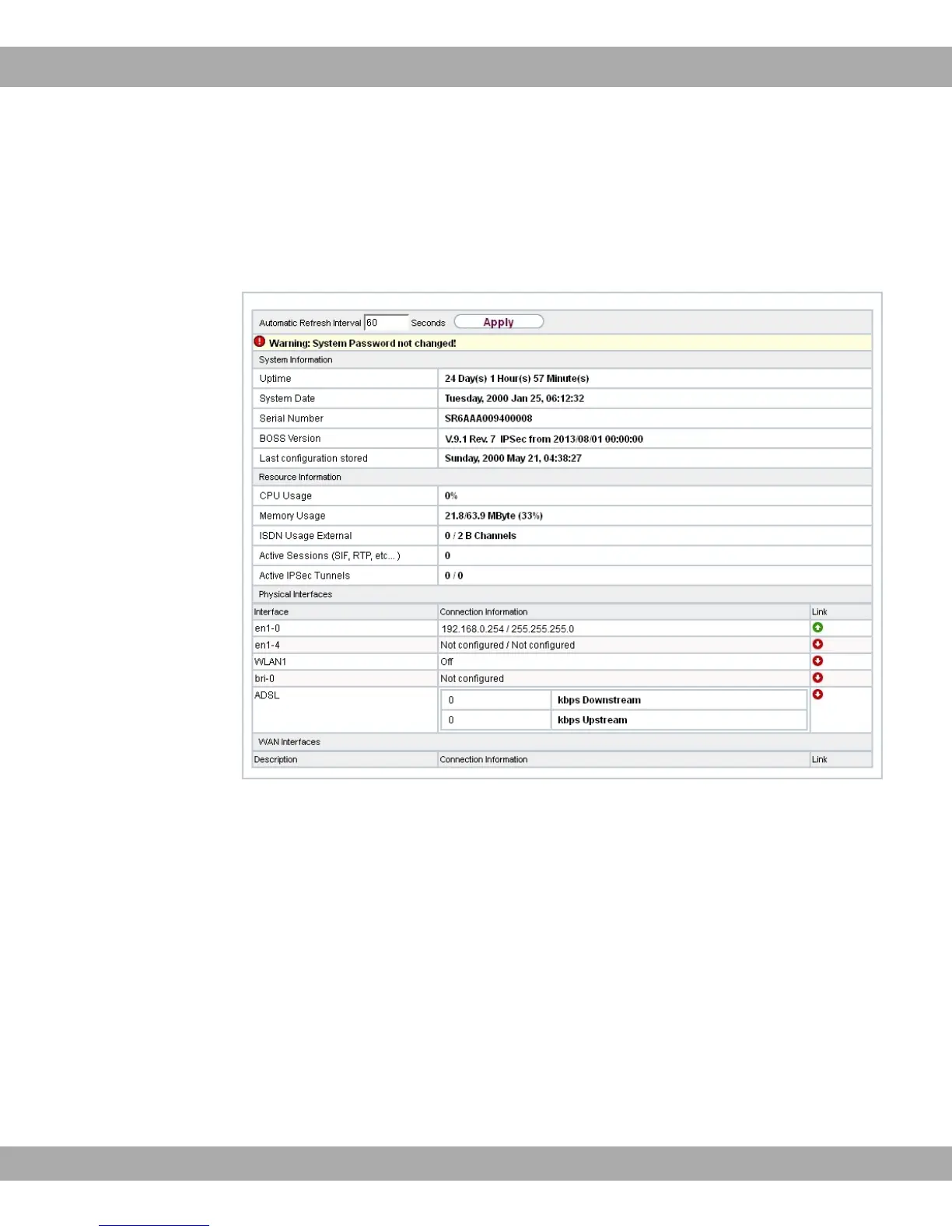
You can also use the GUI to monitor the most important function parameters of your
device.
Fig. 13: GUI home page
5.3.1.1 Calling up GUI
(1) Check whether the device is connected and switched on and that all the necessary
cables are correctly connected (see on page ).
(2) Check the settings of the PC from which you want to configure your device (see Con-
figuring a PC on page 25).
(3) Open a web browser.
(4) Enter +8// in the address field of the web browser.
(5) Enter in the User field and enter in the Password field and click LO-
GIN.
You are not in the status menu of your device's GUI (see Status on page 52).
bintec elmeg GmbH
5 Access and configuration
bintec RS Series 39



 To Next Page