Menu Position
played on the first page.
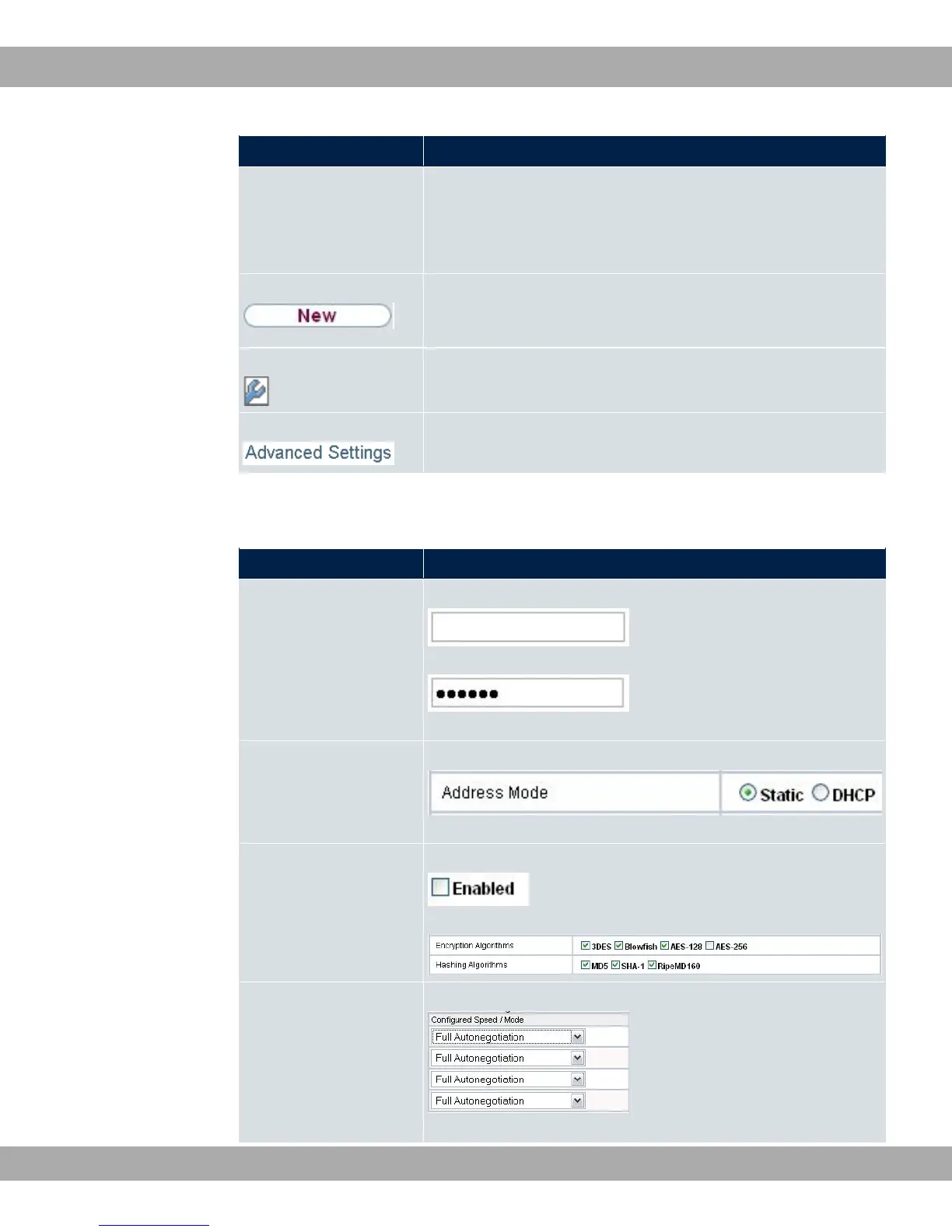
The menu contains either a list of all the configured entries or
the basic settings for the function concerned.
Sub-menu The New button is available in each menu in which a list of all
the configured entries is displayed. Click the button to display
the configuration menu for creating a new list entry.
Sub-menu Click this button to process the existing list entry. You go to the
configuration menu.
Menu Click this tab to display extended configuration options.
The following options are available for the configuration:
GUI configuration elements
Menu Position
Input fields e.g. empty text field
Text field with hidden input
Enter the data.
Radio buttons e.g.
Select the corresponding option.
Checkboxes e.g. activation by selecting checkbox
Selection of several possible options
Dropdown menus e.g.
Click the arrow to open the list. Select the required option using
5 Access and configuration bintec elmeg GmbH
46 bintec RS Series



 To Next Page