11
Chapter 4 - Starting the Vector Elite System and Software
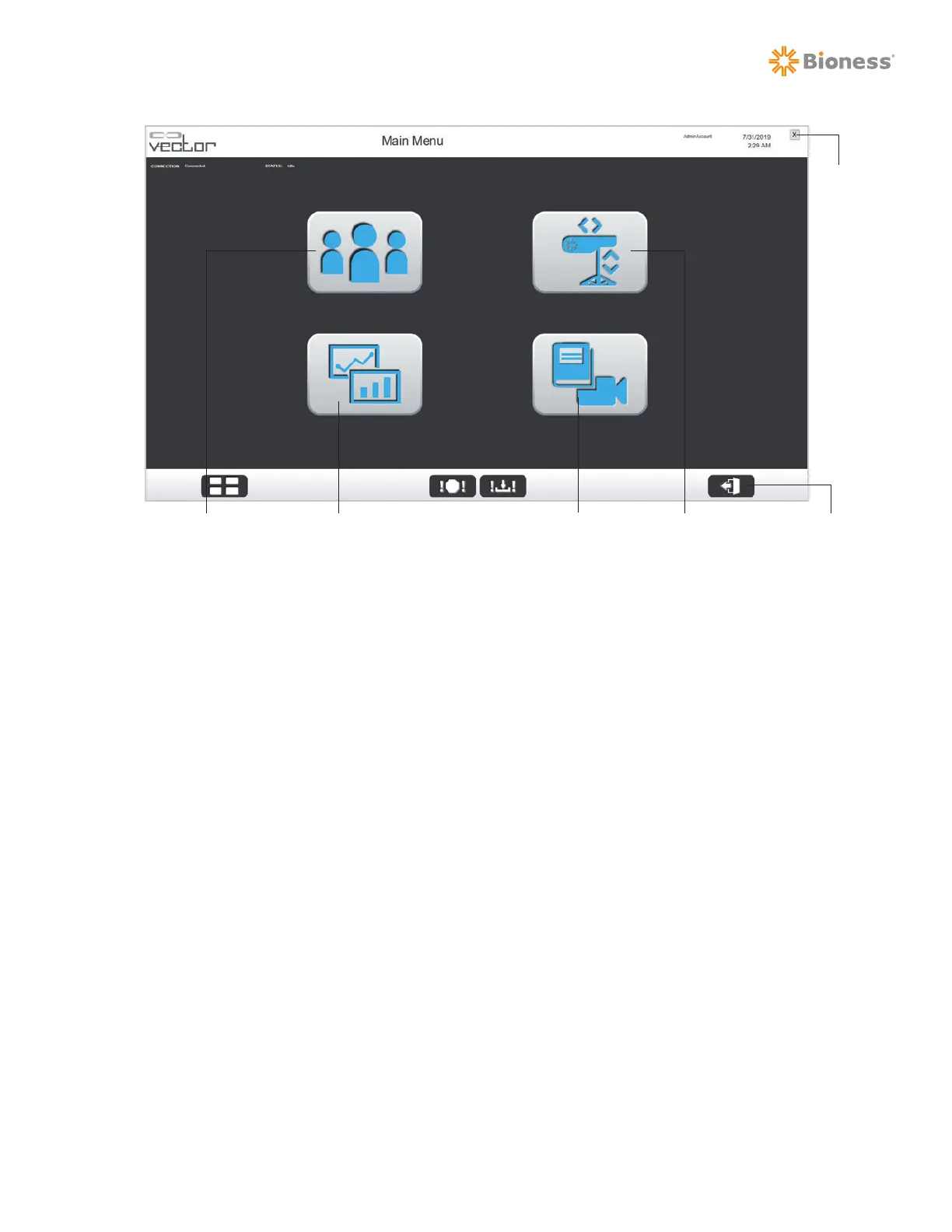
Figure 4-4: Main Menu Screen
(Single Trolley System Configuration, User Level Access)
Main Menu Options, Multi-Trolley Configured System: See Figure 4-5
For a multi-trolley configured system, the Main Menu screen will have all of the same menu options
found on the single trolley system (Patient Training, Manual Control, Summaries, and Reference Library
menus) plus the additional option listed below.
• Sync Menu – This option allows the user to manually sync the databases. This menu also displays
the status of synchronization including timestamp of last successful or failed sync. See the Multi-
Trolley Sync feature section of this guide for more information.
Logout
Patient Training Menu Summaries Menu Manual Control MenuReference Library Menu
Exit



 To Next Page