51
Chapter 8: Manual Control, Summaries, and Reference Library Menus
Summaries Menu
1. To open the Patient Training Summaries screen and view training session data from any patient,
press the Summaries Menu button on the Main Menu.
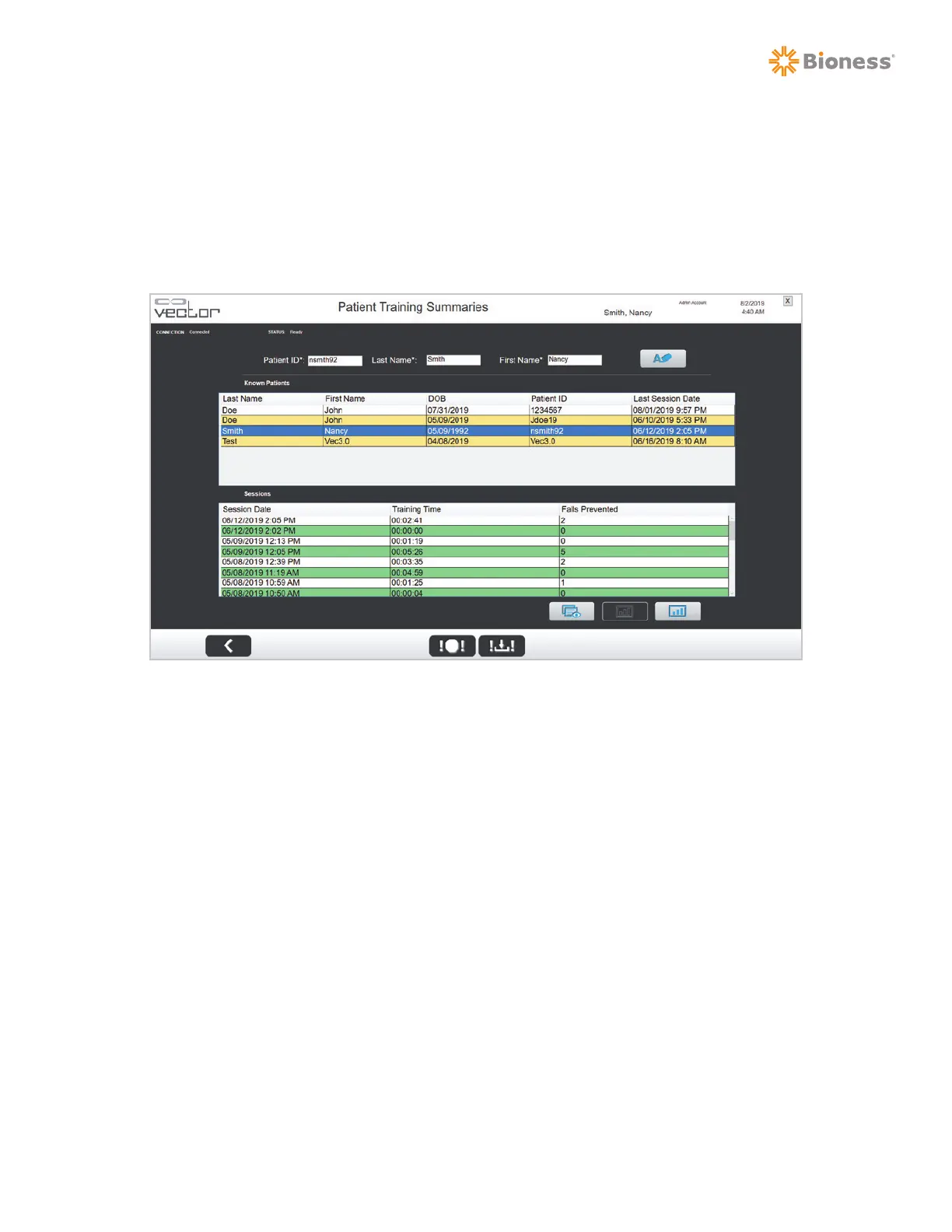
2. Once a patient has been selected, a list of their training sessions will appear in the Sessions List.
See Figure 8-4.
Figure 8-4: Sessions List
3. To view data from a single training session, select the session date from the list and press the
Single Training Session Summary button. See Figure 8-5.



 To Next Page