62
Clinician's Guide
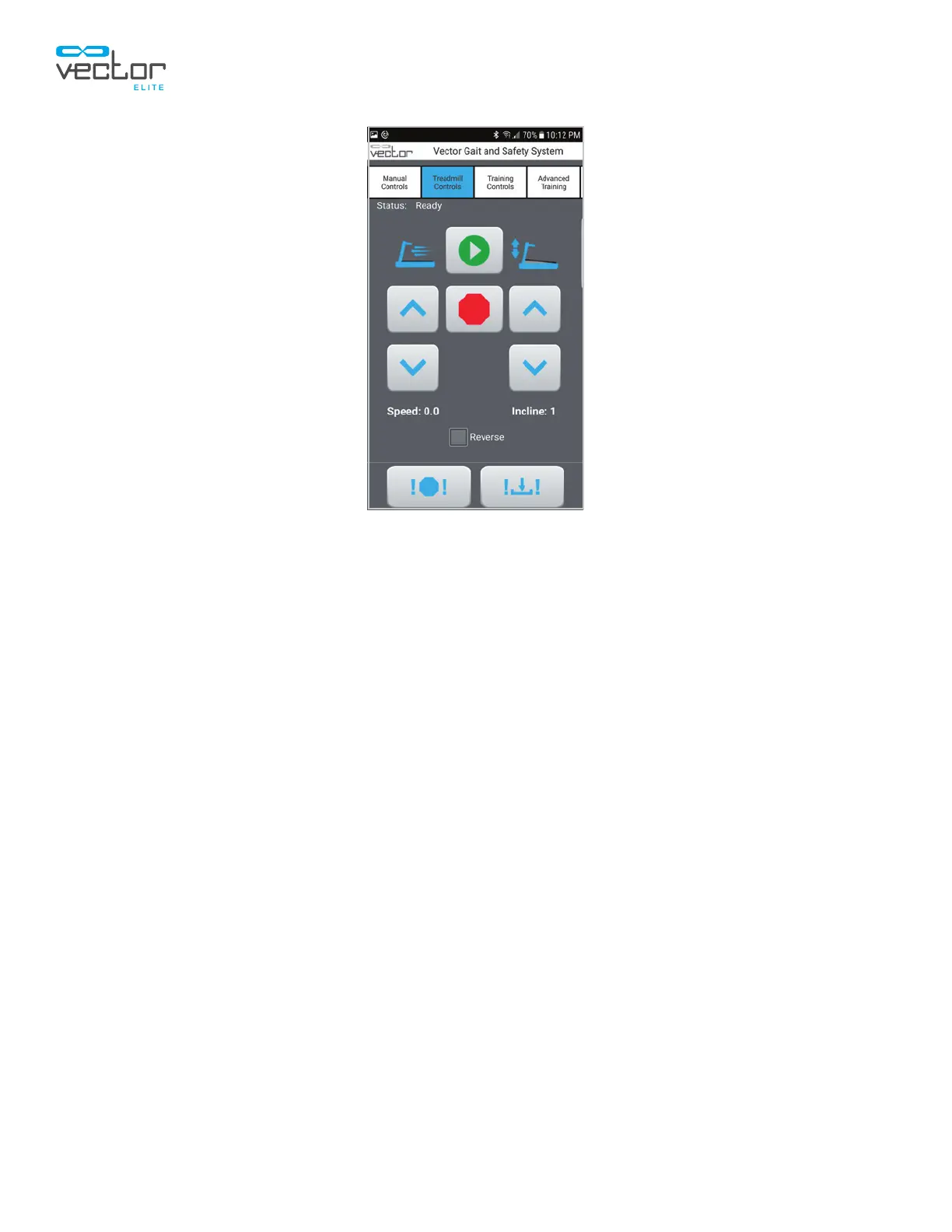
Figure 9-4: Treadmill Controls Screen
Remote Control Outcome Measures
For Vector Elite systems that feature the Outcome Measures software module, the remote control also
features two additional software screens, as well as the four screens discussed in the previous section
of this chapter. The remote control can be used to start and stop an Outcome Measures test and will
display a subset of the data collected during the test.
To access the Outcome Measures software screens, swipe left or right on the Vector remote control
software tabs. Two additional tabs, TUG Test and Walk Test, will appear on the right side of the screen.
See Figure 9-5.



 To Next Page