48
Clinician's Guide
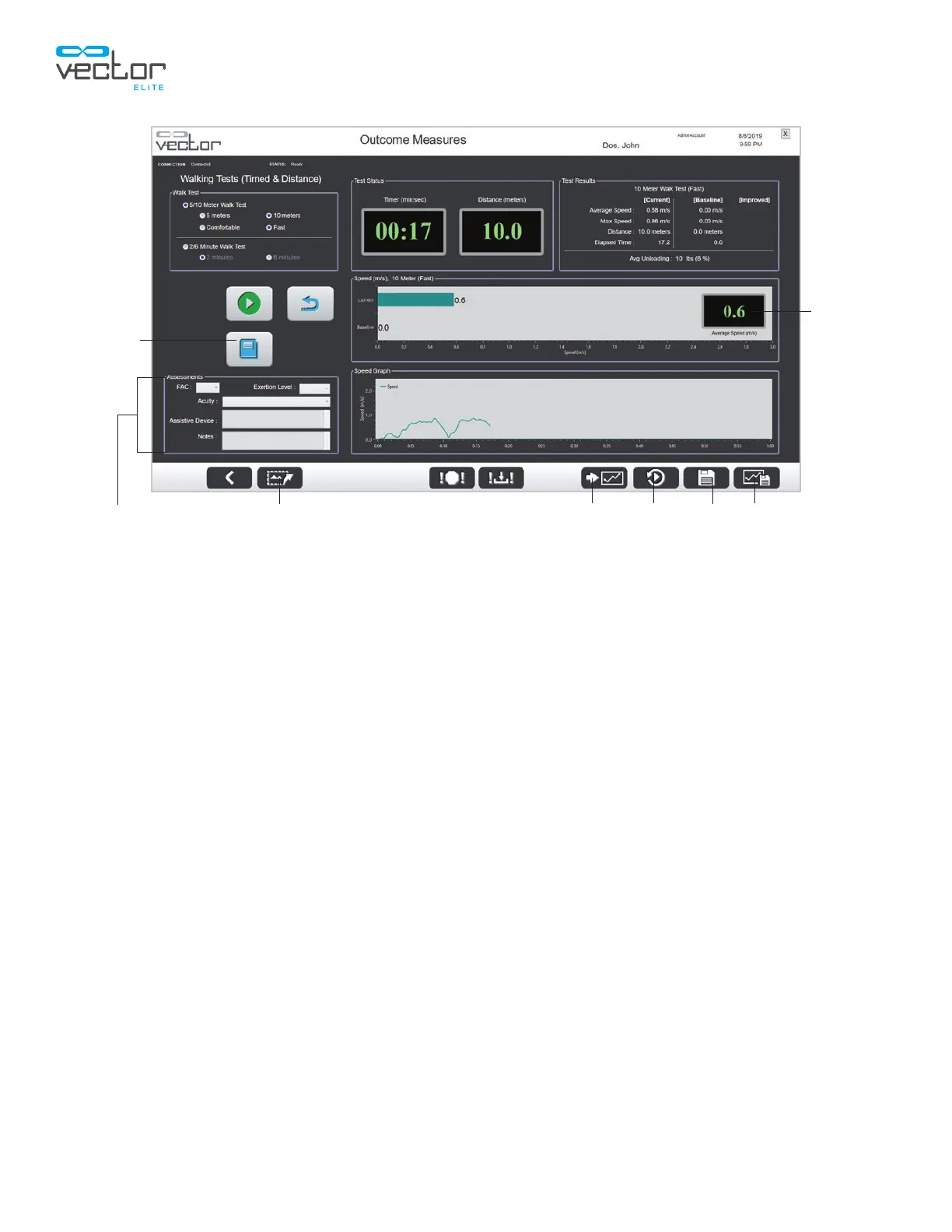
Figure 7-8: Outcome Measures Walking Tests Screen
(Test Results, Graphs, and Buttons)
Adjusting Training Controls During an Outcome Measures Test
All of the Training Controls including Trolley Tracking, Dynamic Unloading and the Fall Limit setting can
be adjusted while an Outcome Measures test is active.
1. On the active Outcome Measures test screen press the Back button. See Figure 7-7.
2. The software will navigate back to the Training Session screen. The current test type Outcome
Measures button will appear in red to indicate that a test is currently recording. See Figure 7-9.
3. Make the desired adjustments to the training controls and press the active Outcome Measures
button to return to the Outcome Measures test screen.
View Summary Graph Playback Save Save As BaselineExport ScreenAssessments Section
Instruction
Guide
Test
Score
Box



 To Next Page