82
Clinician's Guide
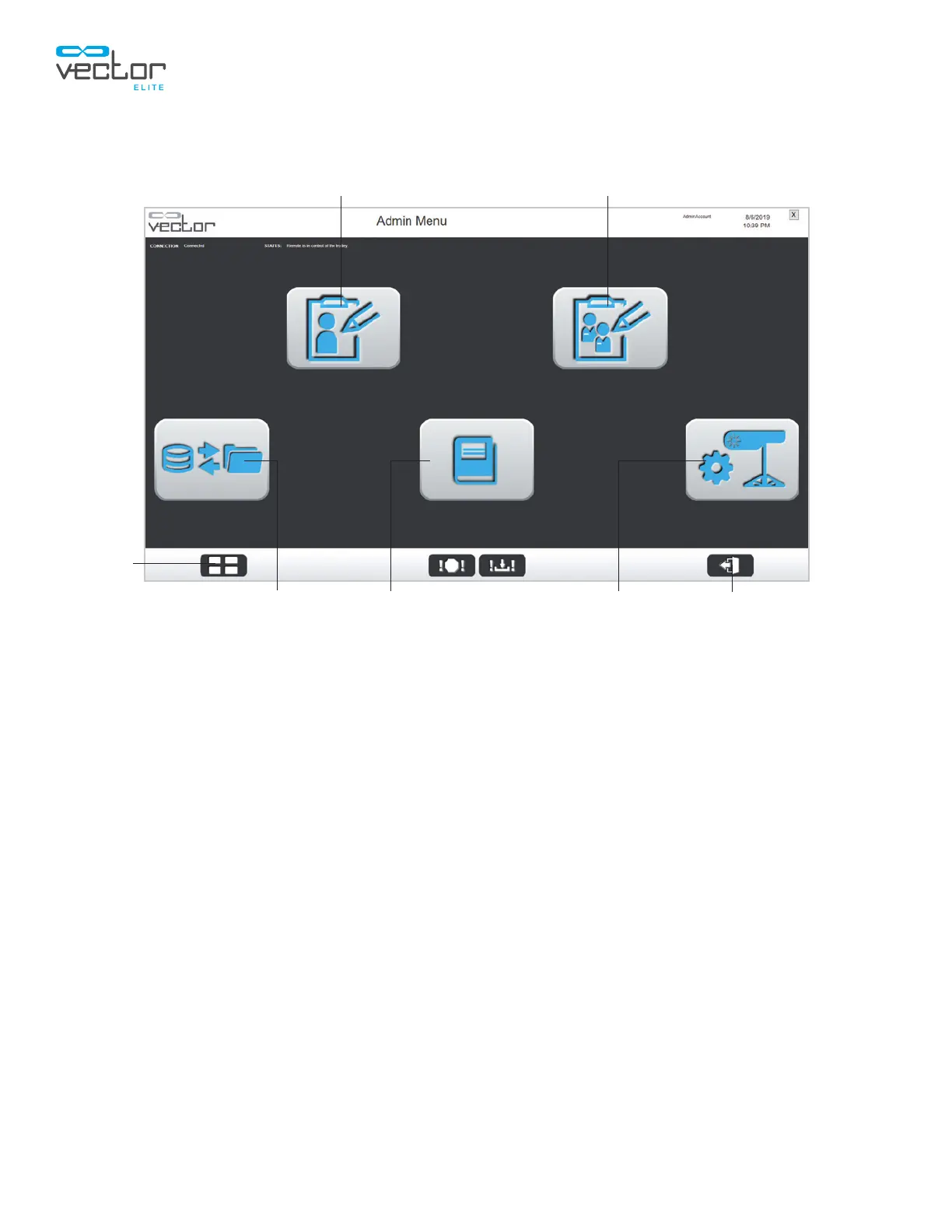
2. The Admin Menu screen will open. See Figure 11-2.
Figure 11-2: Admin Menu Screen
Admin Menu
The Vector Elite Admin Menu screen has five menu options that appear as buttons with descriptive
icons. See Figure 11-2.
Admin Menu Options:
• Patient Database menu
• Add Users menu
• Backup/Restore Database menu
• System Settings menu
Patient Database Menu
The Patient Database Menu is used to manage patient records.
1. From the Admin Menu screen, press on the Patient Database button. See Figure 11-2.
2. The Manage Patient Records screen will open. See Figure 11-3.
Patient Database
System Settings
Clinician's Guide
Add Users
Logout
Main
Menu
Backup/Restore Database



 To Next Page