49
Chapter 8: Manual Control, Summaries, and Reference Library Menus
Chapter
8
Manual Control, Summaries, and Reference
Library Menus
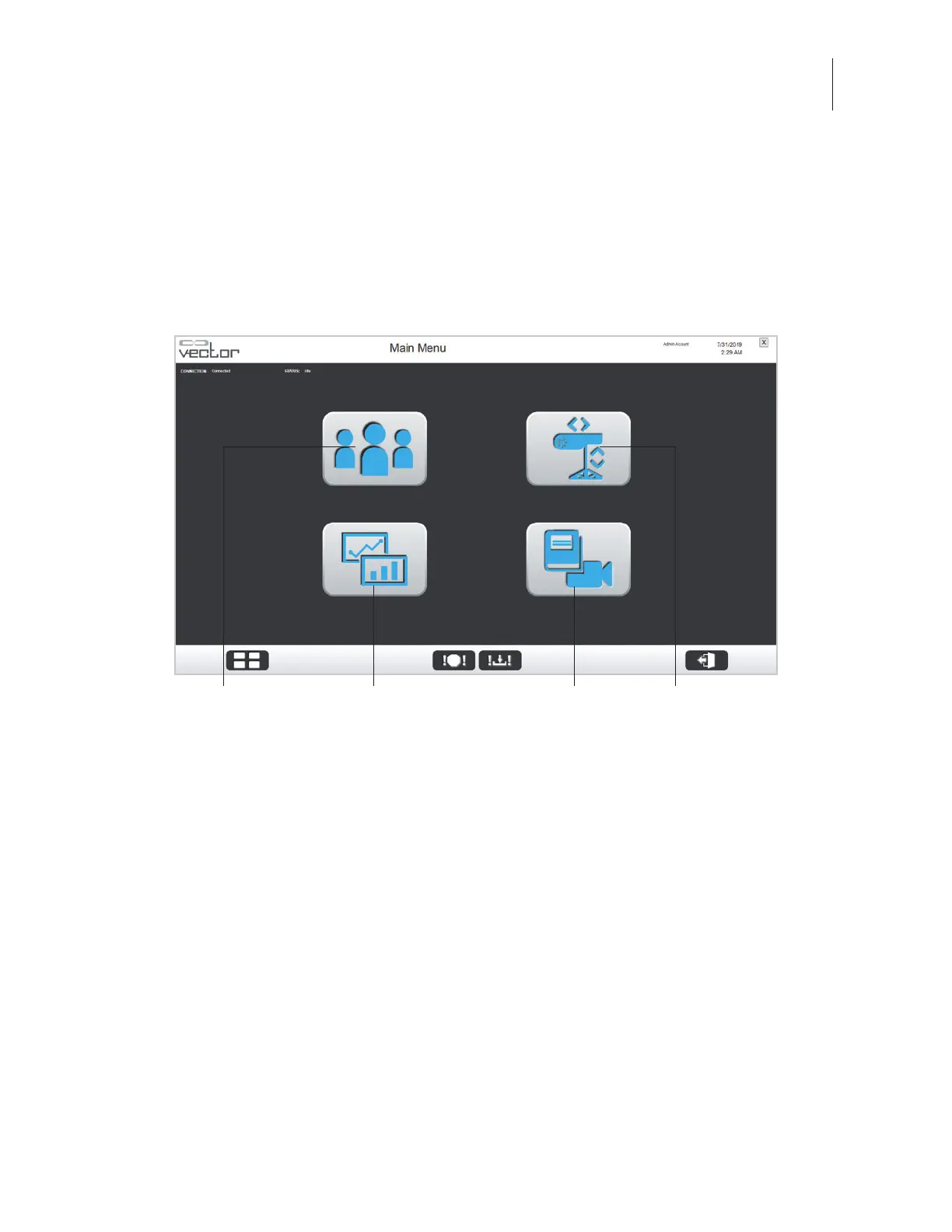
The Manual Control, Summaries, and Reference Material Library menus can be accessed from the Main
Menu screen. See Figure 8-1.
Figure 8-1: Main Menu Screen
Manual Control Menu
From the Main Menu screen, press the Manual Control menu button to open the Manual Control menu.
This menu allows the operator to control the trolley manually without needing to select a patient from
the patient database. See Figure 8-2. The Manual Control menu should be used for moving the trolley
when the user does not need to capture any data.
Patient Training Menu Summaries Menu Manual Control MenuReference Library Menu



 To Next Page