12
Clinician's Guide
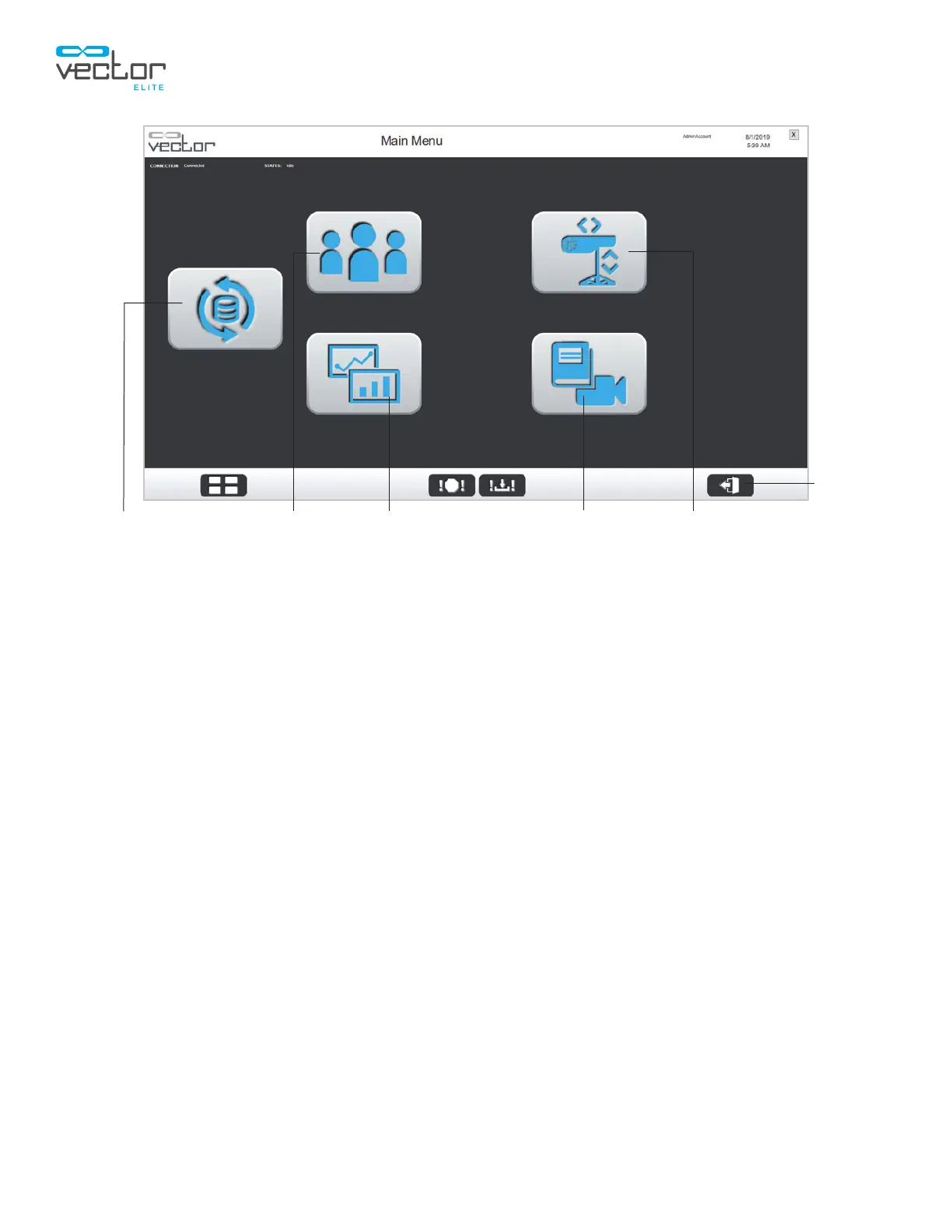
Figure 4-5: Main Menu Screen (Multi-Trolley System Configuration)
Logout Button
The logout button appears in the lower right corner of the display. See Figure 4-4. Pressing the logout
button will bring the user back to the application login screen. It is recommended to press the logout
button after each therapy session.
Note: Exit out of the Vector Elite software application when not in use.
Exit Button
To exit the Vector Elite software application, press the exit button, located in the upper-right corner of
the display. See Figure 4-4. The display screen will return to the desktop.
Patient Training Menu Summaries Menu Manual Control MenuReference Library Menu
Logout
Sync Menu



 To Next Page