81
Chapter 11 - Vector Elite Software Administrator Menu
Chapter
11
Vector Elite Software Administrator Menu
The administrator has a higher level of privileges within the Vector Elite software. Administrator privileges
include:
• Managing the patient database (including patient import and export)
• Managing user accounts (create and close accounts)
• Data backup and restore
• Troubleshooting
• System settings
Accessing the Administrator Menu
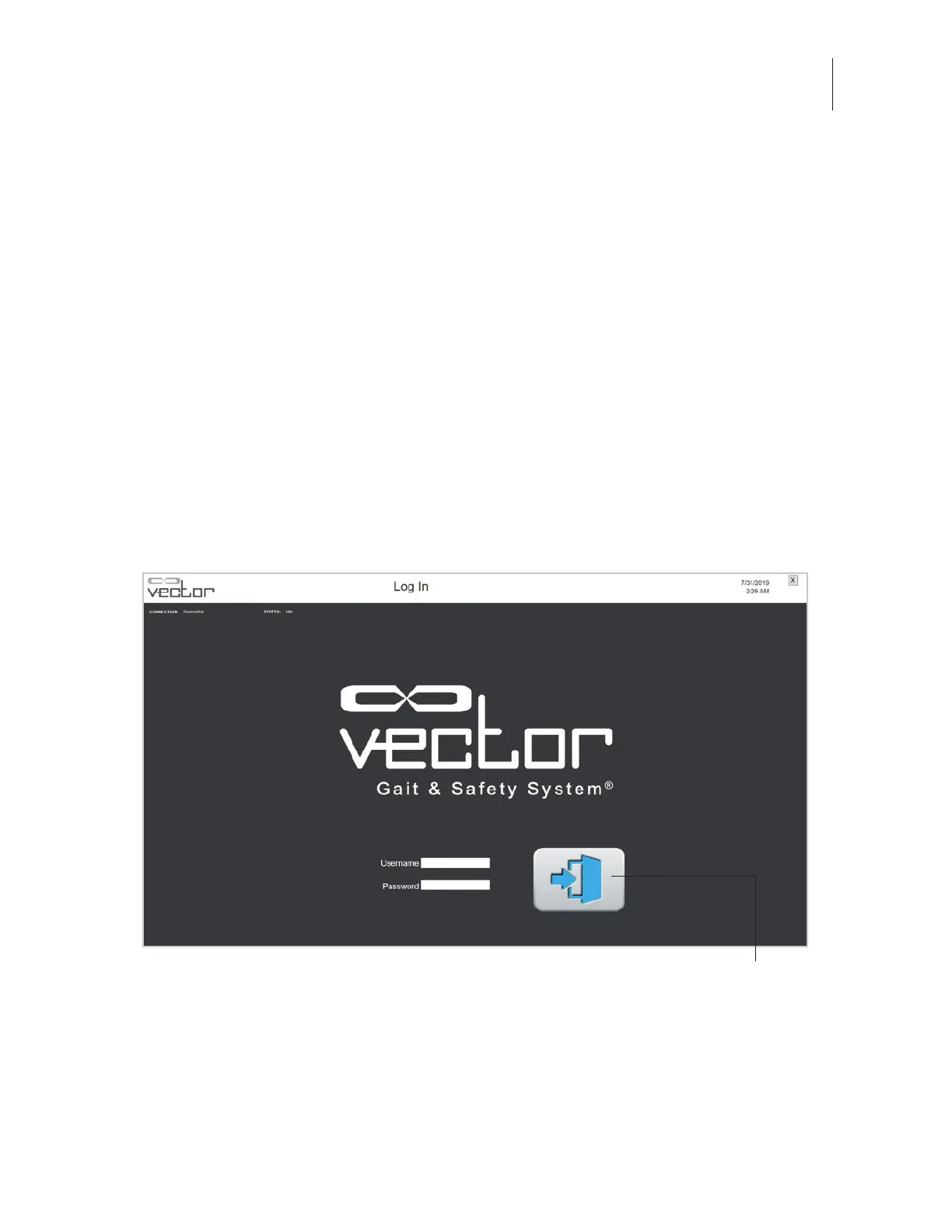
1. From the Vector login screen enter an administrator user name and password. Press the Enter
button to log in. See Figure 11-1.
Figure 11-1: Vector Login Screen
Enter



 To Next Page