86
Clinician's Guide
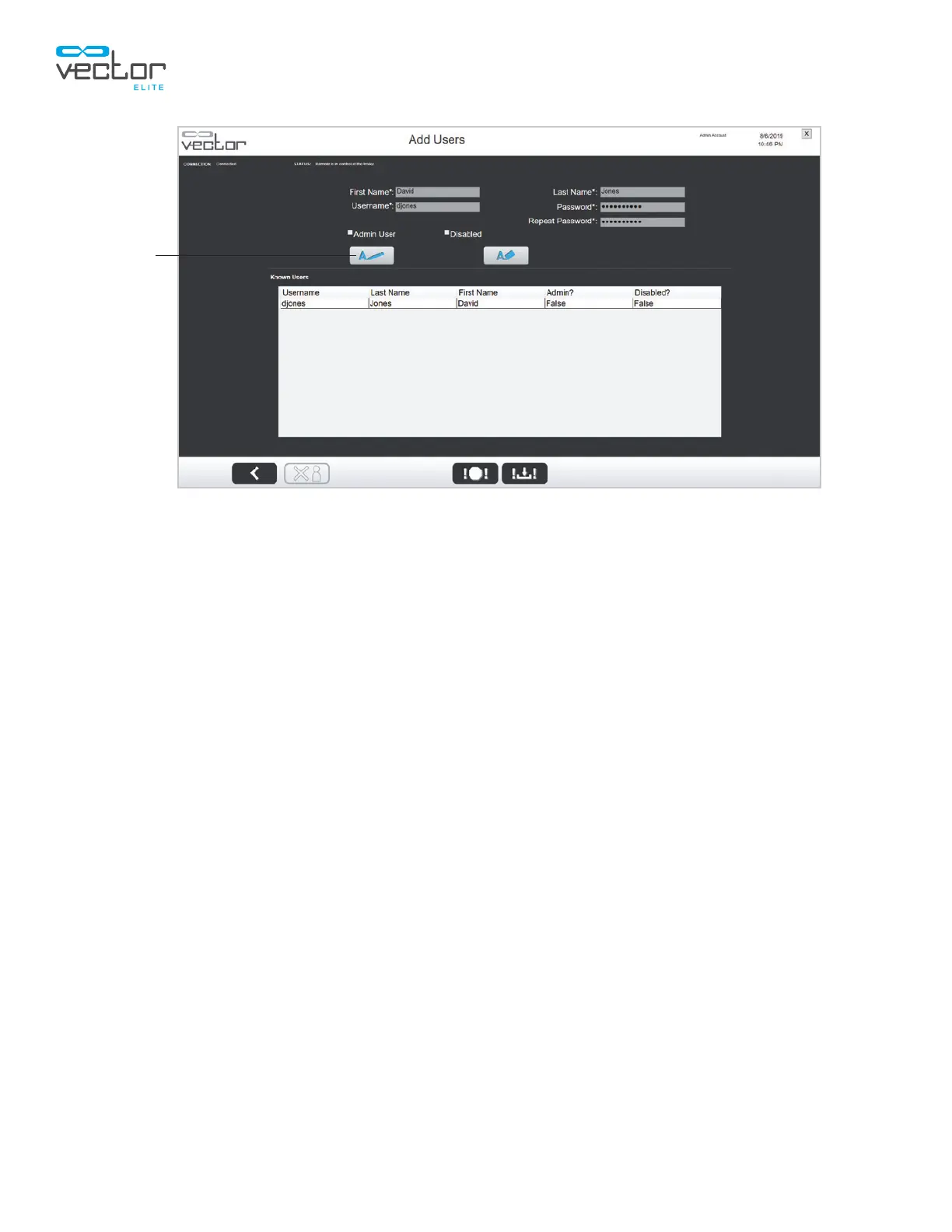
Figure 11-5: Add Users Screen
(Edit User Account)
Disable a User Account
To disable a user account:
1. Select the user's name from the Known Users list.
2. Press the Edit button.
3. Check the box next to “Disabled”.
4. Press the Save button.
5. To return the Admin Menu screen, press the Back button. See Figure 11-6.
Backup and Restore Database Menu
The Backup and Restore Database Menu allows the administrator to backup the database to a disc and
restore the database to the PC. Every time a user starts the Vector Elite system, a program automatically
backs up the database as encrypted files.
Edit
Back



 To Next Page