87
Chapter 11 - Vector Elite Software Administrator Menu
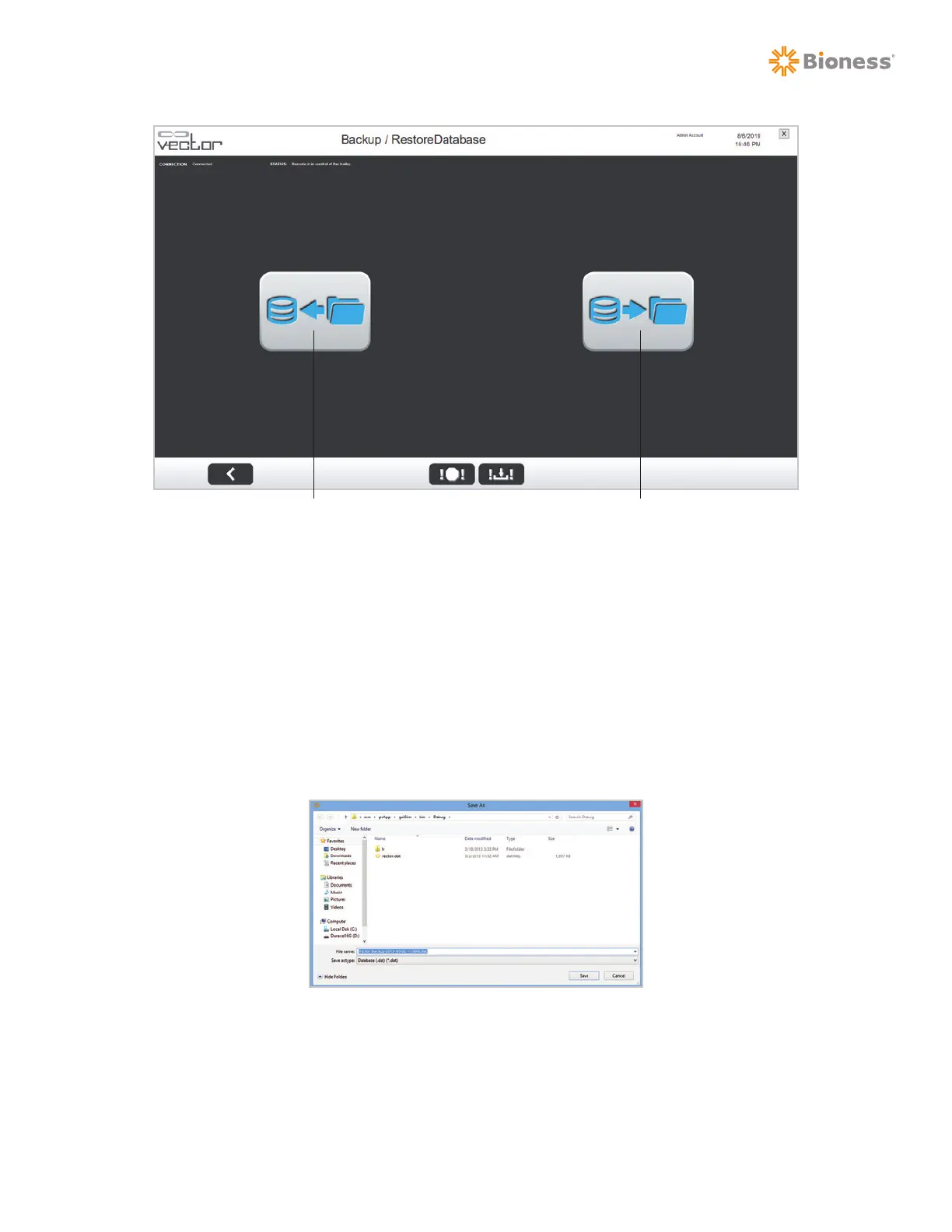
Figure 11-6: Backup/Restore Database Screen
To Backup the System to a Disc:
1. From the Admin Menu screen, press the Backup/Restore Database button. See Figure 11-2.
2. The Backup/Restore Menu screen will open. See Figure 11-6.
3. Press the Backup Database button to backup the system database onto a disc or external hard
drive.
4. A Save As window will appear. The content will be save as a ".dat" file. Select the location to store
the file, name the file and press the Save button. See Figure 11-7.
Figure 11-7: Backup Database Save As Window
To Restore the Database to the PC:
1. From the Backup/Restore Menu screen, press the Restore Database button. See Figure 11-6.
Backup Database Restore Database



 To Next Page