92
Clinician's Guide
Elite Trolley Light Indicators
The Vector Elite trolley has a indicator light located on the posterior of the trolley body.
Light
Description
Meaning Solution
Green light
Power is on and the
Vector Elite system
started properly
N/A
Red light
The Vector Elite trolley has
detected a safety relay and
goes into safe mode.
The Vector Elite system requires power cycling
to reboot:
• Turn the power off
• Turn the power back on
• Restart the Vector Elite software application
Table 12-1: Vector Elite Trolley Indicator Lights
Troubleshooting Error Codes
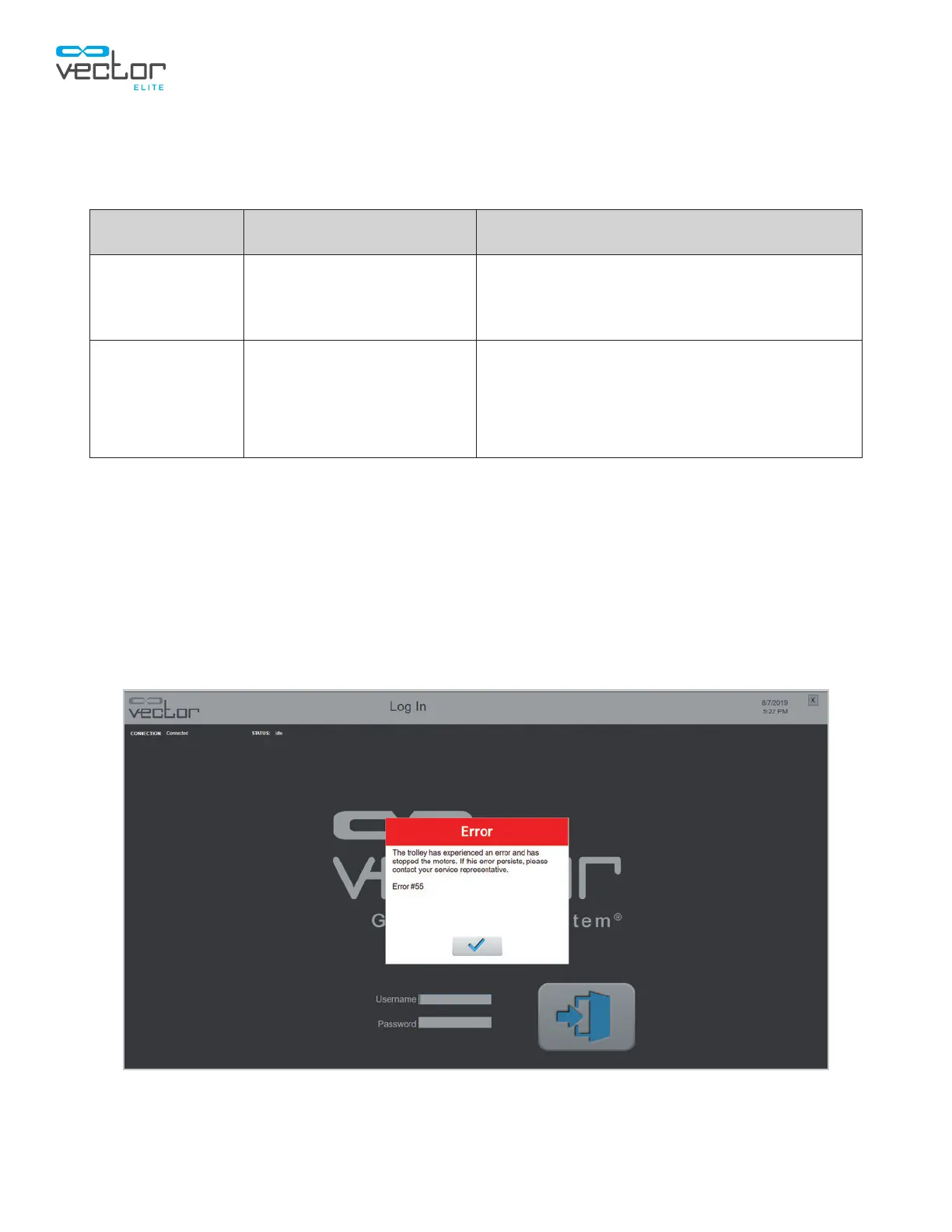
When a trolley error is detected, an Error Code will appear. These errors will cause the Vector Elite
trolley to stop the motors and enter safe mode. The Error Codes all show the same message with
specific number representing each Error Code. See Figure 12-1. at the end. See Tables 12-2 and 12-3
for descriptions of the Error Code.
Figure 12-1: Error Message Example



 To Next Page