Chapter
4
9
Chapter 4 - Starting the Vector Elite System and Software
Starting the Vector Elite System and Software
Turning the System On and Off
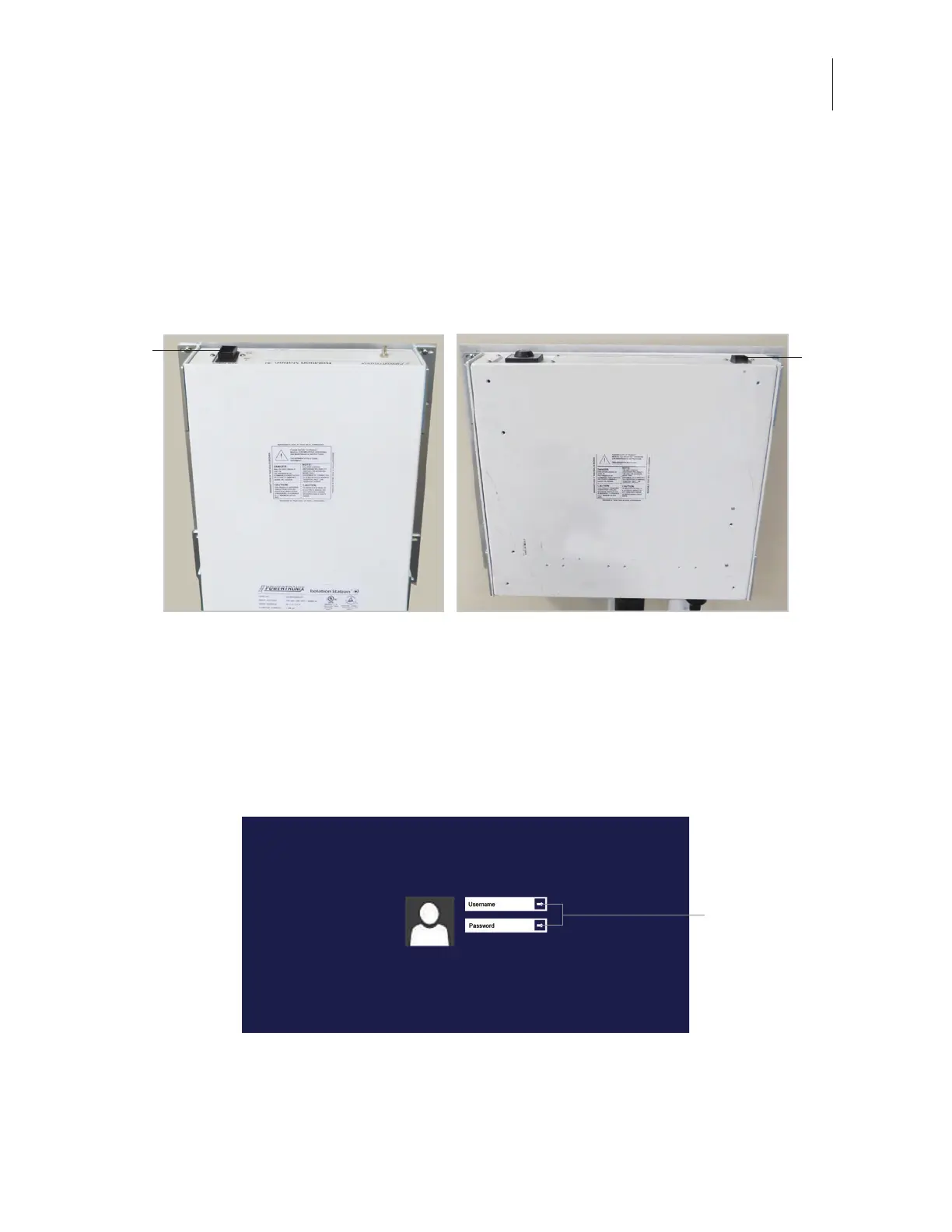
1. Turn the power switch, located on the wall mounted power supply box to the ON position. See
Figure 4-1.
Figure 4-1: Location of Power Switch on the two models of Power Supply Boxes
2. The Vector Elite trolley will initialize. After approximately 90 seconds, a green light on the posterior
of the trolley body will appear, indicating that the power is on and the system started properly.
3. After the power has been turned on, turn on the touchscreen PC.
4. Touch the middle of the display screen and slide up with finger to reveal the Windows login screen.
See Figure 4-2.
Figure 4-2: Windows Login Screen
5. Use the keyboard to enter in your user name and password. Press the enter arrow button.
6. Press the desktop icon on the touch screen display.
Power
Switch
Power
Switch
Enter Arrow



 To Next Page