10
Clinician's Guide
Launching the Vector Gait & Safety Software
1. To launch Vector Elite software click on the Vector Gait & Safety System Icon on the desktop.
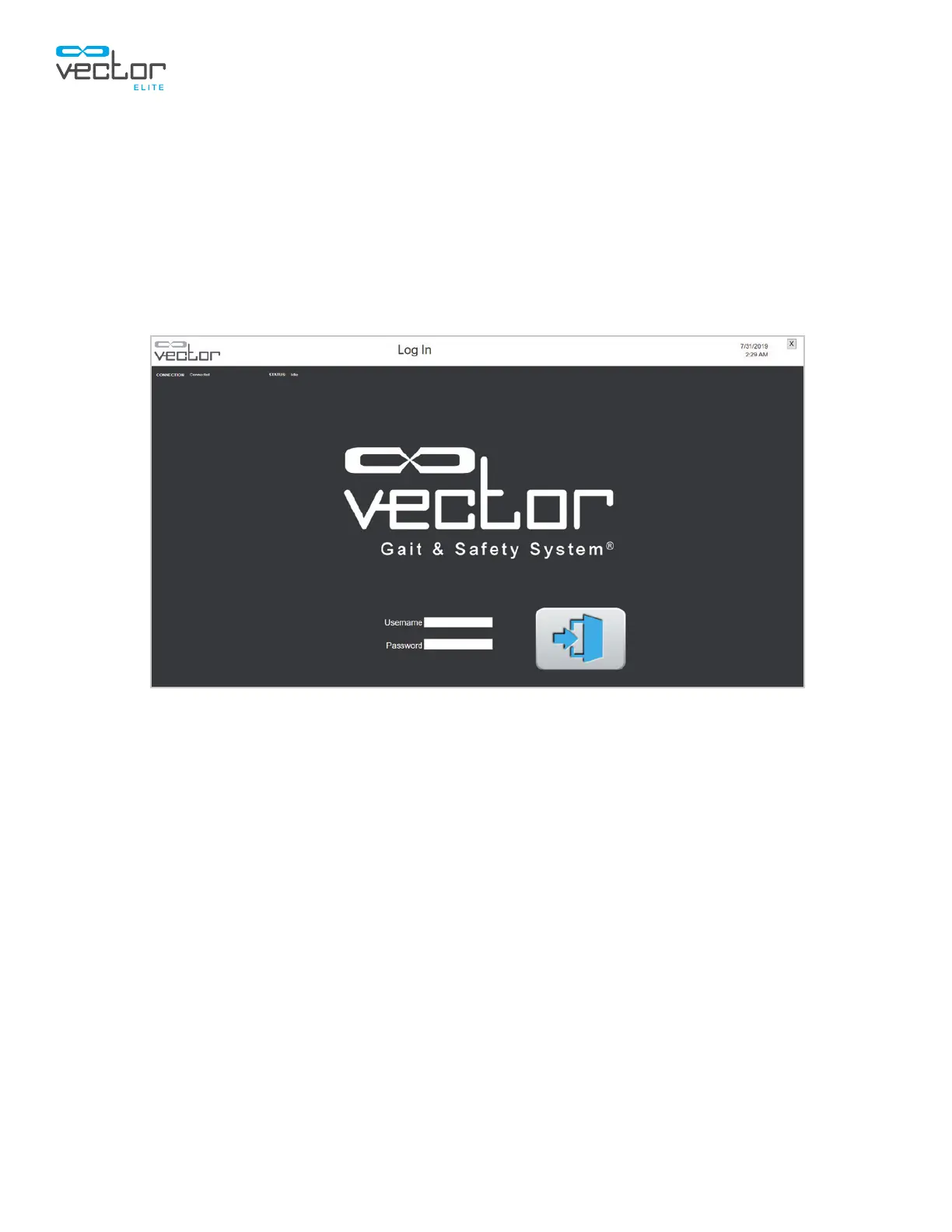
2. The login screen will open. Use the keyboard to enter in your user name and password. Press
the green arrow button to login. See Figure 4-3.
Note: Login user name will be set up when the administrator creates new user accounts.
3. The Main Menu screen will open. See Figure 4-4.
Figure 4-3: Login Screen
Main Menu Screen
The Vector Elite main menu screen has four menu options for a single-trolley configured system and five
menu options for a multi-trolley configured system. The menu options appear as buttons with descriptive
icons on the Main Menu Screen. See Figures 4-4 and 4-5.
Main Menu Options, Single Trolley Configured System
• Patient Training menu – This option allows the user to access the patient database, create a new
patient account, and start a training session.
• Manual Control menu – This option allows the user to control the Vector Elite trolley manually
without needing to select a patient account.
• Summary menu – This option allows the user to view a patient’s training history data.
• Reference Library menu – This option allows the user to access training videos, and the Vector
Elite Clinician’s Guide.



 To Next Page