37
Chapter 6 - Advanced Training Features
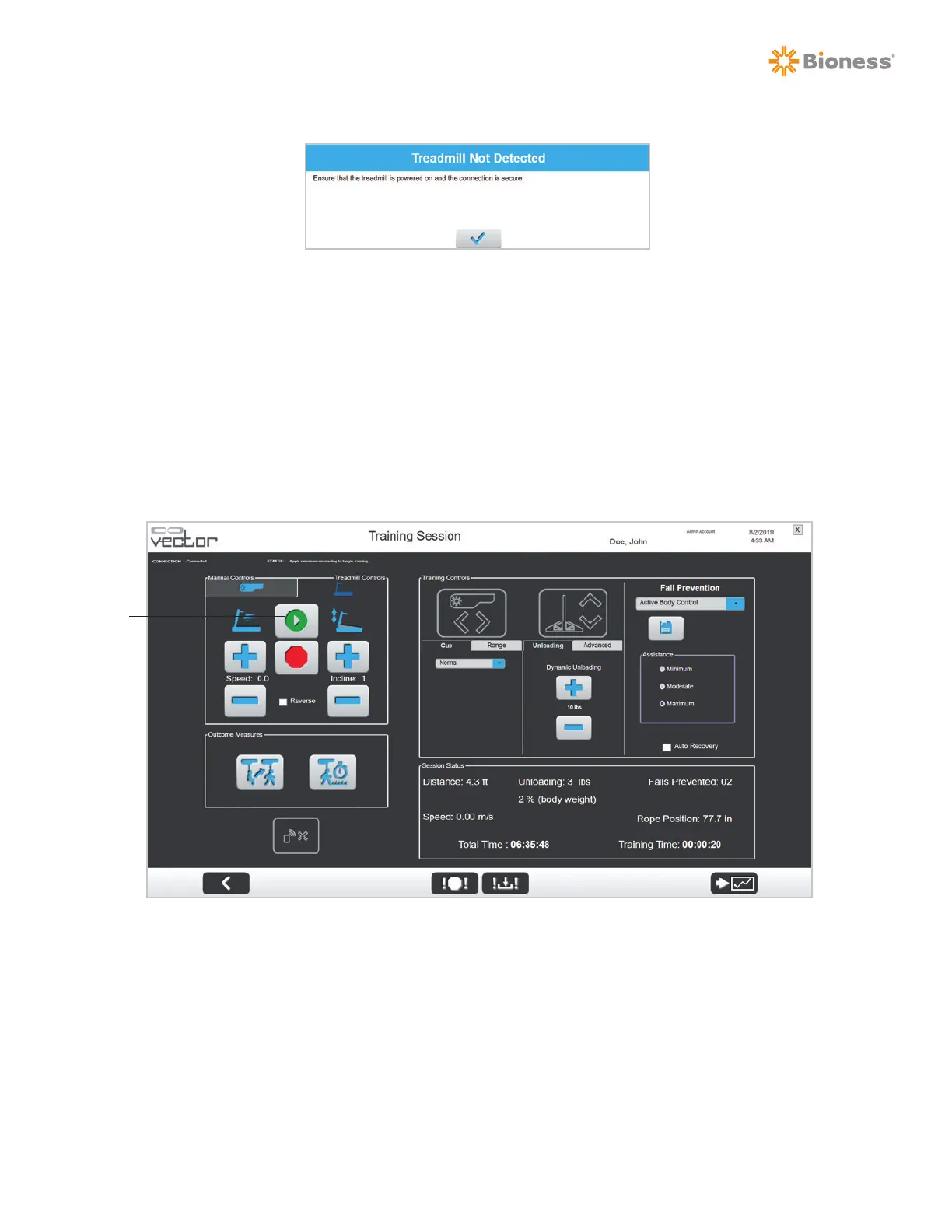
Figure 6-13: Treadmill Connection Error
Treadmill Controls
After establishing connection with the treadmill, the Treadmill Controls Tab on the Vector software can
be used to start, stop, and modify settings on the treadmill. Speed, incline, and belt direction can be
adjusted from the PC or Remote Control. See Figure 6-14.
Note: The Treadmill Control Tab will remain enabled on both the PC and Remote Control at all times,
regardless of which device is being used to control the trolley.
Figure 6-14: Training Session Screen with Treadmill Controls Enabled
Note: With an established treadmill connection, the treadmill can be operated from the PC, Remote
Control, or main treadmill interface. However, it is recommended to keep the treadmill on its main menu
and control it primarily though the Vector software while connected.
1. To initiate a treadmill training session, press the Start button. See Figure 6-14.
Note: If the system does not detect a minimum of 10 pounds on the spreader bar, an error will be
displayed and the treadmill will not start. See Figure 6-15.
Start



 To Next Page