44
Clinician's Guide
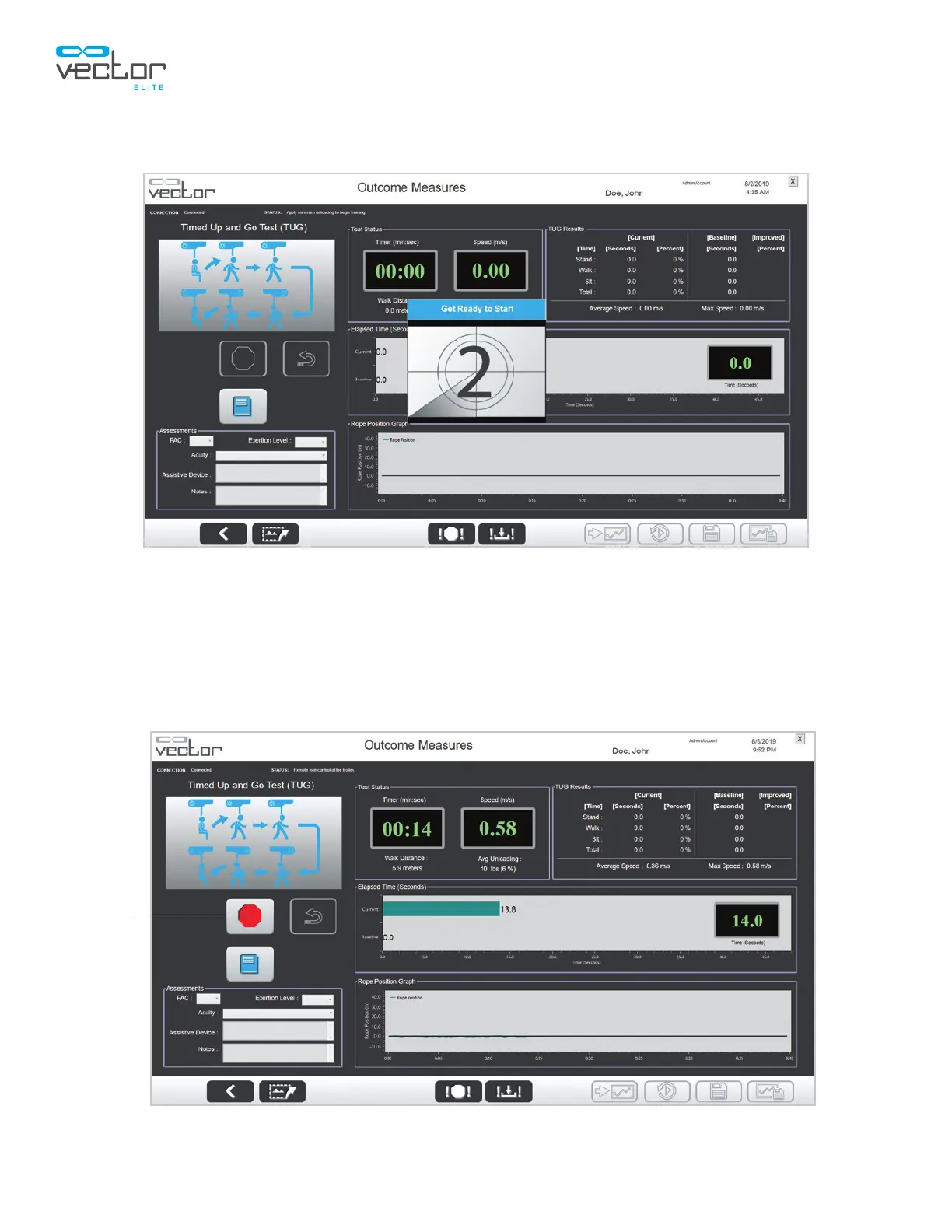
5. A Get Ready to Start window will appear and the countdown will begin. See Figure 7-3.
Figure 7-3: Get Ready to Start Window
6. The patient will then stand, walk out 3 meters to the cone, turn around by walking around the
cone, walk back, and return to a seated position in the chair. Once the patient sits back in the
chair, press the Stop button to end the TUG test. See Figure 7-4.
Note: The Stop button can be pressed at any time to cancel the test.
Figure 7-4: Outcome Measures TUG Test Screen (Active Test)
Stop



 To Next Page