53
Chapter 8: Manual Control, Summaries, and Reference Library Menus
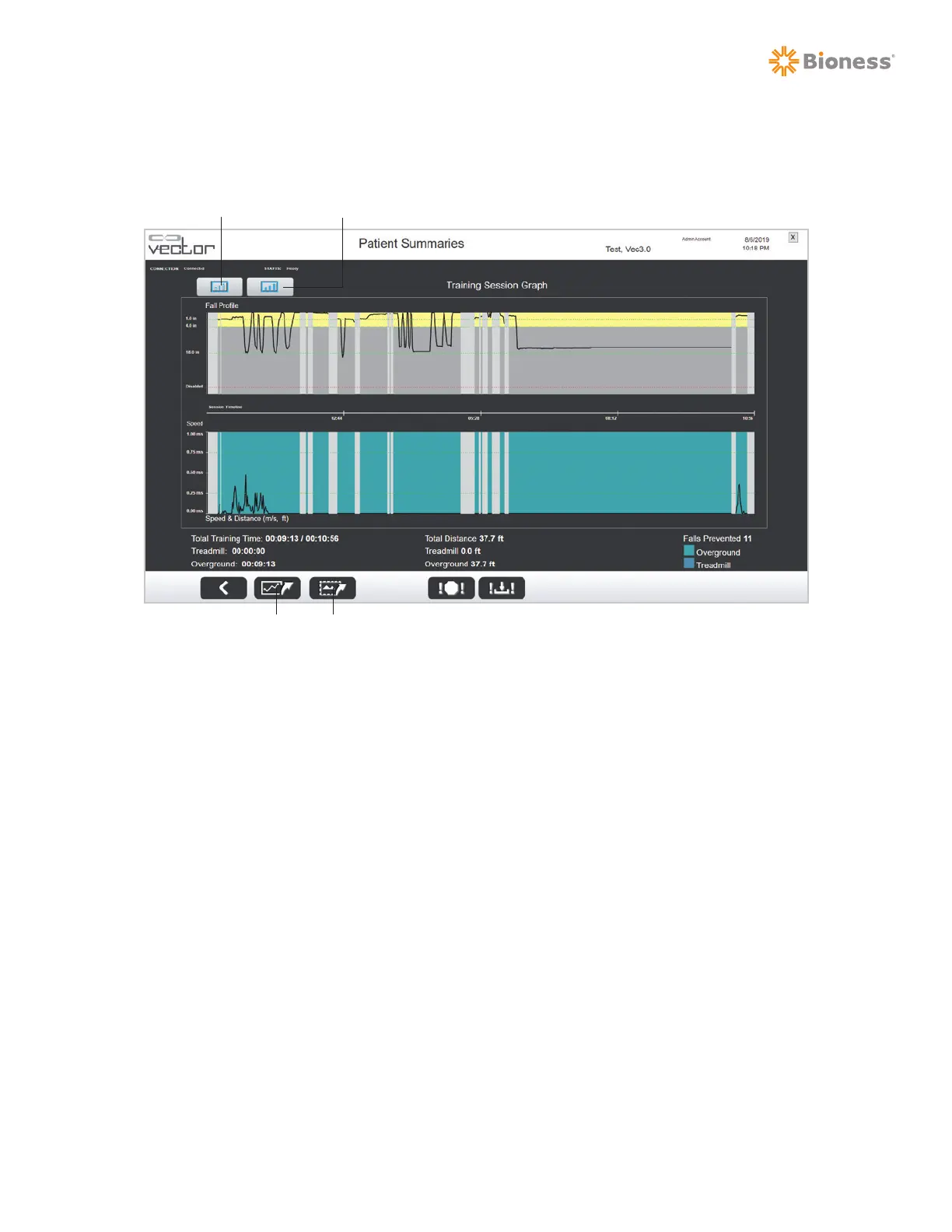
7. From the Training Session Summary screen, press Training Session Graph. See Figure 8-6. This
displays the summary in graph format. See Figure 8-7.
Figure 8-7: Training Session Graph
8. To go back to the Training Session Summary screen, press the Training Session Summary button.
9. To go to the Training History screen, press the Training History button. See Figure 8-8.
10. You can access the Training History screen from the Patient Training Summaries screen, by
selecting a patient from the Known Patients list and press the Training History button. You'll see
the results (as bar graphs) from multiple sessions for the selected patient.
Training Session Summary
Training History
Export Data Export Screen



 To Next Page