64
Clinician's Guide
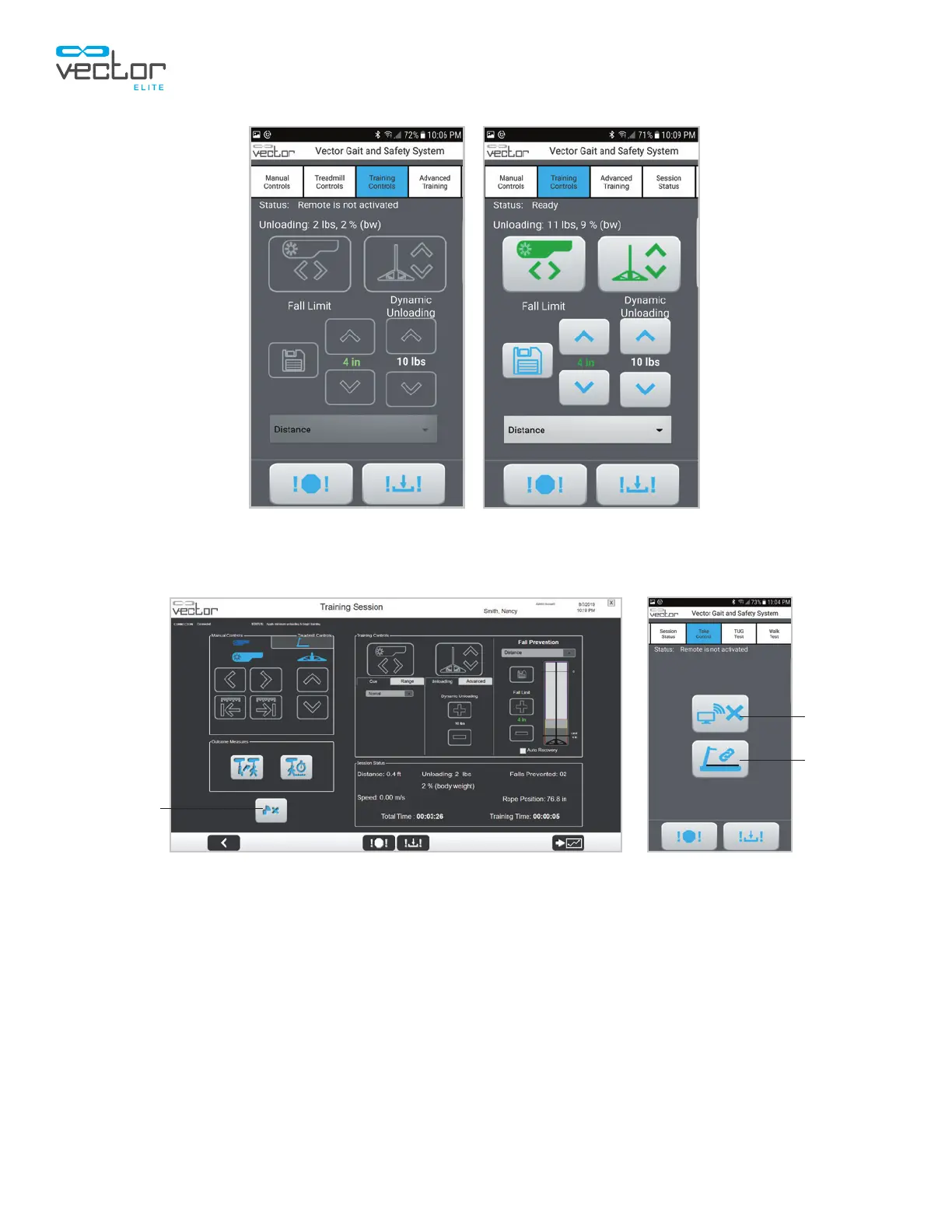
Figure 9-6: Example of Status Displays for Remote Control
(Left) Remote Is Not In Control of Trolley, (Right) Remote Is In Control of Trolley
Figure 9-7: Location of Take Control Button, PC (Left) and Remote Control (Right)
If the controlling device loses communication with the Vector Elite trolley, the trolley will automatically
transfer control to the other device. For example, if the remote control battery dies while in use, the trolley
will automatically transfer control to the PC. If both the PC and the remote control lose communication
with the trolley, then the trolley enters a safe state where both motors stop moving until a recognized
device is in control again.
Connect
Treadmill
Take
Control
Take
Control



 To Next Page