Rev. 3.1 6.SpO2 124
BM5 (CS,CX) User’s Manual
6.2 SpO2 Data Window
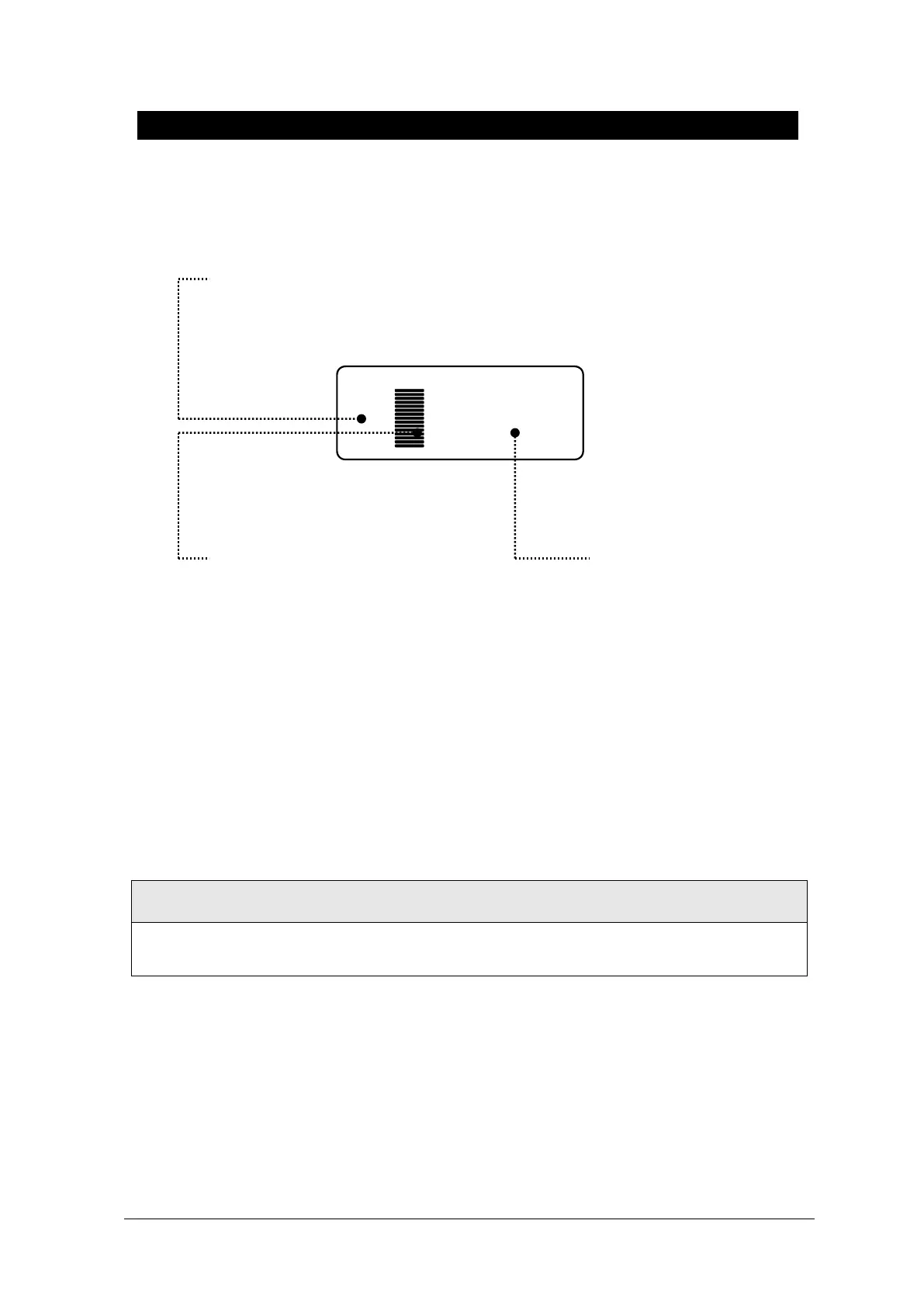
The current SPO2 value and the derived pulse rate (RATE) are displayed. The block sets indicate
the strength of the signal (twenty block bars indicate the strongest signal). The SPO2 measurements
are averaged over a 6-second period of time.
The monitor display is updated every second.
The SPO2 monitoring features are found in the SPO2 menu. These features include alarm limit
adjustment, display of RATE, and RATE volume.
SpO
2
WAVE SIZE is changed automatically.
SpO
2
Strength indicators:
Indicates SpO
2
Strength in a bar
graph.
SpO
2
Alarm Limit: Indicates
an SpO
2
alarm limit
Oxygen Concentration in the
Blood(SpO2 value)
: Indicates %SpO
2
in numbers.



 To Next Page