Rev. 3.1 11.TEMPERATURE
BM5 (CS,CX) User’s Manual
11.3 Temperature Data Setup
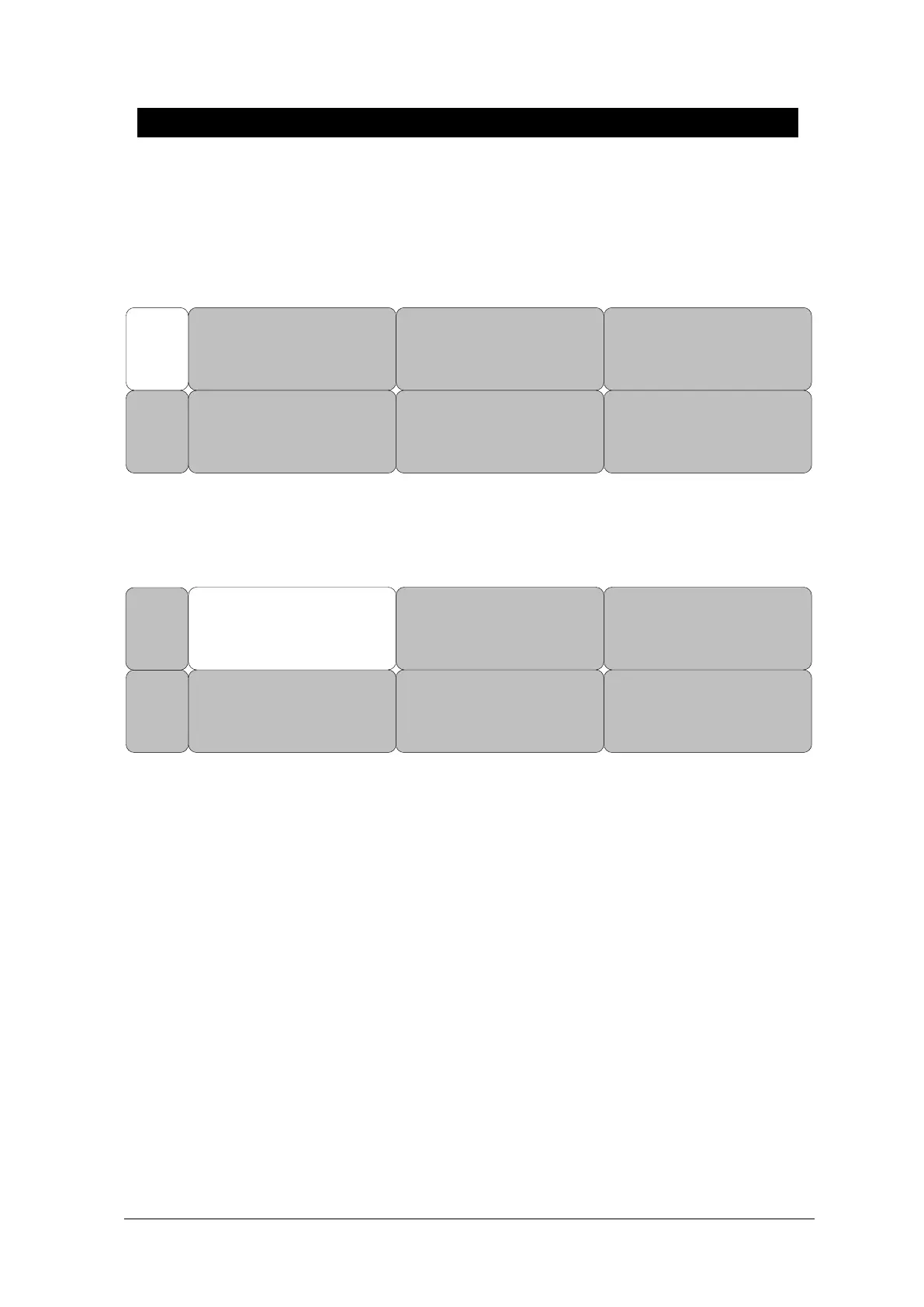
ALARM: Temperature measurement alarm set
UNIT: Temperature measurement unit set
ALARM
UNIT
SELECT:
°C
MAIN
MENU
ALARM
Alarm menu provide ALARM LIMIT and ALARM.
Setting numeric value is 0.0℃ ~ 50.0℃.
ALARM
UNIT
SELECT:
°C
MAIN
MENU
1. Move the ▶ mark to select either RETURN or TEMP, and press.
2. After pressing the cursor at TEMP, move it to LOW, and press.
3. When the color has changed, move the cursor again to select a target value, and press.
4. Move the cursor to HIGH and press. After the color has changed, move the cursor again
to select a target value, and press. (One may choose HIGH first to get the same result.)
5. Select RETURN to get out of the menu.



 To Next Page