EasyManua.ls Logo

Bionet BM5 - Color and Waveform Settings

Bionet BM5
219 pages
Print Icon
To Next Page IconTo Next Page
To Previous Page IconTo Previous Page
Loading...
Rev. 3.1 3.SETUP 75
BM5 (CS,CX) Users Manual
06-DEC-2007
SET
DATE:
PREV
MENU
MAIN
MENU
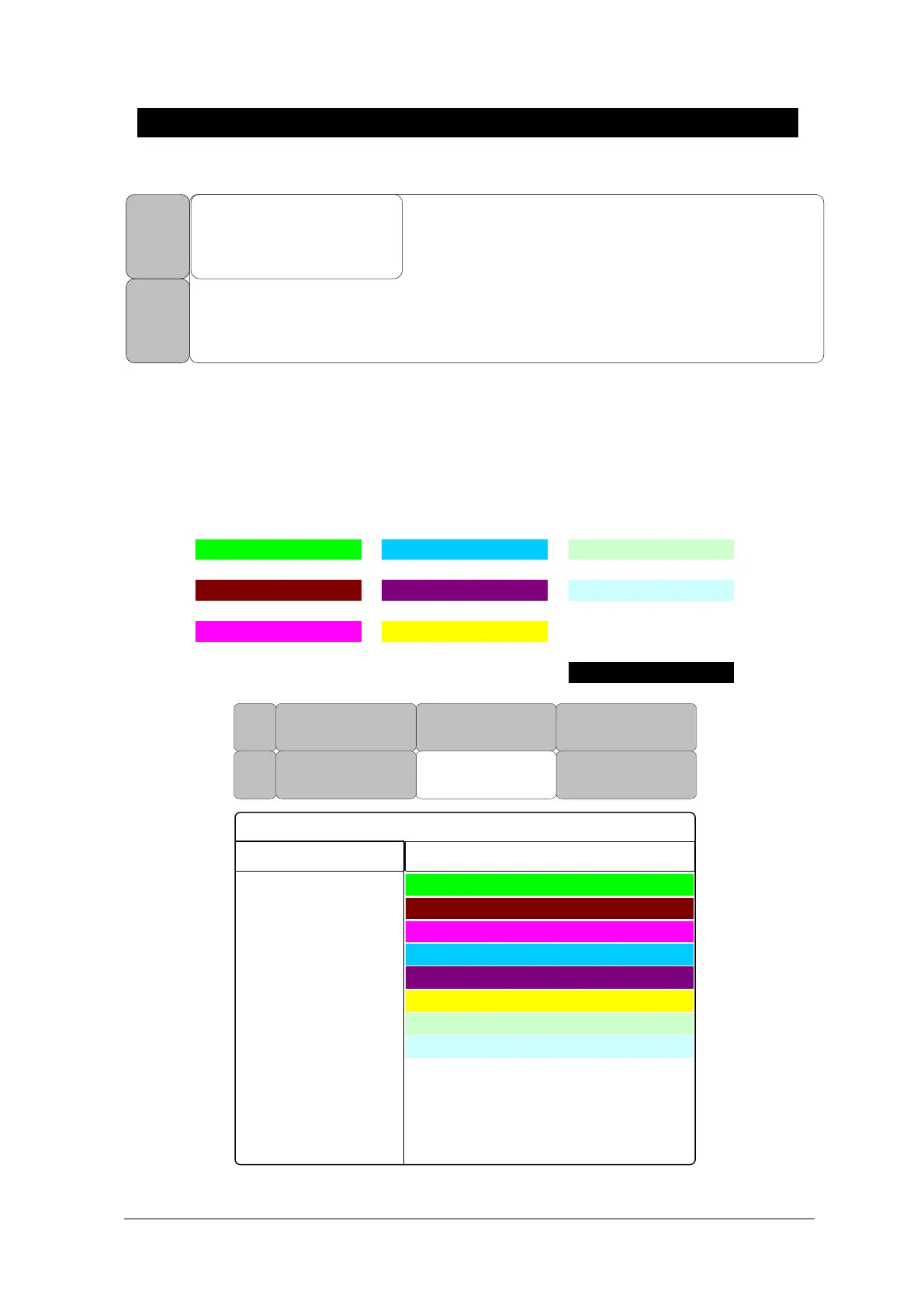
COLOR SELECT
This is the menu to set the waveform and parameter color selection.
It has ten color below table.
The color of parameter could be changed in ten colors from following table.
BLACK
WHITE
PALE GREEN
YELLOW
PURPLE
LIGHT BLUE
PINK
GREEN
SCARLET SKY BLUE
HR
SOURCE:
ECG
COLOR
SELECT
SWEEP
SPEED:
25mm/s
SET
PARA
WAVE
SELECT:
ECG
SET
DATE & TIME
PREV
MENU
MAIN
MENU
WINDOW ON/OFF
ECG ON
SPO2 ON
RESP ON
NIBP OFF
TEMP OFF
IBP1 OFF
IBP2 OFF
EtCO2 OFF
PARAMETER COLOR SELECT
SKY BLUE
SCARLET
GREEN
PINK
LIGHT BLUE
PURPLE
YELLOW
PALE GREEN
RETURN

Table of Contents

Related product manuals