Rev 3.1 9. IBP 152
BM5 (CS,CX) User’s Manual
9.2 IBP Data Window
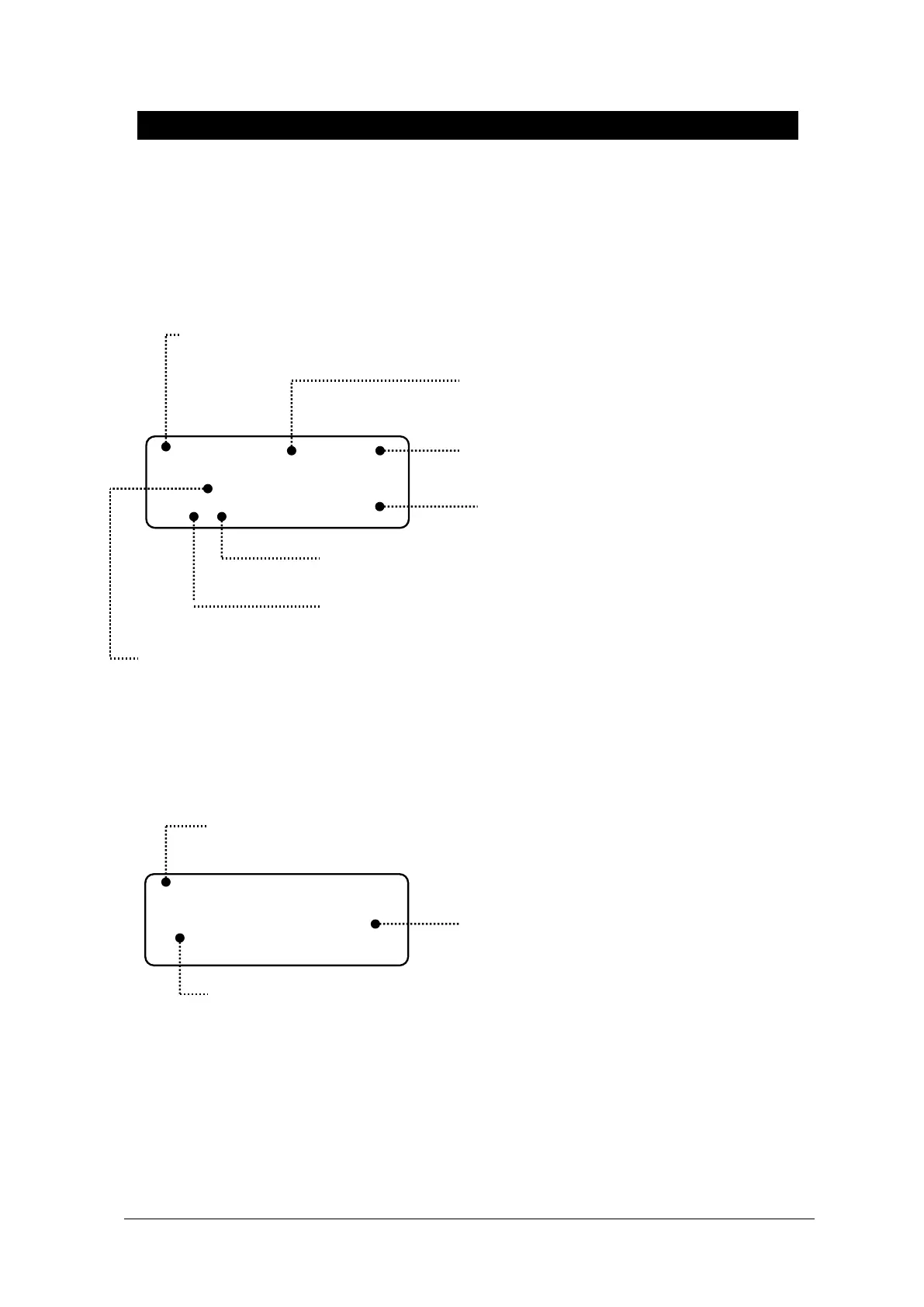
Different data windows are displayed on the screen according to the measuring positions.
Mean Blood Pressure:
Indicating mean blood pressure value
Measuring Position:
Position of blood pressure measurement
Diastolic Blood Pressure:
Indicating minimum blood pressure value
Systolic Blood Pressure:
Indicating maximum blood pressure value
Blood Pressure Rate:
Indicating pulse rate.
Alarm Limits Value:
Indicating configured alarming range of blood
S: Indicating configured
Range level of systolic
pressure
Mean Blood Pressure:
Indicating mean blood pressure value
Alarm Limits Value:
Indicating configured alarming range of blood
Measuring Position:
Position of blood pressure measurement



 To Next Page