Rev.3.1 12. PRINT
BM5 (CS,CX) User’s Manual
PRINTER
TIME:
30SEC.
WAVE
FORM3:
RESP
WAVE
FORM2:
III
PRINTER
SPEED:
25mm/s
PRINTER
KEY:
DELAY
WAVE
FORM1:
II
PREV
MENU
MAIN
MENU
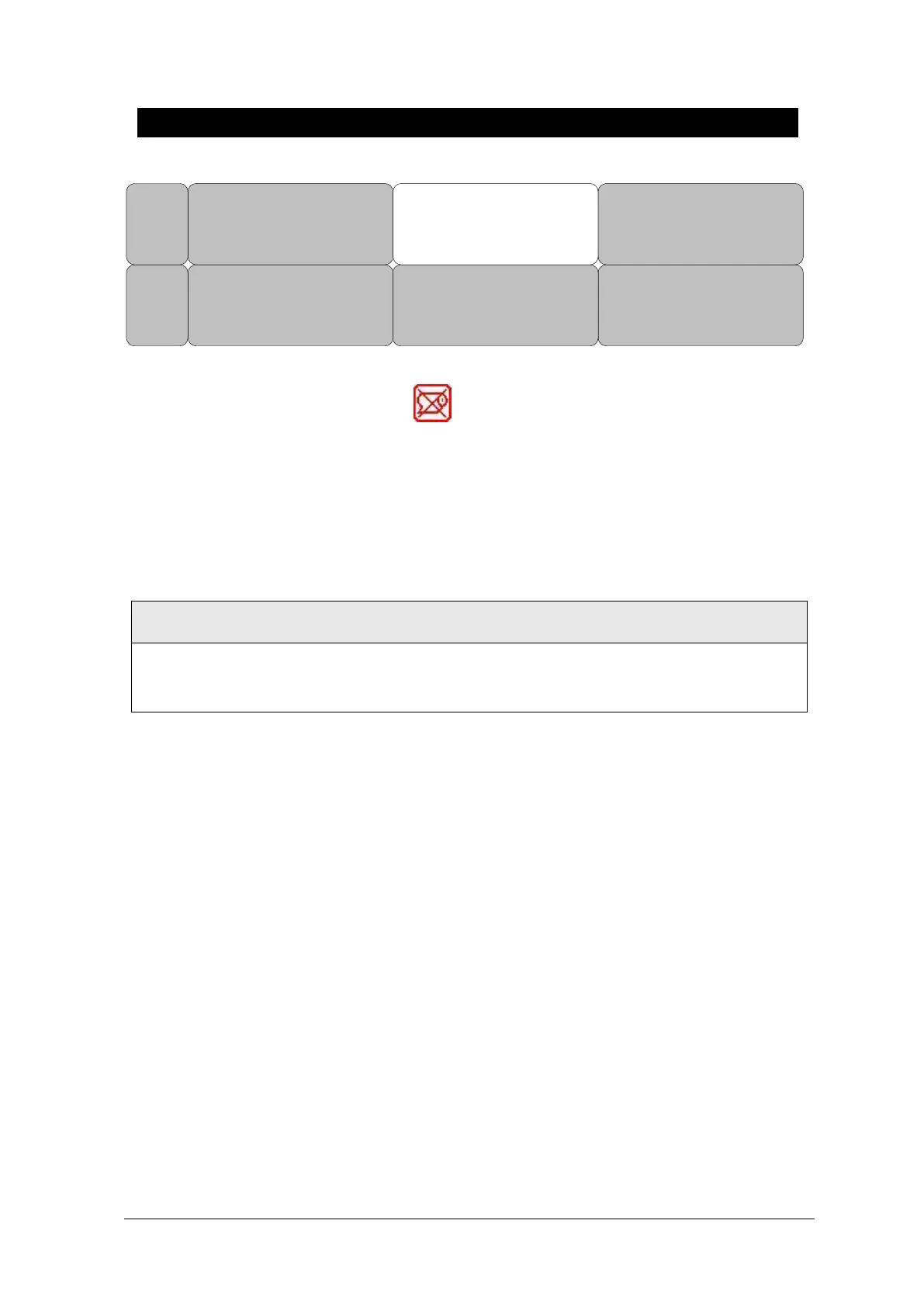
If there is no print sheet, no paper icon of appears.
Thermal Paper Storage
To avoid fading of traces or deterioration, follow these precautions:
These precautions apply to both unused paper as well as paper that has already been run
through the printer.
• Store in cool, dark locations. Temperature must be below 27°C (80°F). Relative humidity must be
between 40% and 65%.
• Avoid exposure to bright light or ultraviolet sources such as sunlight, fluorescent, and similar
lighting which causes yellowing of paper and fading of tracings.
• AVOID CONTACT WITH: cleaning fluids and solvents such as alcohols, ketones, esters, ether, etc.
• DO NOT STORE THERMAL PAPER WITH ANY OF THE FOLLOWING:
• carbon and carbonless forms.
• non-thermal chart papers or any other products containing tributyl phosphate, dibutyl phthalate,
or any other organic solvents. Many medical and industrial charts contain these chemicals.
• document protectors, envelopes, and sheet separators containing polyvinyl chloride or other
vinyl chlorides.
• DO NOT USE: mounting forms, pressure-sensitive tapes or labels containing solvent-based
adhesives.
To assure MAXIMUM TRACE IMAGE LIFE, thermal paper should be stored separately in: manilla
folders, polyester or polyimide protectors.



 To Next Page