Rev. 3.1 1.BASIC
BM5 (CS,CX) User’s Manual
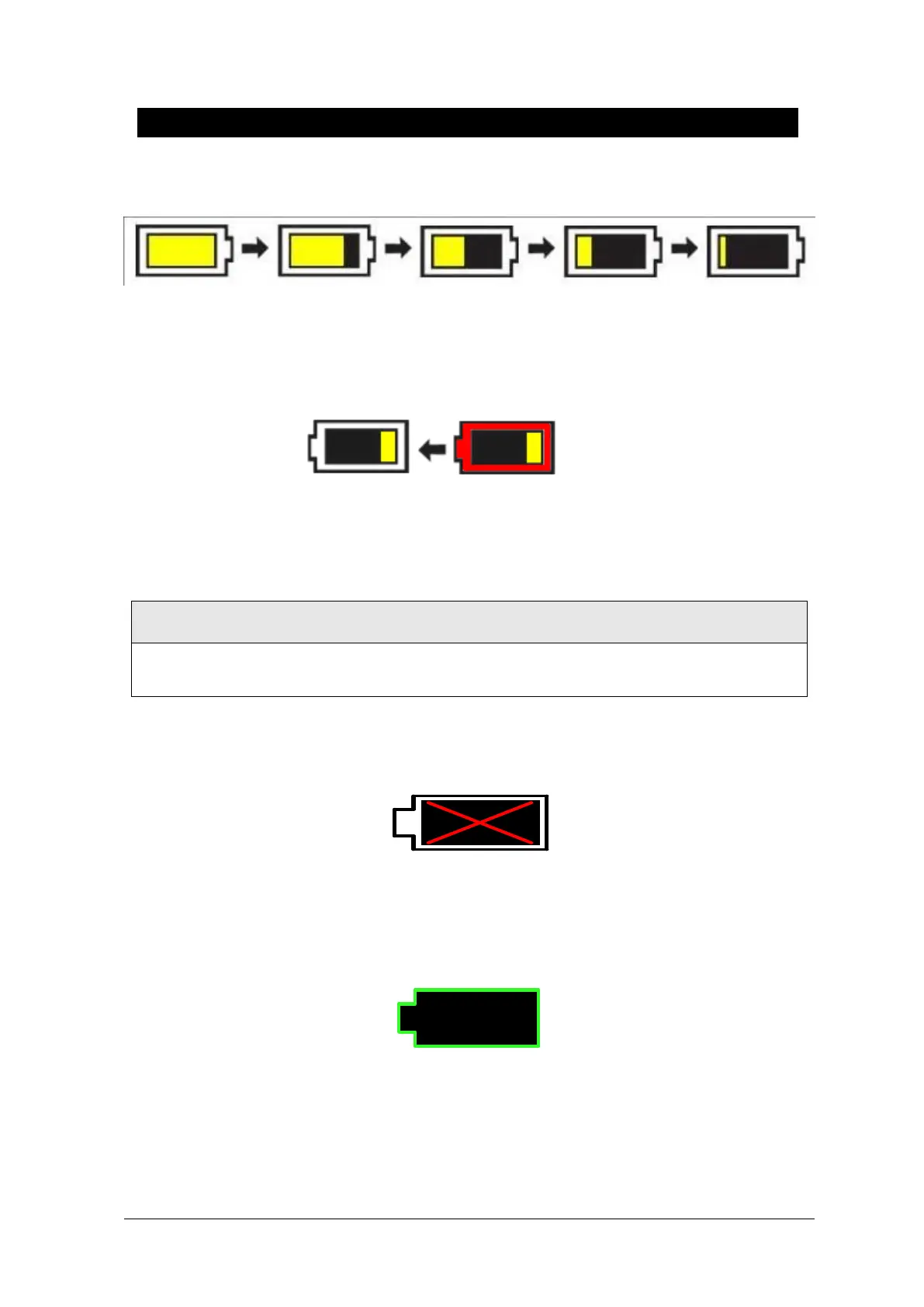
(100% -> 75% -> 50% -> 25% -> 0%)
When remained battery is less than 25%, the battery icon box is turned to red one with blink.
The device will be turned off automatically after 5 minutes from that warning sign. In case of that
warning sign with red and blink at icon box, charge the device immediately with DC power
adaptor which is provided from BIONET.
-Battery charging time: More than 6 hours
-Continuous battery use time: Lowest 1 hour to highest 2 hours continuous use (buffering)
Check the electrodes of batteries before charging them.
6. Battery status indication: When battery is apart from equipment and out of order, it is shown by a
red `X' as shown below.
7. Low power supply: When you use the power of less than 16V, the battery indication disappears
and the ”LOW” indication is active.
Display of LOW power supply



 To Next Page