60–
10) Set the mode of channel power measurement
Command: CPMODE
*****
(
*****
=TOTAL. BAND)
11) Set the zone center frequency of channel power measurement
Command: CPCNTR
*******
(
*******
=Refer to [24.4 Input the frequency])
12)
Set the zone width of channel power measurement
Command: CPWIDTH
*******
(
*******
=Refer to [24.4 Input the frequency])
13) Set the mode of adjacent channel power mesurement
Command: ACPMODE
*****
(
*****
=TOTAL, REF, PEAK)
14) Set the band offset of adjacent channel power mesurement
Command: ACPOFS
*******
(
*******
=Refer to [24.4 Input the frequency])
15) Set the bandwidth of adjacent channel power mesurement
Command: ACPCHBW
*******
(
*******
=Refer to [24.4 Input the frequency])
16) Set the reference band center frequency of adjacent channel power mesurement
Command: ACPREF
*******
(
*******
=Refer to [24.4 Input the frequency])
17) Set the reference bandwidth of adjacent channel power measurement
Command: ACPREFBW
*******
(
*******
=Refer to [24.4 Input the frequency])
18) Set the mode of occupied bandwidth measurement
Command: OBWMODE
**
(
**
=N%, DB)
19) Set the N% ratio of occupied bandwidth mesurement
Command: OBWRATIO
***
(
***
=80.0 to 99.9[0.1step, unit: %])
20) Set the XdB down of occupied bandwidth mesurement
Command: OBWDB
***
(
***
=0.1 to 40.0[0.1step, unit: dB])
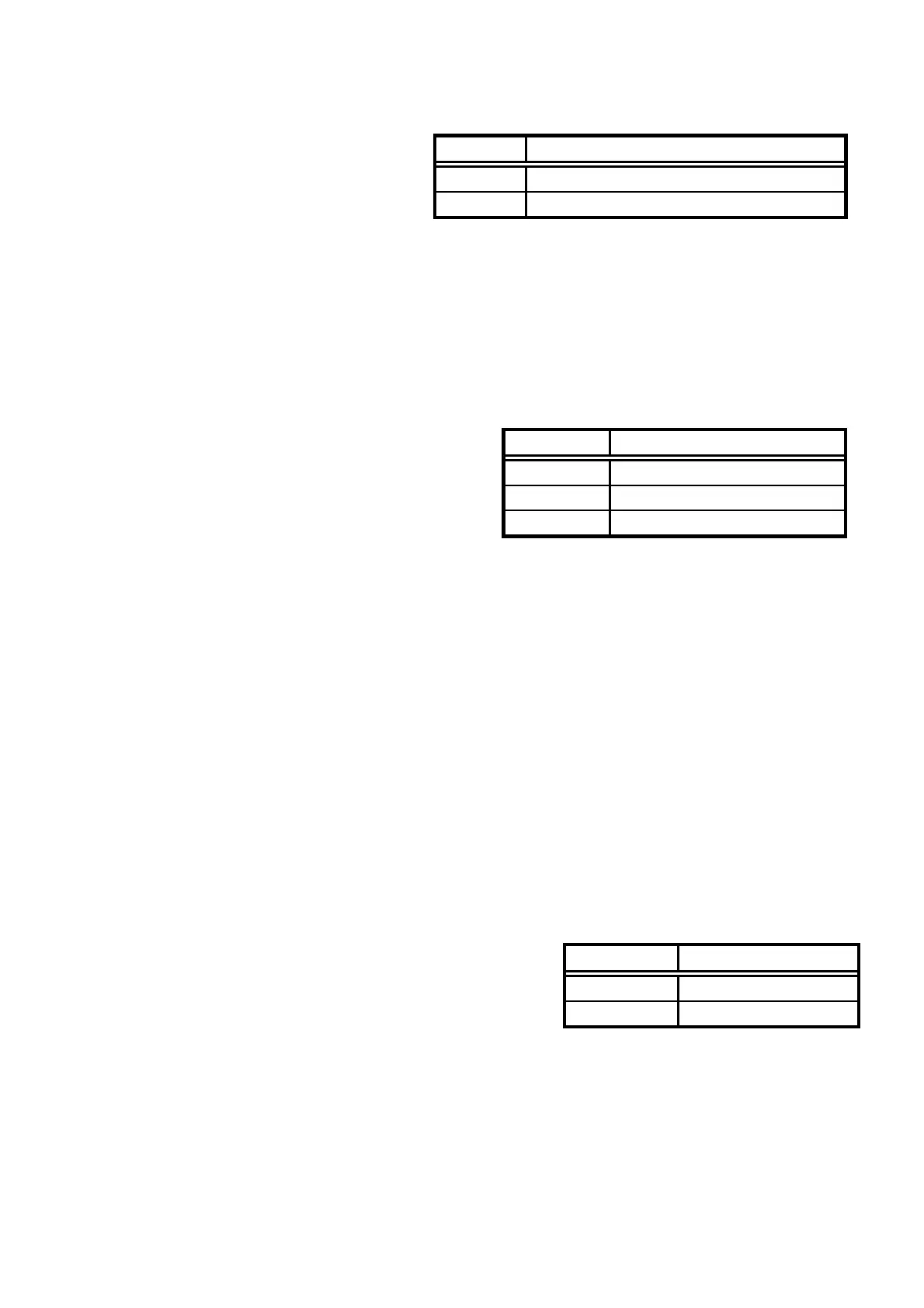
Command Mode
TOTAL Measure the power of whole range on the screen
BAND Measure the power within zone set
Command Mode
TOTAL TOTAL(total power method)
BAND BAND(in-band method)
PEAK PEAK(reference level method)
Command Mode
N% N% POWER mode
DB XdB DOWN mode
Test Equipment Depot - 800.517.8431 - 99 Washington Street Melrose, MA 02176
FAX 781.665.0780 - TestEquipmentDepot.com



 To Next Page