67 MT55 Operation & Maintenance Manual
LIFT ARM SUPPORT DEVICE
Installing
Never work on a machine with the lift arms up unless
the lift arms are secured by an approved lift arm
support device. Failure to use an approved lift arm
support device can allow the lift arms or attachment
to fall and cause injury or death.
W-2059-0598
Repair the support device if damaged or if parts are
missing. Using a damaged support device or with
missing parts can cause lift arms or boom to fall
causing serious injury or death.
W-2271-1007
Stop the mini track loader on a flat, level surface.
Remove any attachment from the mini track loader. (See
Installing And Removing The Attachment (Bob-Tach) on
Page 42.)
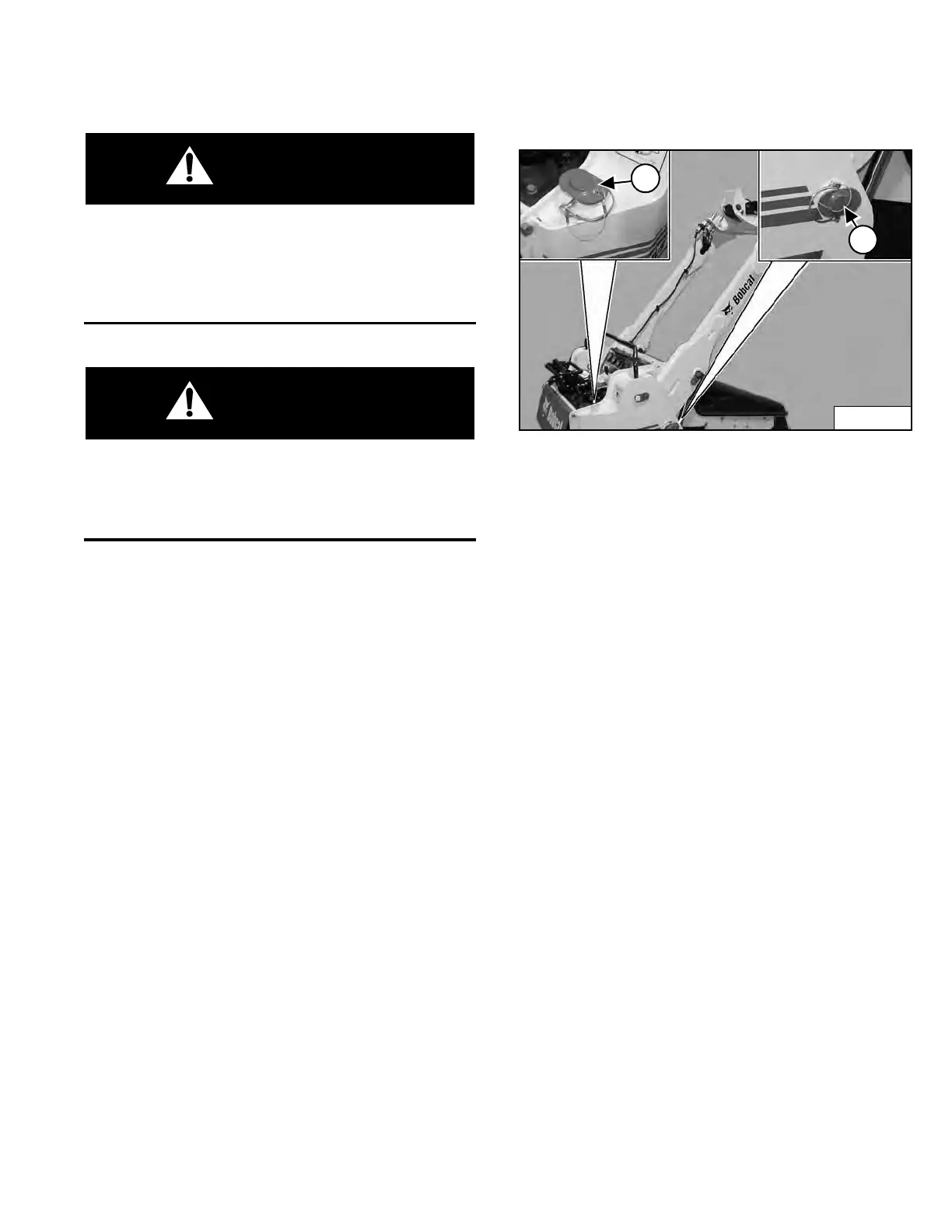
Figure 74
Remove the retainer pin and remove the lift arm support
device (Item 1) [Figure 74] from the storage position.
Start the engine, and raise the lift arms all the way up.
Install the lift arm support device (Item 2) [Figure 74] into
the machine frame bushings and secure with retainer pin.
Slowly lower the lift arms until movement stops.
Stop the engine.
Removing
Start the engine and raise the lift arms off the lift arm
support device.
Remove the retainer pin (Item 1) and remove the lift arm
support device (Item 2) [Figure 74].
Lower the lift arms and stop the engine.
Return the lift arm support device to the storage location.
Install the retainer pin to secure the lift arm support
device.
Dealer Copy -- Not for Resale



 To Next Page