787 Flight Crew Operations Manual
DO NOT USE FOR FLIGHT
Warning Systems -
Controls and Indicators
Copyright © The Boeing Company. See title page for details.
15.10.12 D615Z003-TBC
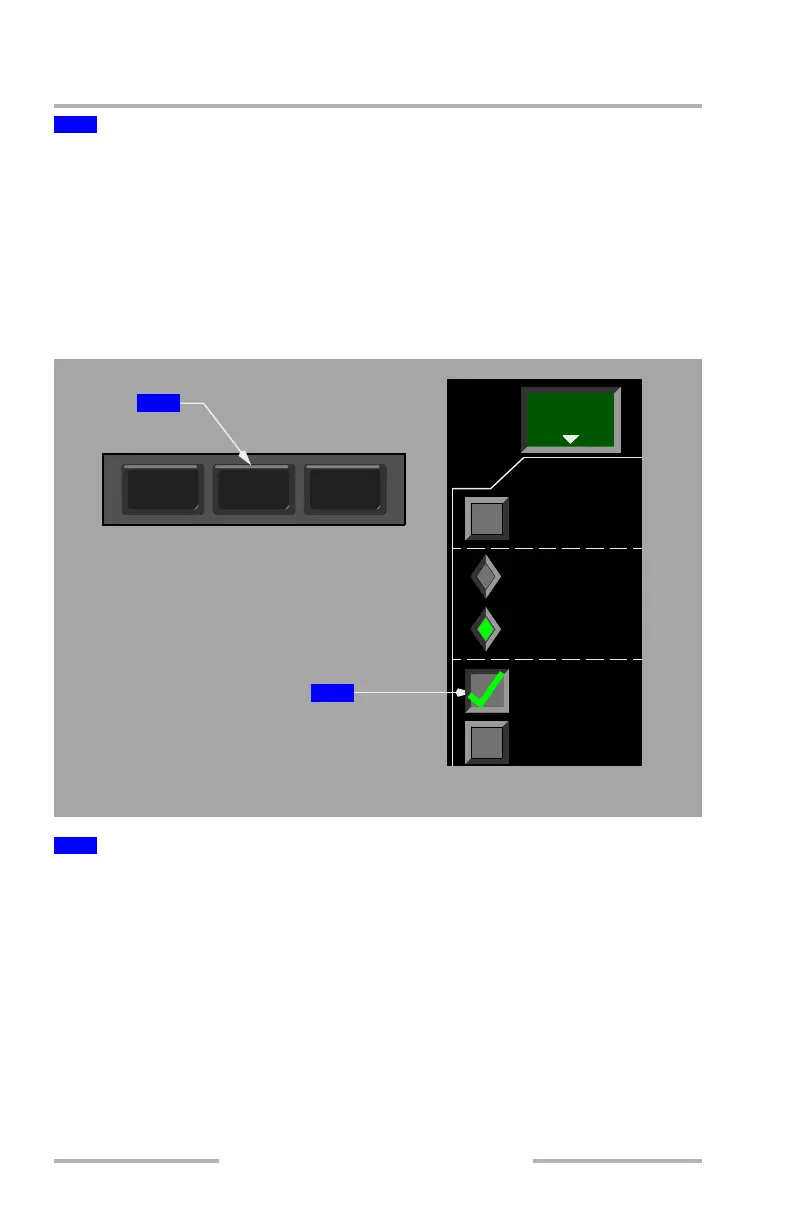
Push – toggles selection absolute and relative.
ABS – shows the altitude (in hundreds of feet) of TCAS traffic symbol data tags
in absolute barometric altitude.
REL – shows the altitude (in hundreds of feet) of TCAS traffic symbol data tags
relative to current flight altitude.
The default selection is configurable by the airline.
TCAS Display Selection
Push –
• selection applied to both the navigation display and the PFD mini-map
• 80 mile range
• TFC displayed in cyan on the lower left of navigation display and
mini-map
• traffic data displayed in MAP or MAP CTR modes
Second push – deselects traffic display.
2
XXXX TCAS Altitude (ALT)
1
Traffic (TFC) Switch
VSD
WXR
TERR
TFC
ARPT
MENU
EFIS CONTROL PANEL
NAVIGATION DISPLAY
WXR
TERR
TFC
1
2
August 14, 2009



 To Next Page