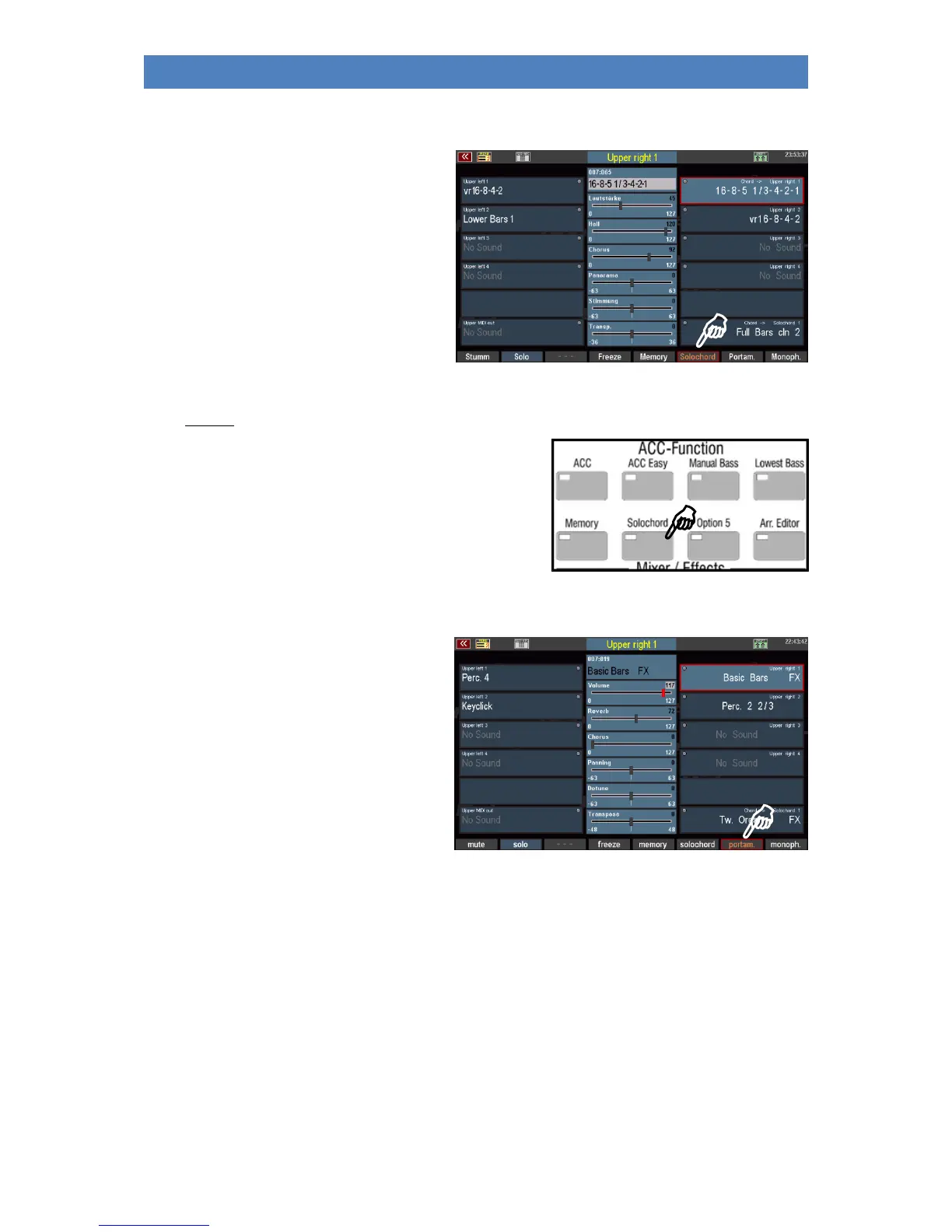
Ssolo chord
The Solochord function or the extended
Multi-Solochord, which allows you to turn any
part on any SEMPRA keyboard into a
Solochord part, has already been introduced
to you on pages 66ff of this manual.
This [F] button function switches the currently
selected part to solo chord mode.
The part then no longer plays as a "normal" keyboard part, but takes over the solo chord function.
It can only be heard when the Solochord function is switched on with the [Solochord] button on the
left of the control panel and a chord is played on the
accompaniment keyboard (usually lower left), or on the
Solochord control part set via the menu.
Portamento
If the function is activated, the pitch "slides"
from one key to the other when playing. This
allows you to imitate the playing style of a
violin, for example, where the bow slides
from one note to the next.
The effect is achieved by striking the new note
with the pitch of the previous one and then
dragging it to its own pitch.
In the Part options, which we will explore below, you can determine the time or speed at which the
transition from one tone to the next should take place.
If Portamento is activated together with the Monophone function, the Portamento function only
works with Legato playing style.



 To Next Page