129
Advanced Use
Other Convenient Functions
Changing the position of the
input sound
You can adjust the pan of the instrument you are playing.
1. Press [PAN].
2. Press CURSOR [ ] a several times until the parameter
for changing the INPUT pan is displayed.
fig.R19-01
3. Use the TIME/VALUE dial to change the INPUT pan.
When overdubbing, it is helpful to adjust the input pan
so that the sound of the instrument you are playing can
be clearly heard in distinction from the other sounds.
The pan settings made here are automatically applied to
the track that you are recording to, so that after
recording is complete, you can listen to the track with
the same pan as that when it was recorded.
4. Press [EXIT] to return to the top screen.
Repeating Playback (Repeat)
By using the “Repeat function” you can repeatedly play
back a specified region. Repeating playback allows you to
check the mixing balance or perform loop recordings with
the punch in/out functions (p. 46).
The position in the song where [REPEAT] is pressed first
becomes repeat start point (A), and the position where it is
pressed a second time becomes repeat end point (B). The
portion between the two points is then repeated during
playback.
Press [REPEAT] again to cancel the repeat function and
delete the start and stop points.
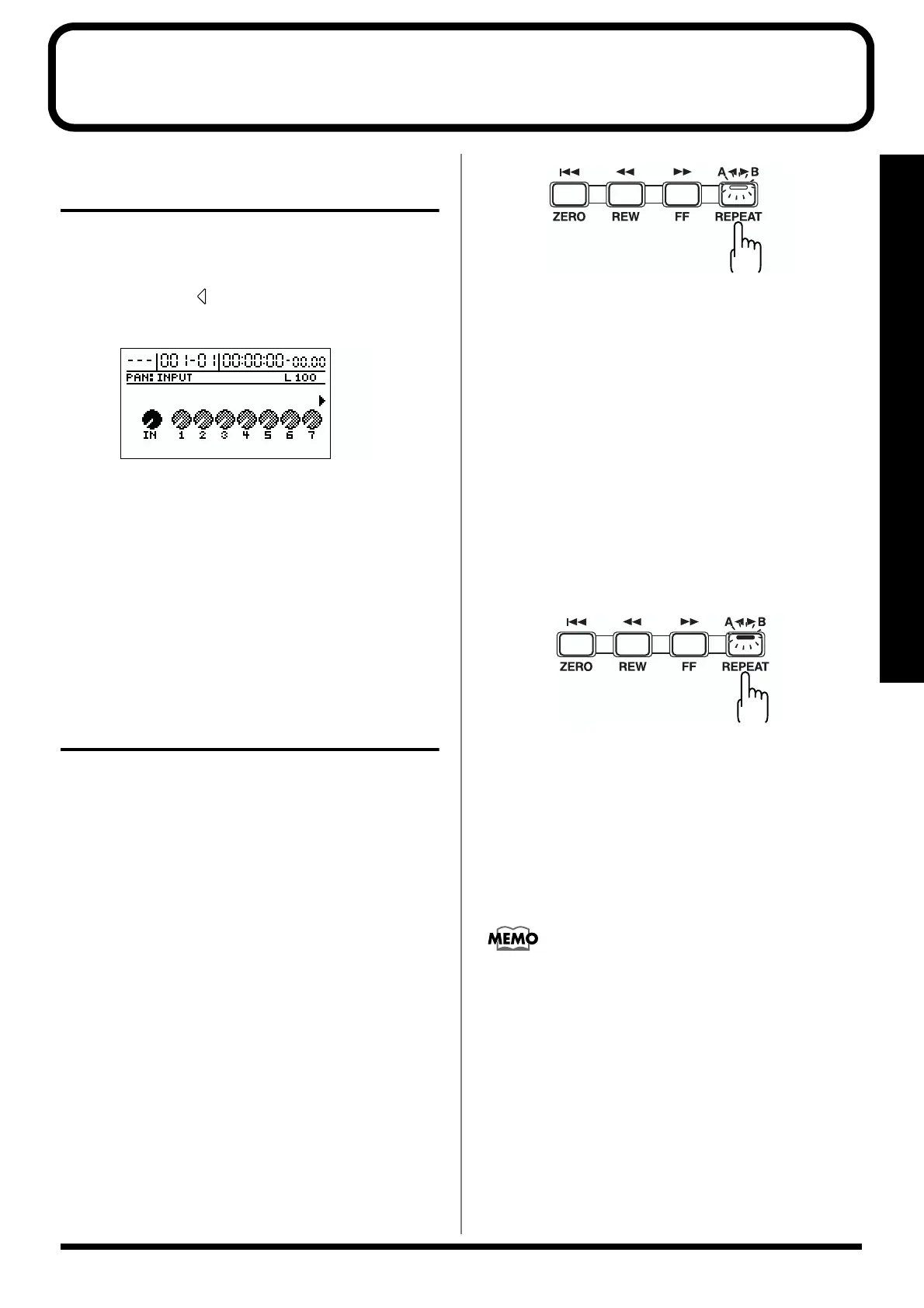
1. Enter the repeat start point (A).
Move to the location where you wish to begin repeating.
Press [REPEAT], and the current location will be
registered as the Repeat Start location (A).
The [REPEAT] indicator begins to flash, telling you that
the repeat start point has been registered.
fig.R19-02
If you wish to re-do the registration, you can cancel the
registered location by pressing [REPEAT] when the
current location is the same as the repeat start point (A).
If the current location is beyond the repeat start point
(A), press [REPEAT] twice to cancel the registration.
The [REPEAT] indicator goes out, and the registered
repeat start point (A) and end point (B) are deleted.
2. After registering the repeat start point (A), register the
repeat end point (B).
Press [REPEAT] when you come to the point where you
want the repeat to end; the current location is registered
as the repeat end point (B).
The [REPEAT] indicator lights, telling you that the
repeat end point has been registered.
fig.R19-03
To re-do the registration, press [REPEAT] once again.
The [REPEAT] indicator goes out, and the registered
repeat start point (A) and end point (B) are deleted.
Then press [REPEAT] again and register repeat start
point (A) and end point (B) as desired.
* There must be at least 0.5 seconds between repeat start point
(A) and repeat end point (B). It is not possible to set the end
point less than 0.5 seconds away from the start point.
If you wish to repeat between markers, first move to the
marker where you wish to begin repeating, and press
[REPEAT]. Then move to the marker where you wish to
stop repeating, and press [REPEAT].
For details on moving to a marker location, refer to
“Moving to the location of a marker” (p. 61).
blink
lit



 To Next Page