74
Editing the performance—Track Editing
3. Use CURSOR [ ] to select the “ERASE” icon, and
press [ENTER].
fig.R10-35
The Track Erase screen appears, allowing you to select
the track/V-track from which recorded data will be
erased.
4. Use [CURSOR] and the TIME/VALUE dial to select the
track/V-track containing the data to be erased.
* If a name has been assigned to the selected track, the track
name will be displayed.
fig.R10-36
5. If there are other tracks for which you want to erase the
same settings (range), press CURSOR [ ] a number of
times to move the cursor to the following position, then
rotate the TIME/VALUE dial.
fig.R10-37
Specify the additional tracks that you wish to erase.
If you decide to cancel the Track Erase operation for any
track, rotate the TIME/VALUE dial to the left and select
“?.”
* The Track Erase operation will not be performed for lines that
contain even one “?.”
* By using the TIME/VALUE dial to select “*,” you can specify
that the operation apply to all tracks or all V-tracks.
* If you want the operation to apply to all V-tracks of all tracks,
select “*-*.”
* Tracks 9/10 are stereo tracks; they cannot be selected individually.
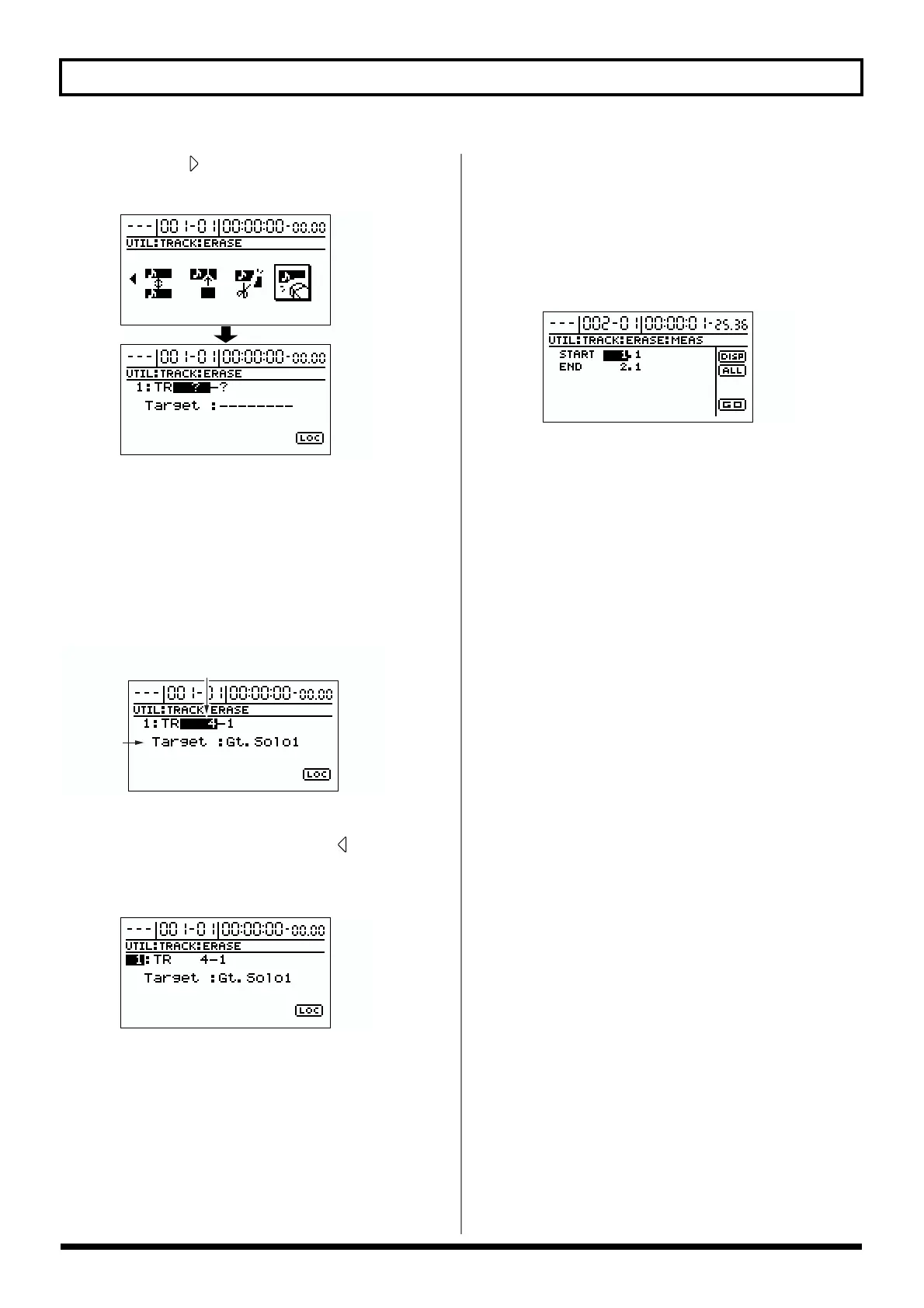
6. Specify the range that will be erased.
Use [CURSOR] to move the cursor to “LOC” and press
[ENTER], and the Track Erase (MEAS) screen appears.
fig.R10-38
At this time, you can select “DISP” and press [ENTER] to
switch between ways to specify the location (measures,
time, markers).
Set the following items.
START (start point):
Specify the beginning of the recorded data that you wish
to erase.
END (end point):
Specify the end of the recorded data that you wish to
erase.
If you wish to erase from the beginning to the end of the
song, select the “ALL” icon and press [ENTER].
7. When you have finished making settings, use
[CURSOR] to move the cursor to “GO,” and press
[ENTER].
The data will be erased.
8. Press [EXIT] several times to return to the top screen.
track
(tracks/V-tracks)
track name



 To Next Page