Working with Labels 6-13
To choose an application
1. On the Main Menu screen (Figure 6-1), select the application for the
label you want to create.
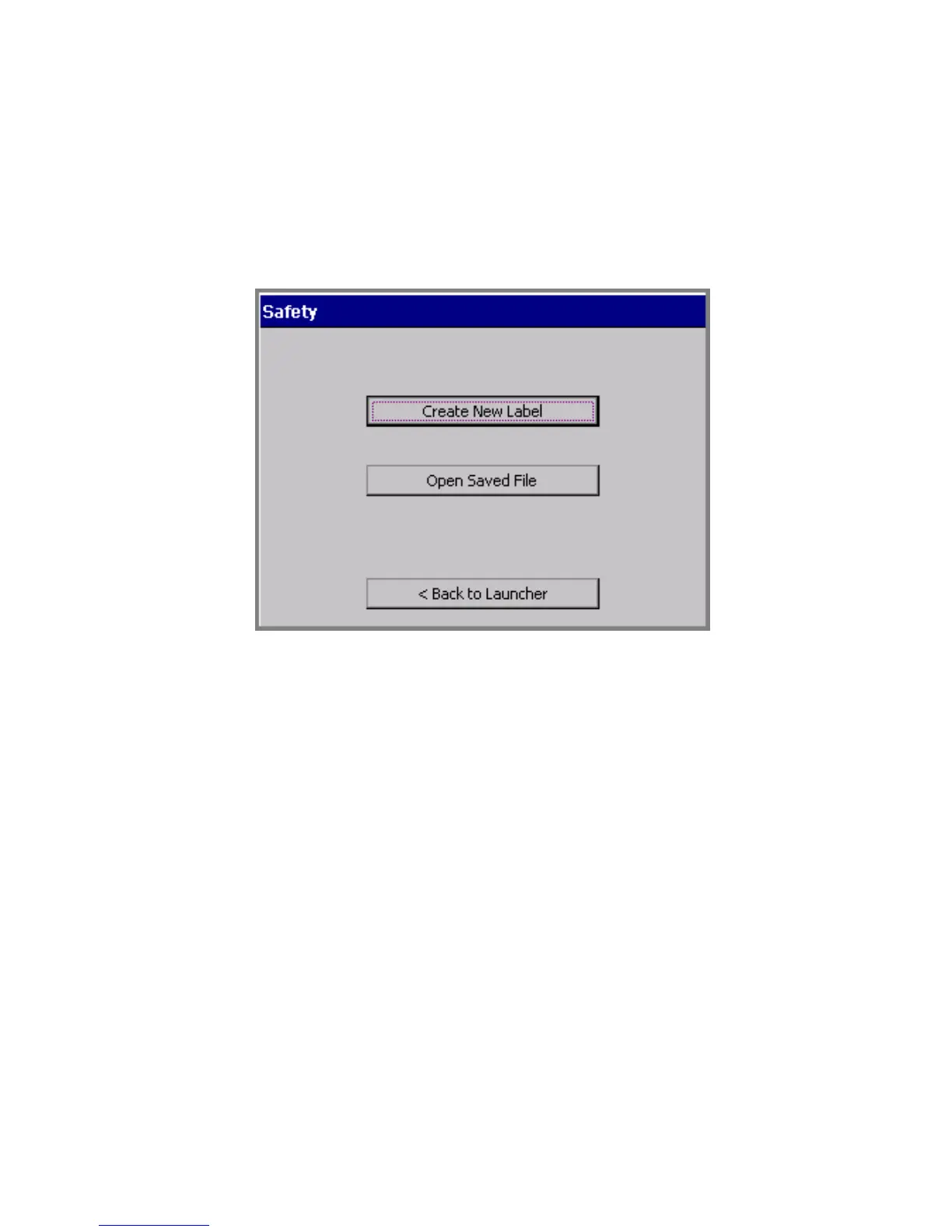
You’ll see a version of the Create or Open screen, such as the Safety
application version shown here:
Figure 6-6. The Create or Open screen, Safety application.
You’ll encounter a version of this screen every time you start an
application. The screen title varies according to the application
chosen, but the options are the same each time you create a new
label.
2. Choose Create New Label. Next, you’ll be prompted to choose a
template category.
Choosing a category
Each application offers a choice of categories as the first step in creating
a label. The categories listed on the template categories screens each
offer a group of related templates.



 To Next Page