Connecting to a PC 12-5
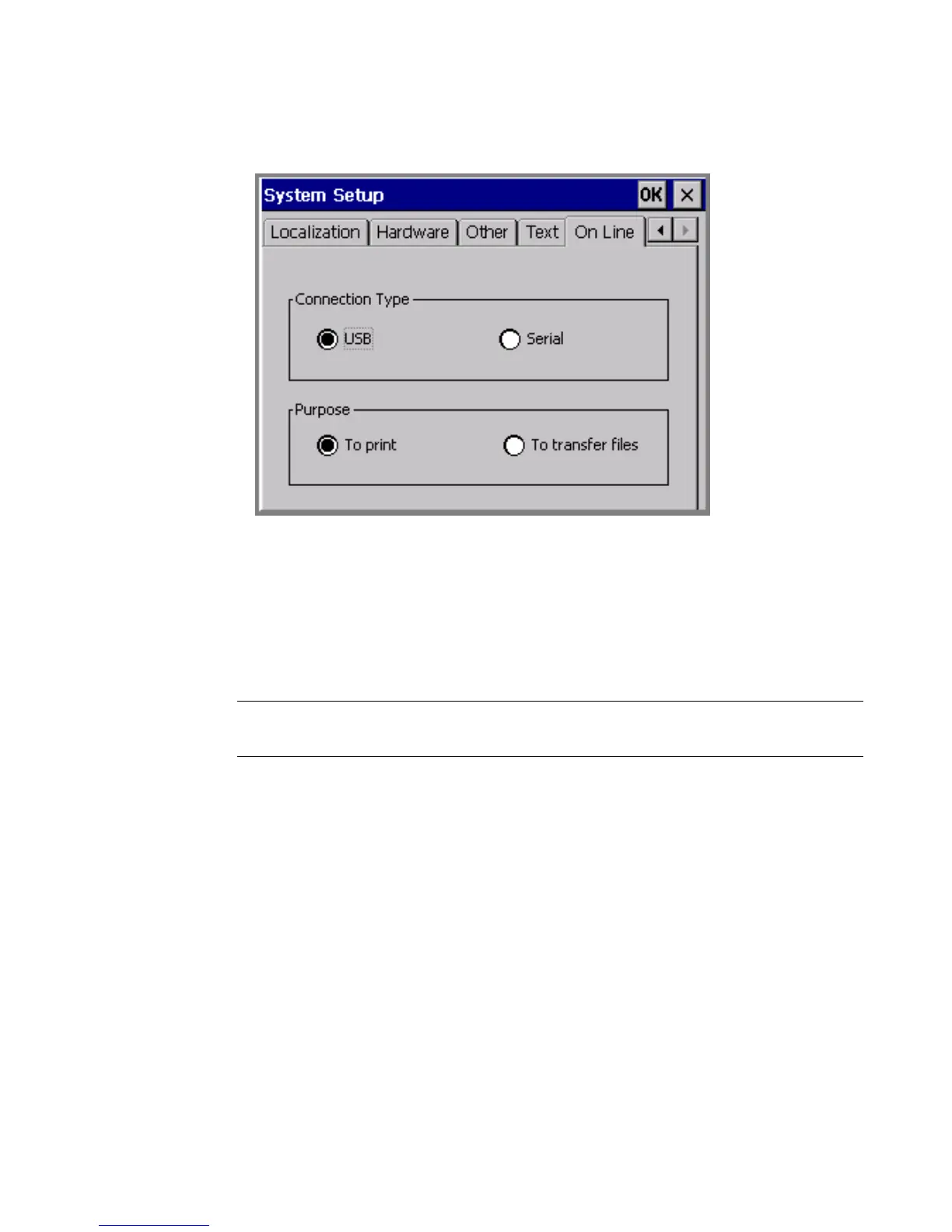
2. Choose the online tab, shown here:
Figure 12-2. The online tab screen.
3. Choose a connection type. If your PC does not have a USB connector,
choose serial.
4. Choose a purpose option to indicate the reason you are putting the
system online. You can change this option when and if you want to
use the connection for the other purpose.
Note: You’ll also use the File Management Utility to upgrade the
operating system for your printer.
5. Choose OK. You’ll be returned to the Main Menu screen.
Connecting your system and a PC
In this procedure, you make the actual connection between the PC and
your printer.
To place your label printing system online
1. Connect one end of the cable to your printing system and the other
to a PC. The cable you use, USB or serial, should be same as you
used in the procedure described in Setting Up Your System as a
Hardware Device on page 12-3.



 To Next Page