7-24 Adding Objects
Specifying bar code sequence
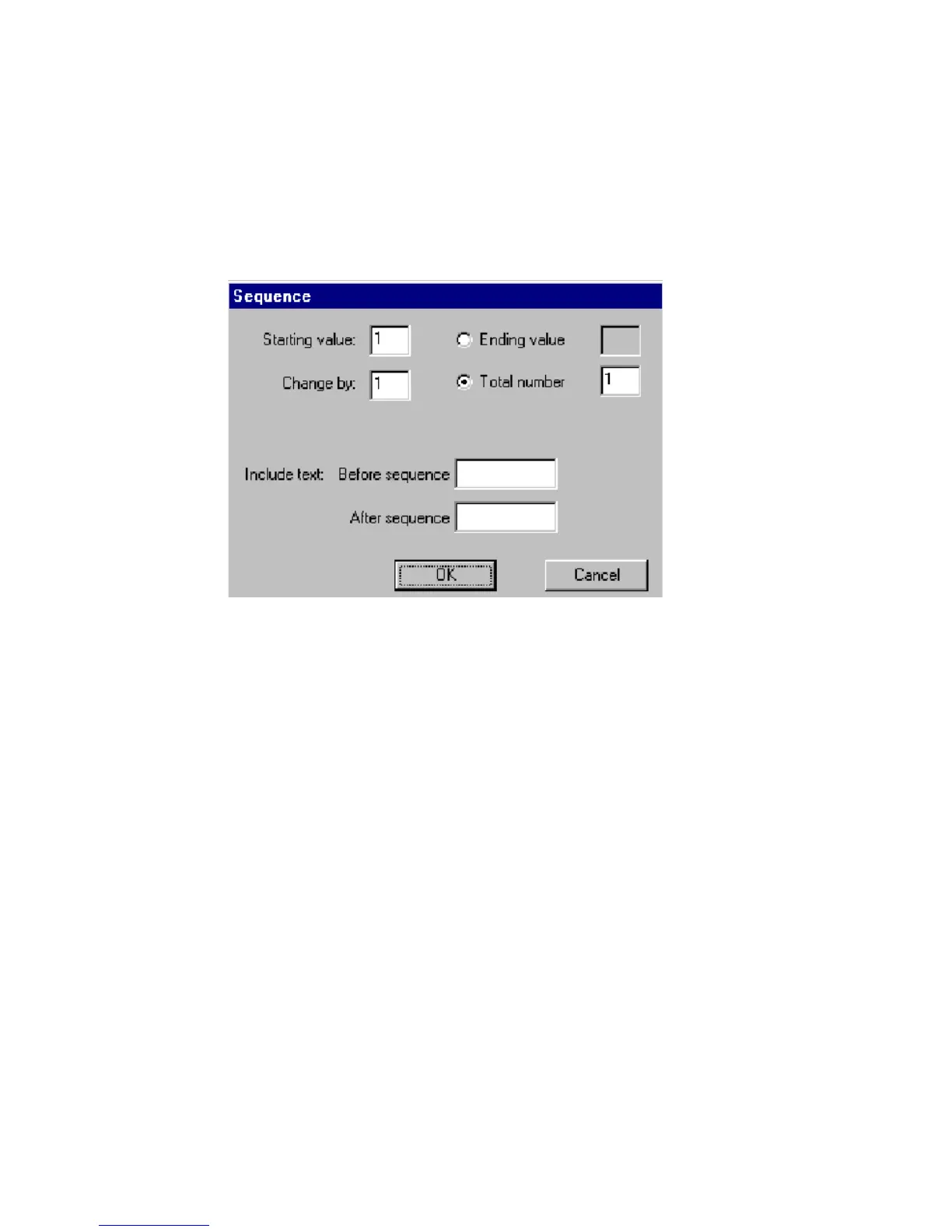
You select the bar code sequence from the sequence dialog box. For
explanation of the Sequence dialog box options, see Creating
sequential labels on page 7-13.
Figure 7-13. Sequence dialog box,
Adding graphics objects
You choose graphics from groups of pre-defined graphics supplied with
your printing system. The graphics are organized in categories, with the
name of the category shown. After you select a graphic category, you’ll
see small versions of the graphics on your screen. You can look at all
graphics offered in a category, and you can change categories.



 To Next Page