3-18 Checking System Status
To select multiple items on a label
Hold down the <Shift> key, then click on the first item, continue to hold
<Shift>, then click on the second item, and so on.
To move items on a label
Move the mouse cursor to the item, click on it to select it, and hold the
left mouse button down.
The mouse cursor changes to a four-way movement cursor, which
indicates that you can “drag” or move the selected object in any
direction.
Release the button when finished.
Checking System Status
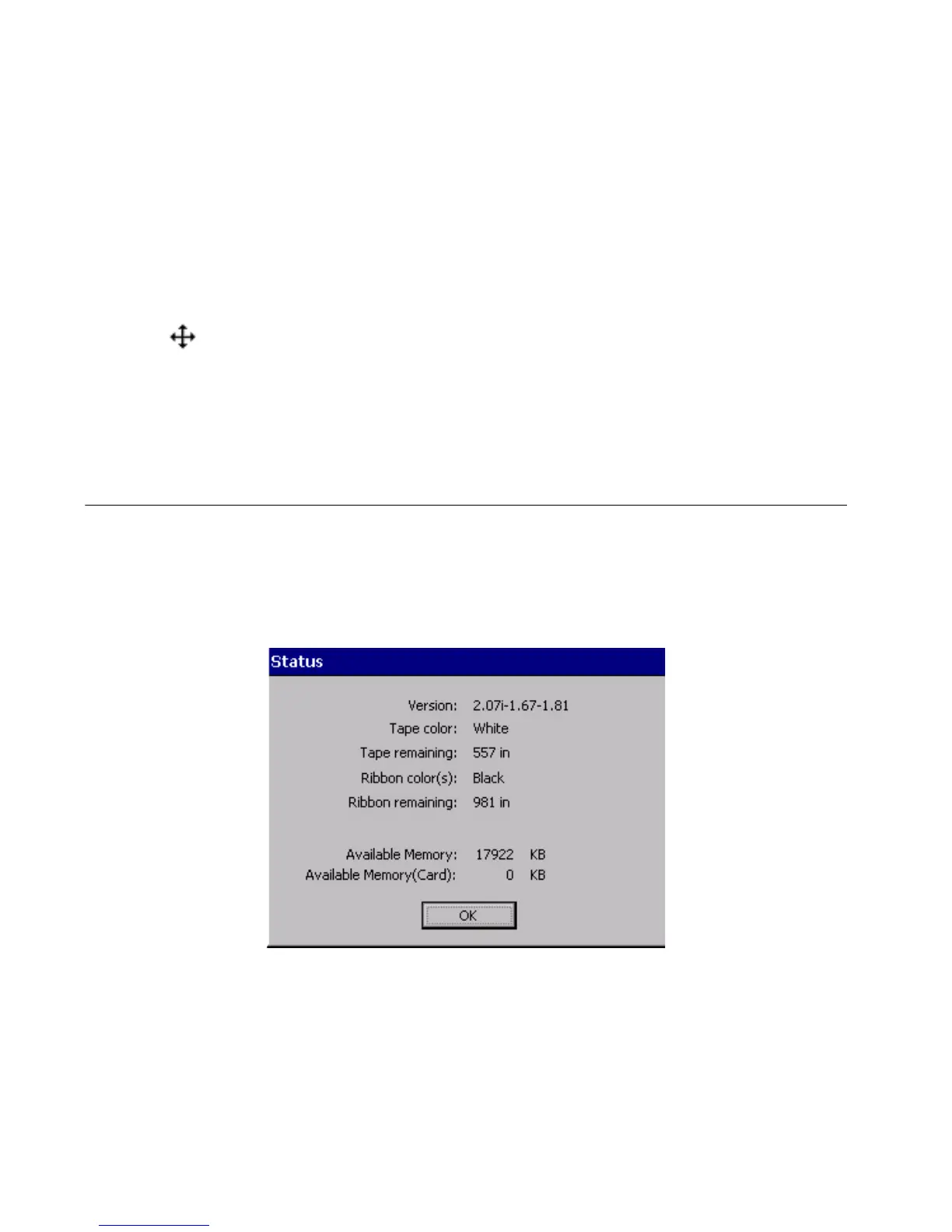
To check how much tape or ribbon you have left, or the color of the
ribbon installed in your system, press the Status key. The system
Status screen, shown here, also tells you your system’s version number
and current available memory.
Figure 3-6. The Status screen.



 To Next Page